64
VX6020
Selecting the Destination from the Places of Interest
You can select your destination from the Places of Interest included with iGO
primo. Using the same screen, you can nd a Place in dierent ways:
• with the Quick search feature, you can quickly nd a nearby Place by its name
• with the Preset search feature, you can nd frequently searched types of Places
with only a few screen taps
• you can search for a Place by its category
• you can search for a Place by its name.
In addition, you can search for special services from the ‘Where Am I?’ screen.
Quick Search for a Place of Interest
The Quick search feature lets you quickly nd a Place by its name. The search is
always carried out:
• along the recommended route if it exists or
• around your current location if there is no destination given.
1. Start the Quick search function:
• If you are on the Map screen, tap
and then tap .
• If you are in the Navigation menu, tap
, and then
tap
.
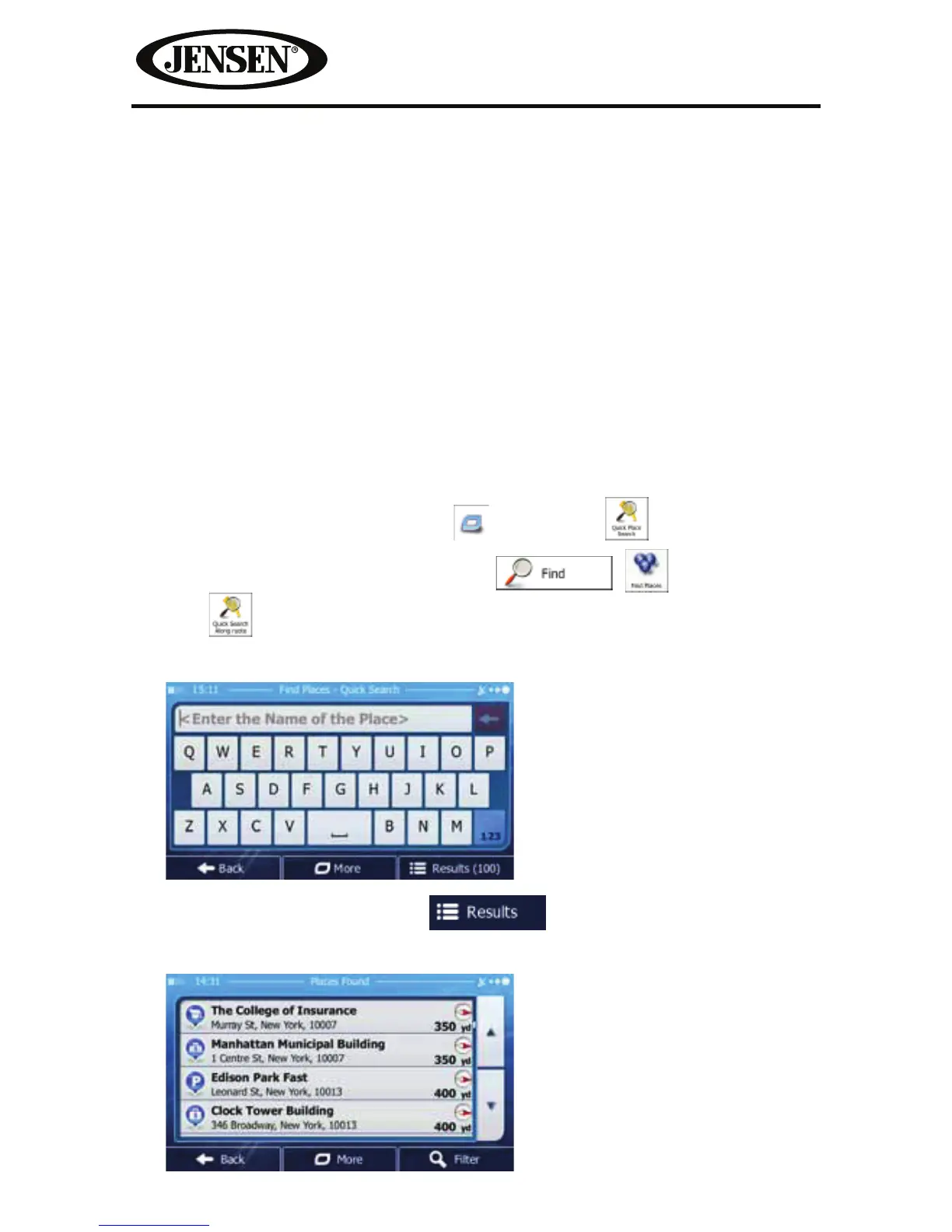
2. Using the keyboard, start entering the name of the Place.
3. After entering a few letters, tap to open the list of Places with
names containing the entered character sequence.



 To Next Page