69
VX6020
REAR CAMERA OPERATION
This unit is “camera ready.” Before accessing any camera features, you must install a
rear video camera.
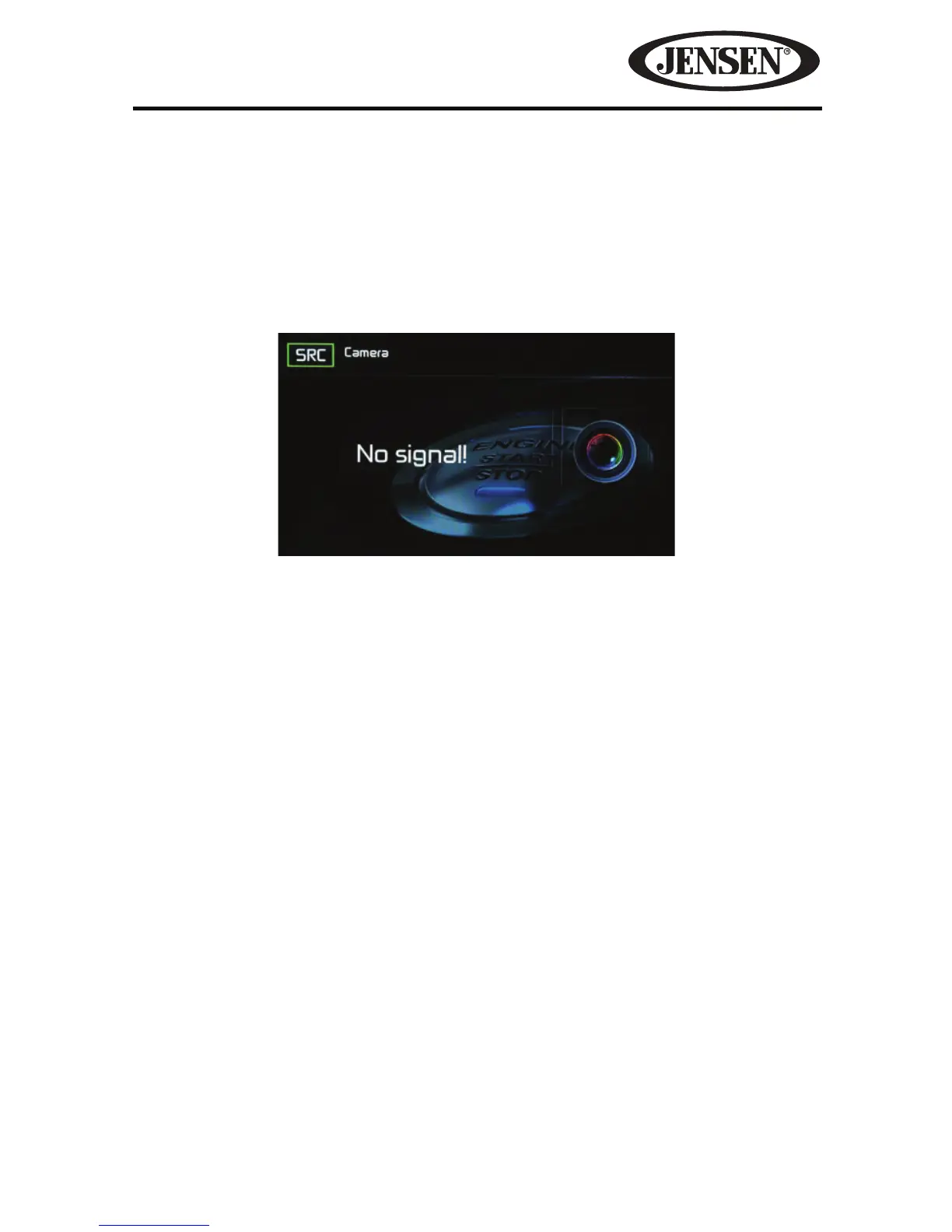
When the camera is not installed and the function is accessed by the gear selector
being placed in reverse or by the unit’s menu, the message “No Signal!” will be
displayed and the following screen will appear.
When the camera is installed, the rear view image of what is behind the vehicle will
appear when the vehicle is placed in reverse gear. When leaving reverse gear, the
unit displays the previous screen.
Figure 58. Rear Camera Screen



 To Next Page