83
VX6020
Selecting One of the Most Likely Destinations (Smart
History)
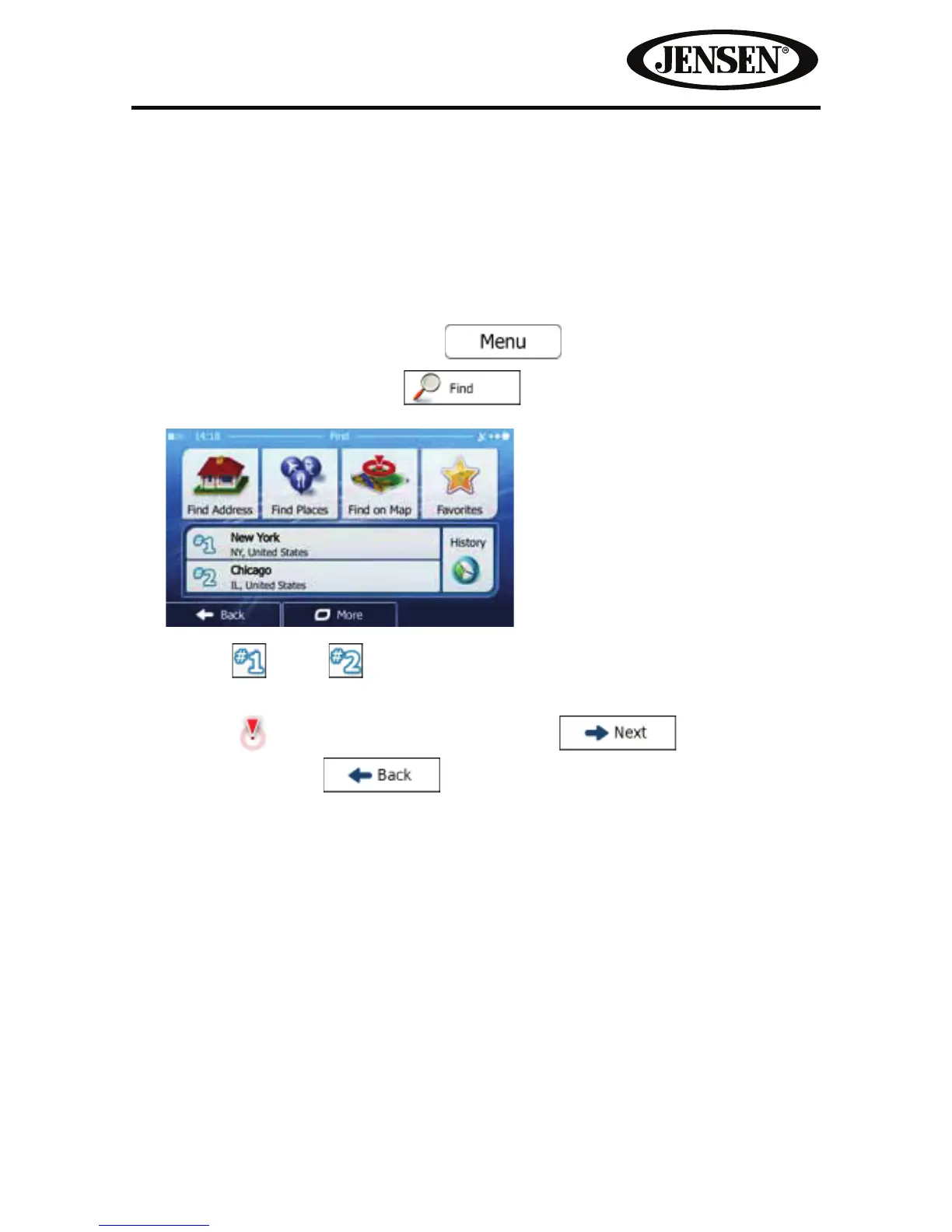
The destinations that you have set earlier appear in the History list. Two of those
recent destinations are shown in the Destination menu for easy access. Smart
History oers these locations based on your navigation habits, using parameters
like the current time of day, the day of week, and the current location. The more
you use the navigation software, the better it can guess your desired destination.
1. If you are on the Map screen, tap
to return to the
Navigation menu.
2. In the Navigation menu, tap
.
3. Tap the or the destination in the History eld.
4. A full screen map appears with the selected point in the middle. The
Cursor (
) appears at the new location. Tap to conrm the
destination, or tap
to select a dierent destination.



 To Next Page