61
VX6020
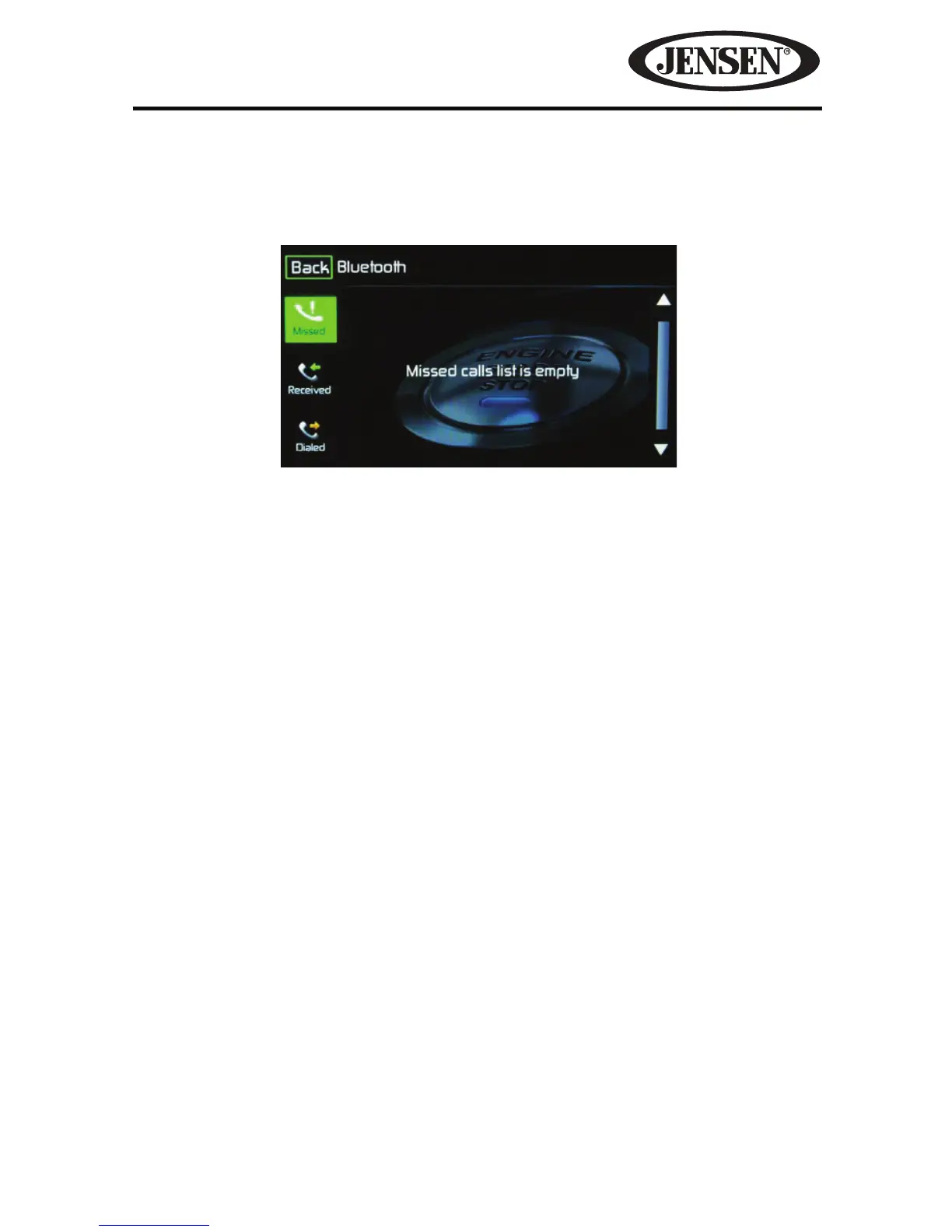
Call Log
The call log consists of dialed numbers, received calls and missed calls.
NOTE: Not all wireless phones allow access to missed, received or dialed calls and
some will not allow uploading of your wireless phone’s address book.
Missed Calls List- The Missed Calls List retrieves the list of missed numbers from
your wireless phone if your wireless phone allows the function. The last missed
number is the rst number on the list. Touch the Missed Calls menu option to view
the list. To make a call from the Missed Calls list, touch the call’s name. Touch the
phone number and it will be dialed.
Received Calls- The Received Calls list retrieves the received numbers stored on
your wireless phone if your wireless phone allows the function. To access the Re-
ceived list, touch the Received Calls menu option. The last received number is the
rst number on the list. To make a call from the Received Calls list, touch the name.
A new screen will appear with the name on the top and the phone number below.
Touch the phone number and it will be dialed.
Dialed Calls- The Dialed Calls list retrieves the list of dialed numbers from your
wireless phone if your wireless phone allows the function. The last dialed number
is the rst number on the list. Touch the Dialed Calls menu option to view the list.
To make a call from the Dialed Calls list, touch the name. A new screen will appear
with the name on the top and the phone number below. Touch the phone number
and it will be dialed.
Figure 50. Bluetooth Call Log Screen



 To Next Page