101
VX6020
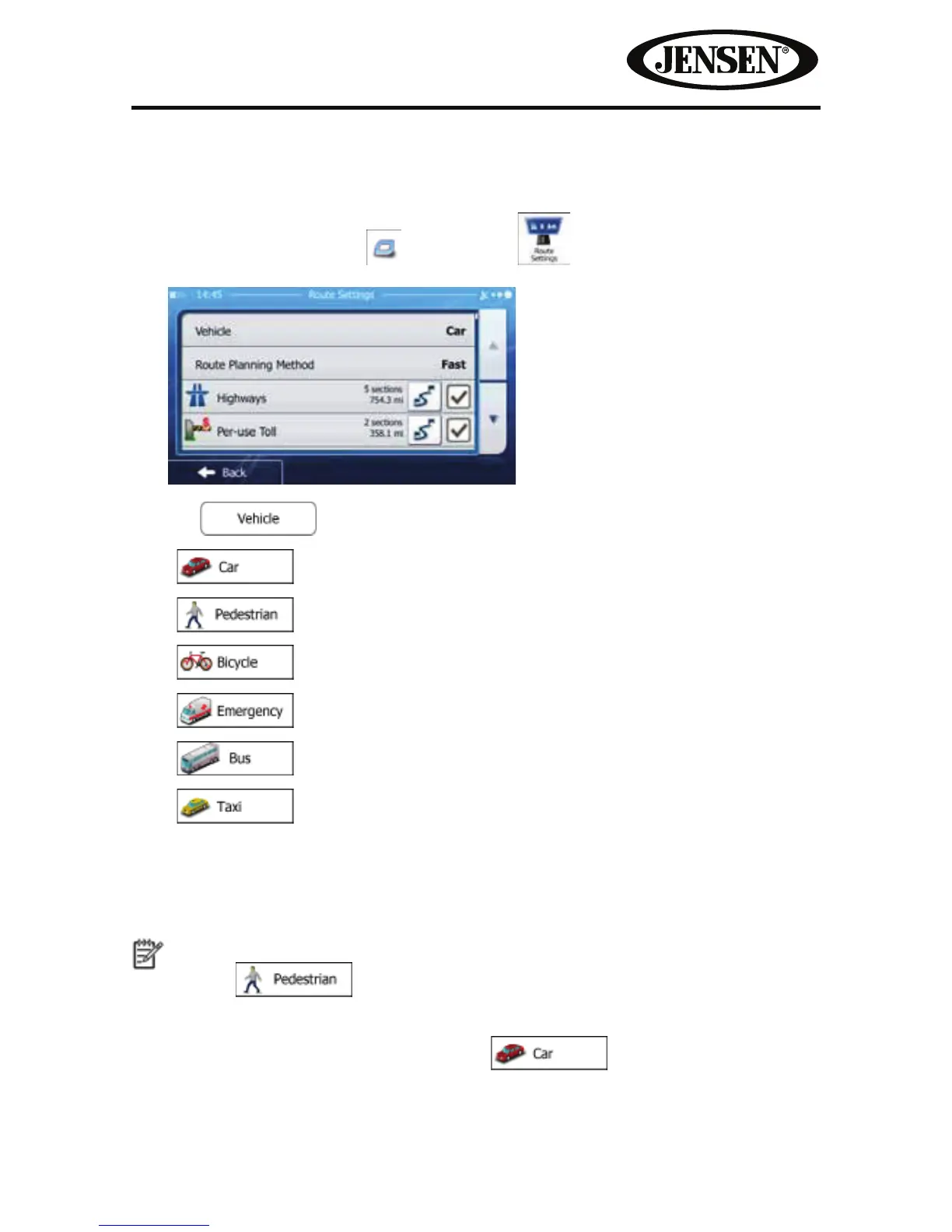
Changing the Vehicle Used in Route Planning
To recalculate the active route for a dierent vehicle, do as follows. These changes
can also be made in Settings.
1. On the Map screen, tap
and then tap .
2. Tap and then tap one of the following:
•
•
•
•
•
•
3. iGO primo recalculates the route optimized for the new vehicle type. The
orange line now shows the new recommended route.
Note!
If you select
and you forget to change it back to a vehicle later, the
software warns you when you travel with a speed that is too high for a pedestrian.
You are allowed to switch back instantly to
.



 To Next Page