100
VX6020
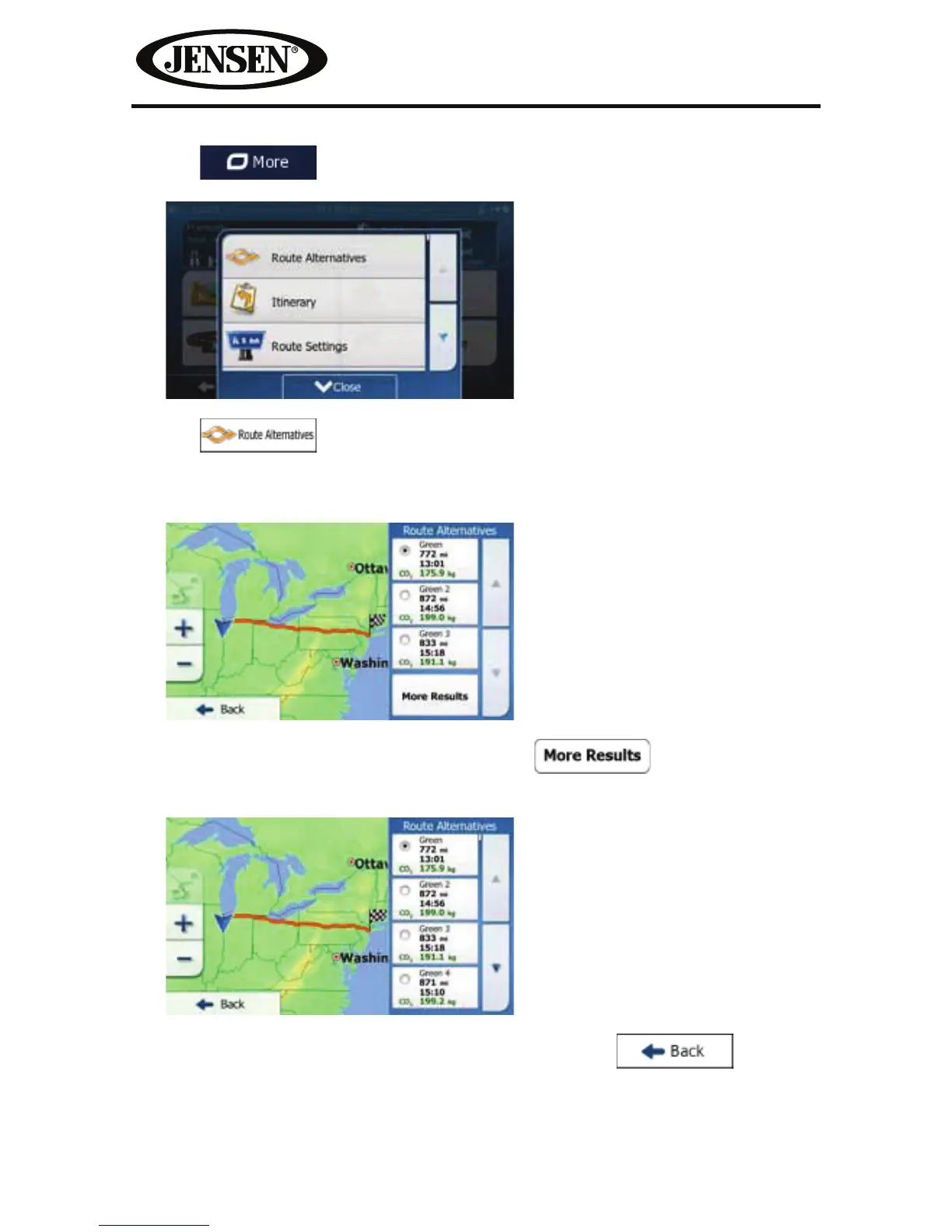
3. Tap .
4. Tap .
5. You see the basic details of three route alternatives with the selected route
planning method. Tap any of them to see it on the map.
6. Or if you cannot nd a good alternative, tap and scroll down for
routes with dierent routing methods.
7. Select one of the route alternatives then tap and hold for a few
seconds to return to the Map screen. iGO primo recalculates the route. The
orange line now shows the new recommended route.



 To Next Page