30
VX6020
DISC OPERATION
Compatible Audio Discs Types
This system will play the following types of discs:
t DVD
- DVD’s that contain audio and/or video.
t Audio discs - Audio CDs that contain audio, video and image les.
t MP3 discs - A disc that contains audio, video and image les (for example,
a CD-R with downloaded MP3 les). MP3 discs can hold a
maximum of 500 songs/folders per disc.
NOTE: This unit is designed to play pre-recorded (original) CD/DVD’s. Some burned
CD / DVD’s may not play due to dierent recording formats and speeds
.
DVD Operation
DVD Main Menu
NOTE: When properly installed, DVD video cannot be displayed on the main TFT
screen unless the parking brake is applied. If you attempt to play a DVD while the
vehicle is moving, the TFT screen displays:
Warning!!!
It is illegal to view video
while driving or operating
a motor vehicle. Set parking
brake to view video.
From the Main Menu Screen touch the DISC Icon or insert a disc into the disc slot,
label side up. Playback begins when a disc is inserted correctly.
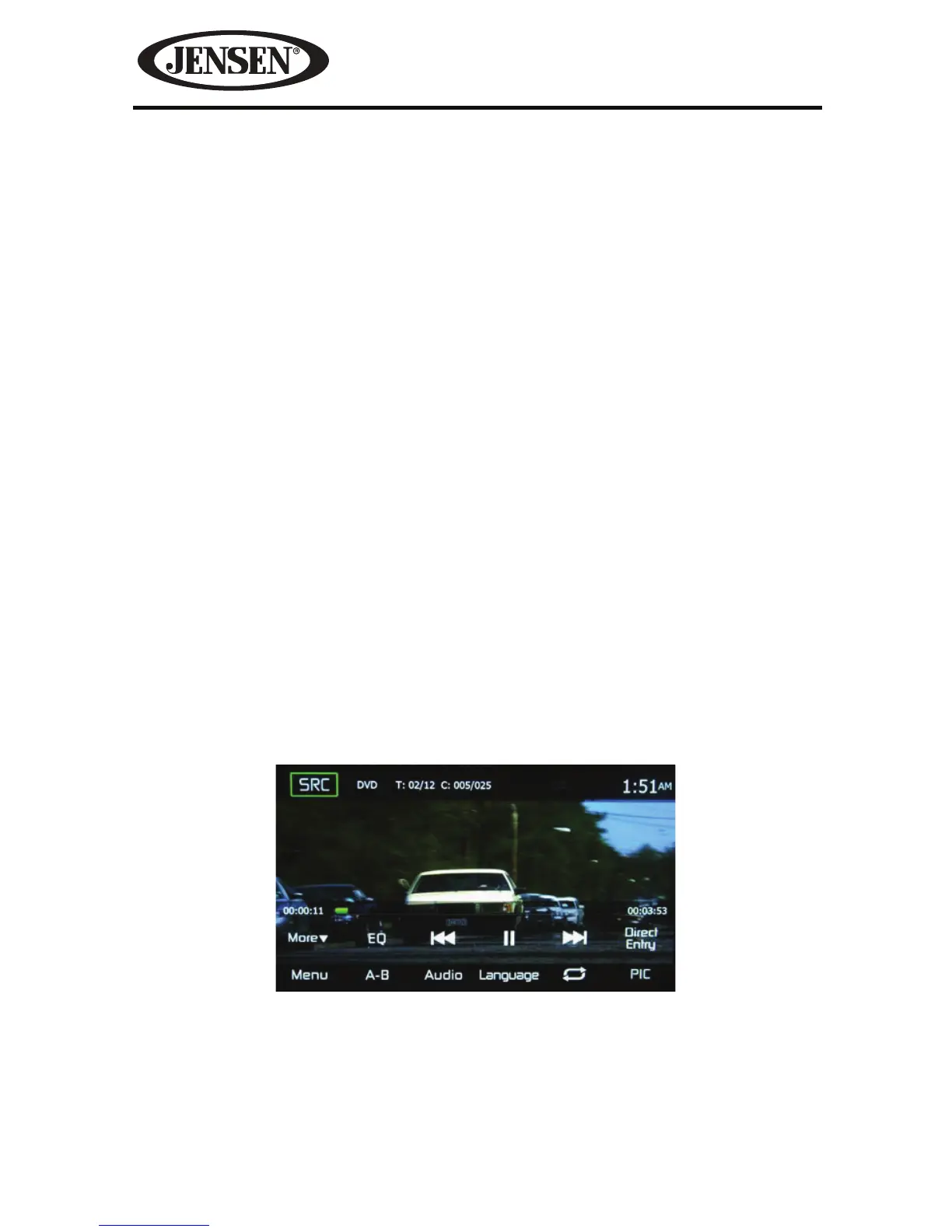
SRC Icon- Touch this icon to return to the Main Menu Screen.
Title/Chapter Information- The title/chapter information displayed is the current
number of the track playing, the total number of tracks on the disc, the current
chapter playing and the total number of chapters on the disc.
Figure 22. DVD Main Menu



 To Next Page