94
VX6020
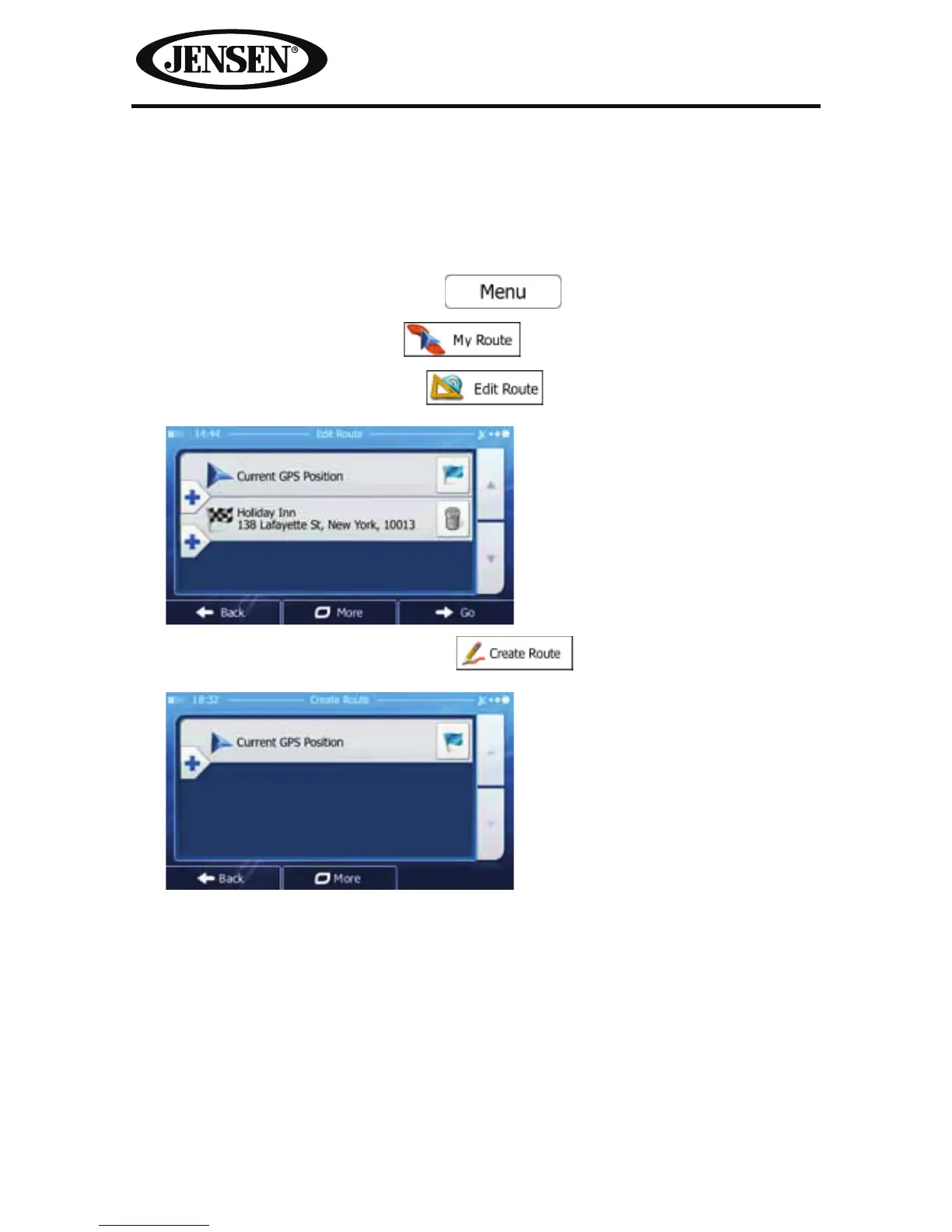
Setting a New Starting Position for the Route
For normal navigation, all routes are planned from the current position. In order
to check future routes, simulate them or see their length in time and distance, you
can turn o the GPS receiver. Then you can set the starting point of the route to a
dierent location than the current GPS position.
1. If you are on the Map screen, tap
to return to the
Navigation menu.
2. In the Navigation menu, tap
.
3. If you already have a route, tap
.
If you are starting a new route, tap
.



 To Next Page