127
VX6020
Green Routing Settings
These settings determine how Green routes will be calculated. They are also used
to display the cost and CO2 emission of routes.
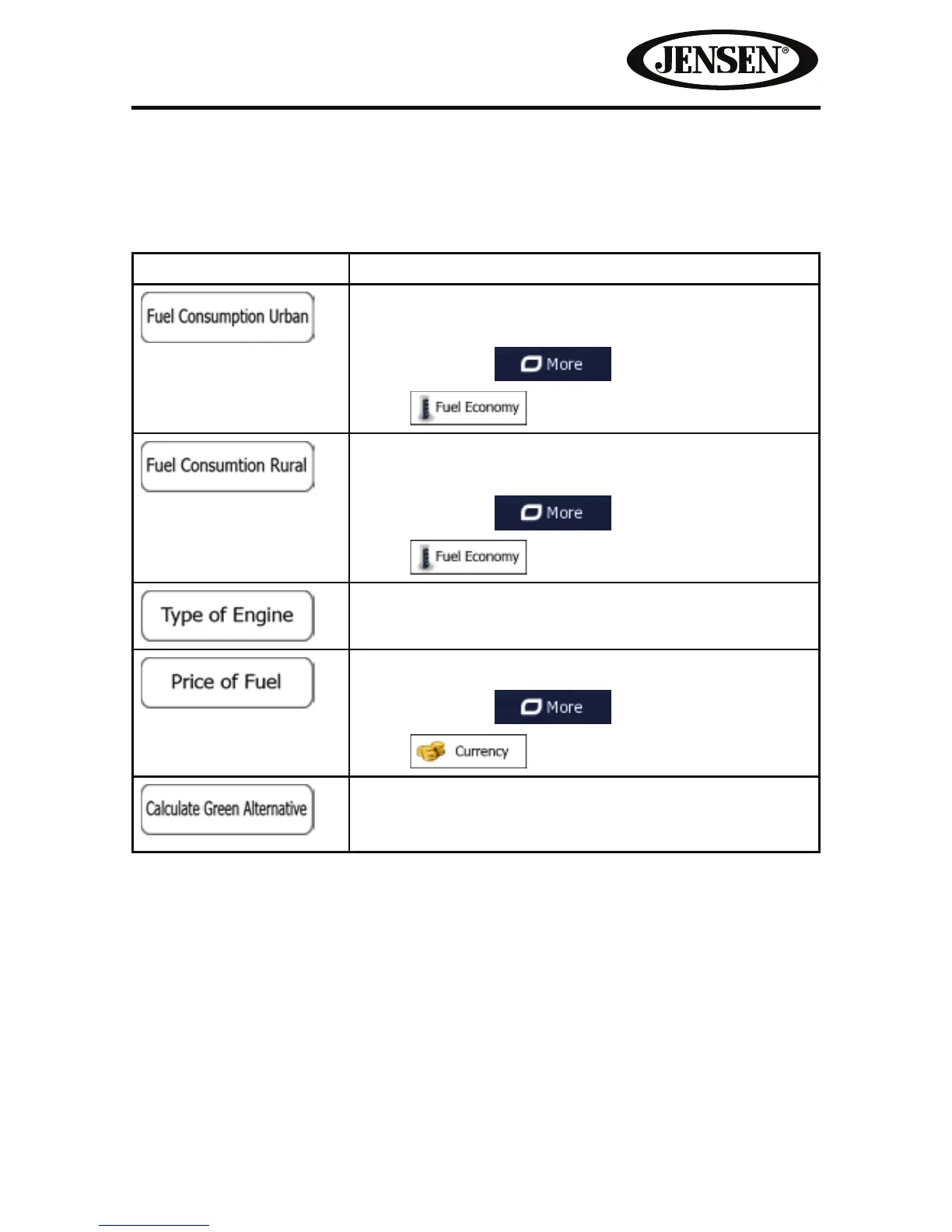
Button Description
Enter the average consumption of your vehicle when
used in built-up areas.
If necessary, tap
and
select
to change the measurement unit.
Enter the average consumption of your vehicle when
used on highways.
If necessary, tap
and
select
to change the measurement unit.
Select the engine and fuel type of your vehicle. This
helps in estimating the CO2 emission.
Enter the average fuel price for travel cost calculation.
If necessary, tap
and
select
to change the measurement unit.
If the selected routing method is not Green, you
can have the best green alternative on screen when
selecting the route.



 To Next Page