64
VX6020
NAVIGATION QUICK START GUIDE
Follow these six easy steps and you are on your way.
NOTE: Before operating your iGO Primo software, please carefully read and
follow the instructions provided in the “Warnings and Precautions” section of
this manual.
Step 1 - Access the navigation function
To access the Navigation function press the front panel Menu button, then touch
the Navigation icon.
Step 2 - Start Up
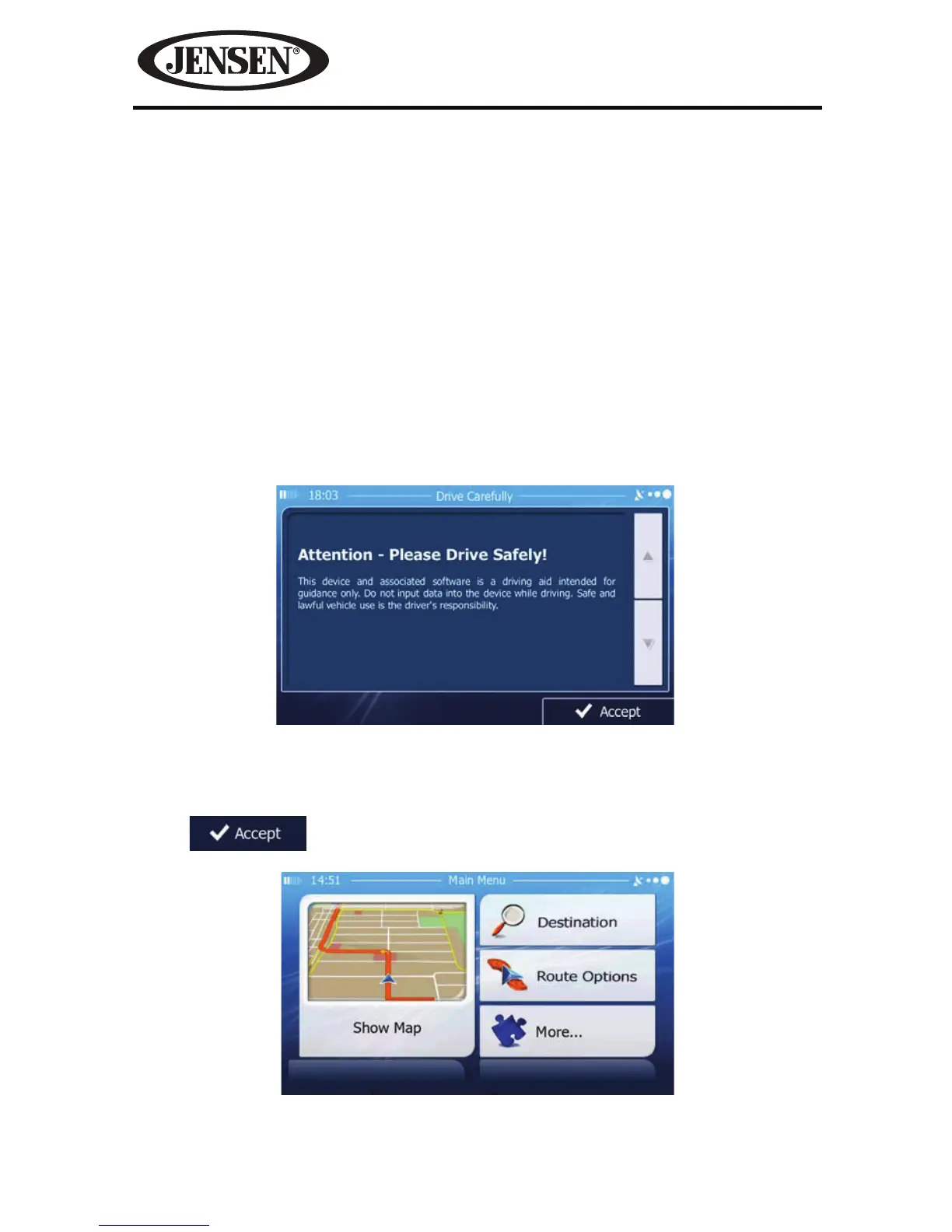
After the iGO primo software starts, you will see the reminder
warning to use your iGO Primo software safely and lawfully.
Step 3 - Access the Main Menu
Touch
access the Navigation Menu:
Figure 53. Navigation Warning Screen
Figure 54. Navigation Main Menu



 To Next Page