15
VX6020
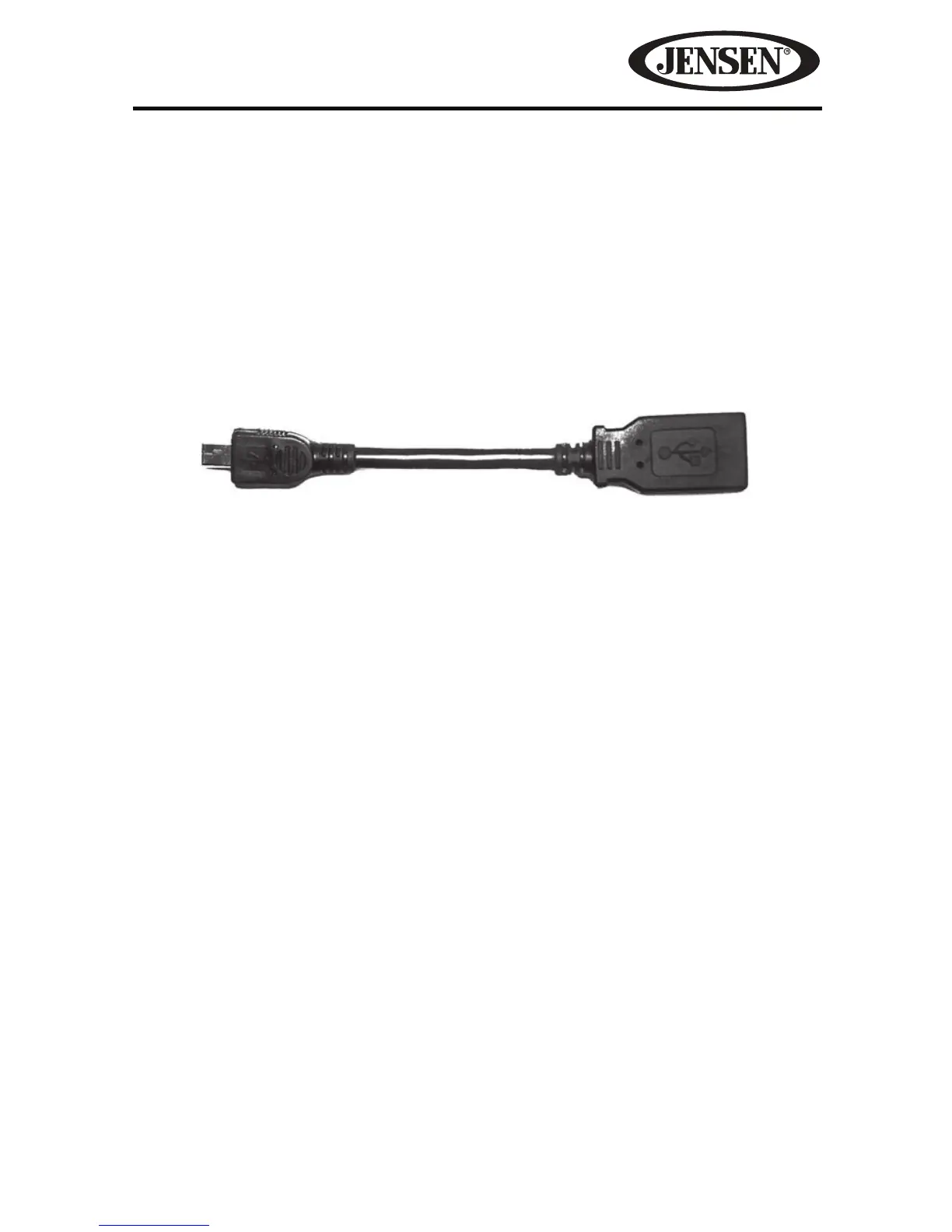
Mini USB to USB Adapter Cable
The unit is supplied with a Mini USB to USB Adapter Cable which can accept
signals from various audio/video devices through a USB connection. The Mini
USB to USB Adapter Cable is installed directly into the front panel of the unit.
NOTE: When connecting an iPod®/iPhone® the user must using the iPod/iPhone
adapter cable that comes with the iPod®/iPhone® or is available separately.
NOTE: When connecting an iPod®/iPhone® to the Mini USB to USB Adapter Cable,
the user must also insert the devices 3.5 mm jack into the A/V input connector for
video playback.
NOTE: If the vehicle is equipped with steering wheel controls for the audio system,
the controls may function dierently than described in the vehicle owners manual.
The Jensen In-Dash Navigation Radio system may function dierently than the
OEM radio due to added features and functions that the OEM radio did not support.
This is normal operation.
Figure 4. Mini USB to USB Adapter Cable



 To Next Page