75
VX6020
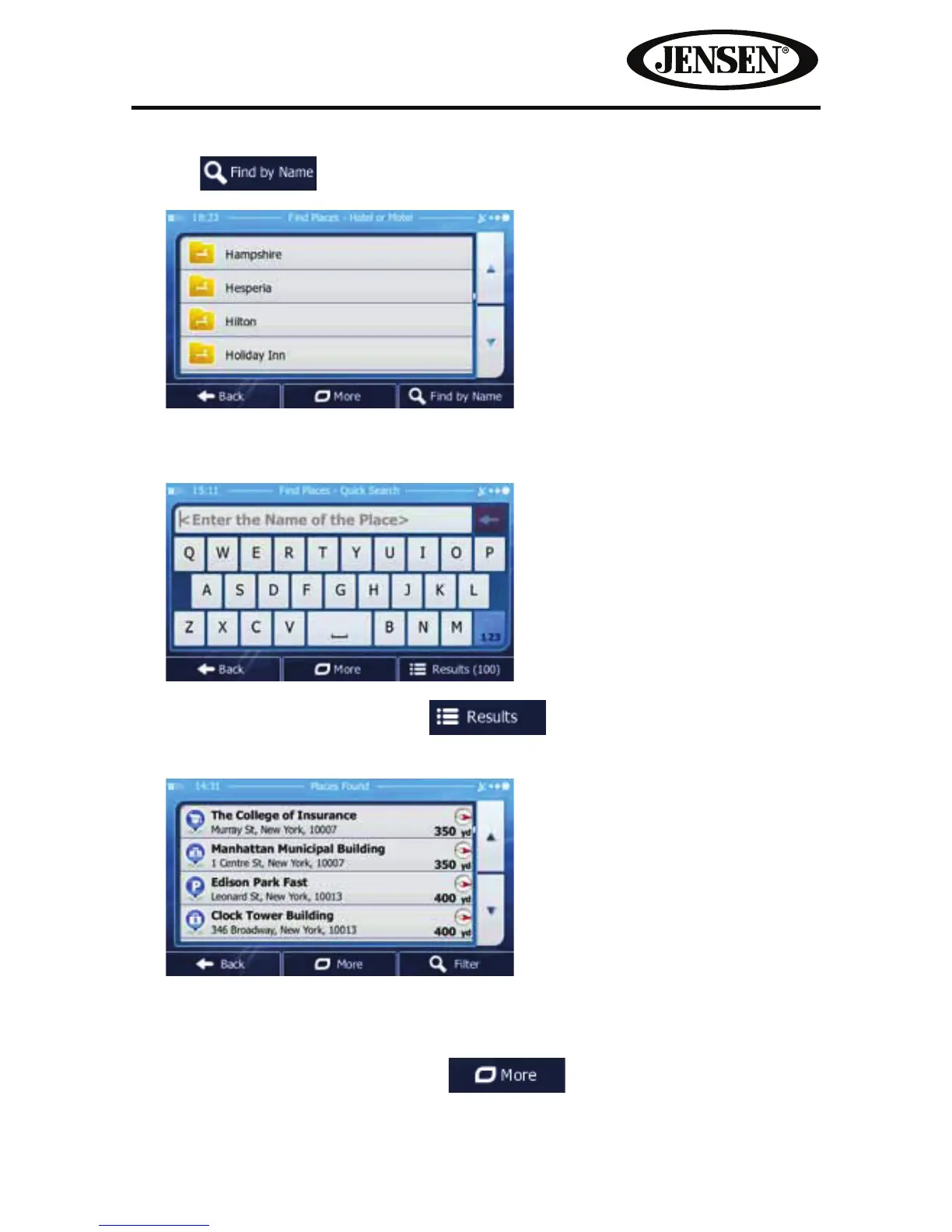
8. Tap if you have not done it before.
9. Using the keyboard, start entering the name of the Place.
10. After entering a few letters, tap to open the list of Places with
names containing the entered character sequence.
11. (Optional) The Places in the list are ordered by their distance from the current
or last known position, from the selected city/town, from the destination or by
the length of the necessary detour.
If you need to reorder the list, tap
.



 To Next Page