119
VX6020
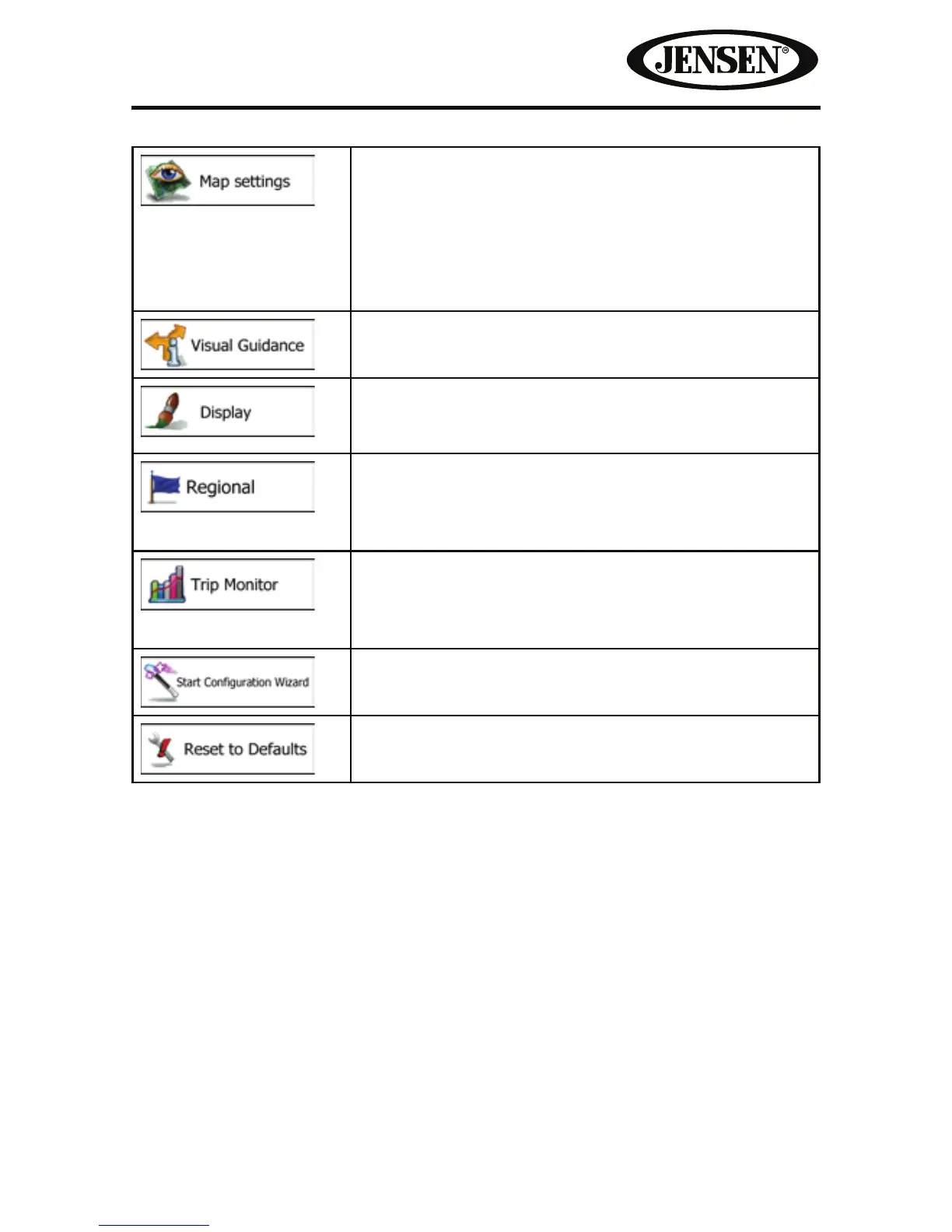
You can ne-tune the appearance of the Map screen.
Adjust the map view to your needs, choose suitable
color themes from the list for both daytime and night
use, change the red arrow to a 3D car model, show or
suppress 3D buildings, turn track logging on or o,
and manage your Place visibility sets (which Places to
show on the map).
Settings related to guidance on the map screen can
be adjusted here.
Display related settings include menu animations,
separate skins for daytime and night use and the
brightness of the display.
These settings allow you to customize the application
for your local language, measurement units, time and
date settings and formats, as well as to choose the
time zone.
Trip logs and track logs contain useful information
about your trips. Trip logs can be saved manually
when you reach your destination or you can turn on
the automatic saving here.
Modify the basic software parameters set during the
initial setup process.
Delete all saved data and reset all settings to their
factory defaults.



 To Next Page