21
VX6020
Loud Setting
Touch the Loud icon to turn the loud option ON or OFF. The loud option automatically
alters the frequency response curve of audio to make it sound more natural when
played at a lower volume level.
To exit the Equalizer menu touch SRC icon to return to the current source.
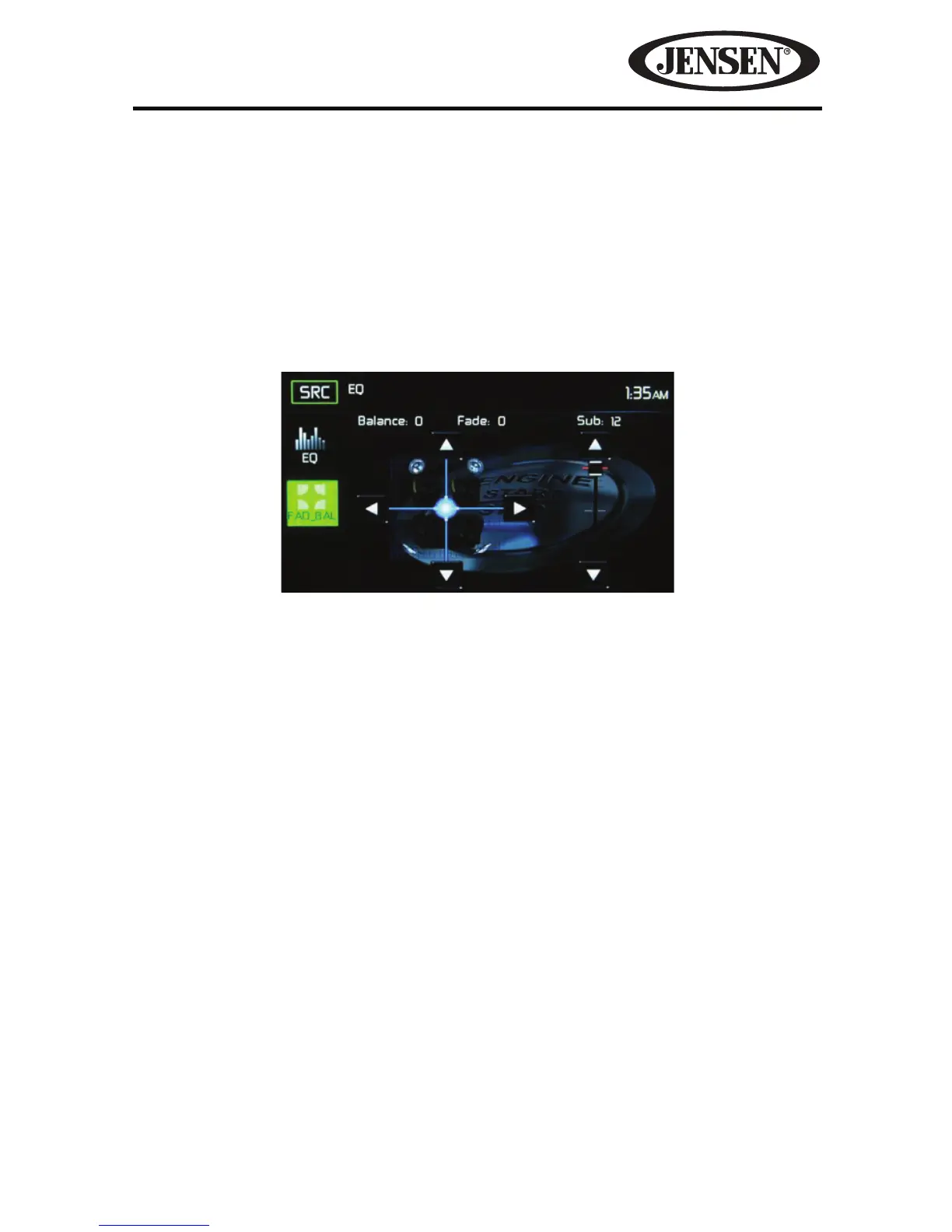
Fade-Balance
Balance-Touch the FAD-BAL icon on the left side of the equalizer screen to display
the balance/fader screen.
Balance- This feature is used to balance the audio output levels between the left
and right side of the vehicle. Touch the W or X icons to change the balance control
settings -18 (Left) to +18 (Right). The setting can also be changed by touching
screen within the grid to move the green sphere.
Fade- This feature is used to fade the audio output levels between the front
and rear of the vehicle. Touch the S or T icons to change the fade control
settings -20 (Rear) to +20 (Front). The setting can also be changed by touching
screen within the grid to move the green sphere.
Sub (Subwoofer)- This feature is used to reduces or increases the subwoofer
sound level. Touch the slide bar S or T icons to adjust the settings.
To exit the balance-fader touch the SRC icon on the top left corner of the screen.
Figure 8. Fade-Balance Adjustment Screen



 To Next Page