129
VX6020
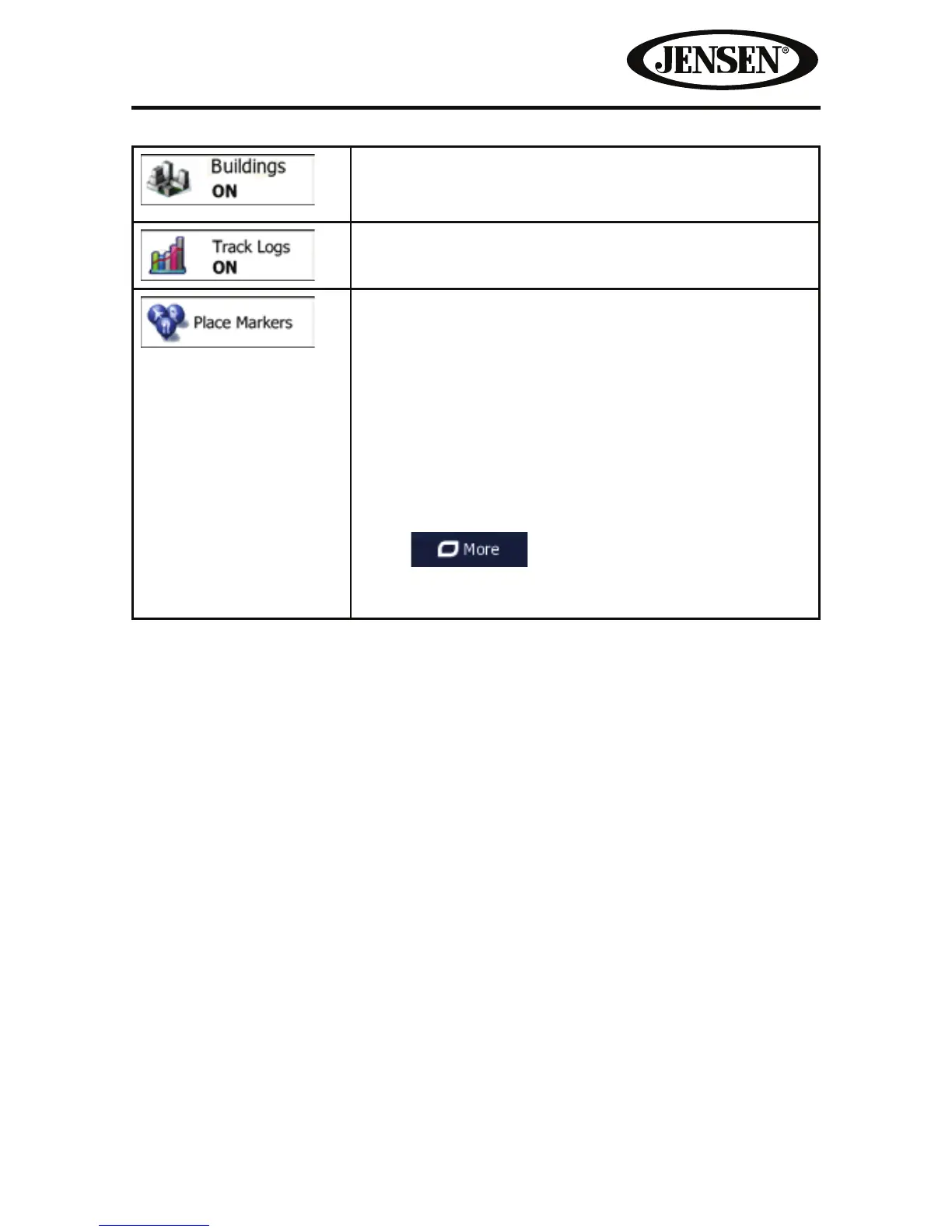
Show or suppress 3D city models, 3D artistic or block
representation of full city building data containing
actual building size and position on the map.
Turn on or o track log saving, that is, saving the
sequence of the locations your journeys go through.
Select which Places to show on the map while
navigating. Too many Places make the map crowded
so it is a good idea too keep as few of them on the
map as possible. For this, you have the possibility
to save dierent Place visibility sets. You have the
following possibilities:
• Tap the checkbox to show or hide the Place
category.
• Tap the name of the Place category to open the list
of its subcategories.
• Tap
to save the current Place visibility
set or to load a previously saved one. Here you can
also revert to the default visibility settings.



 To Next Page