23
VX6020
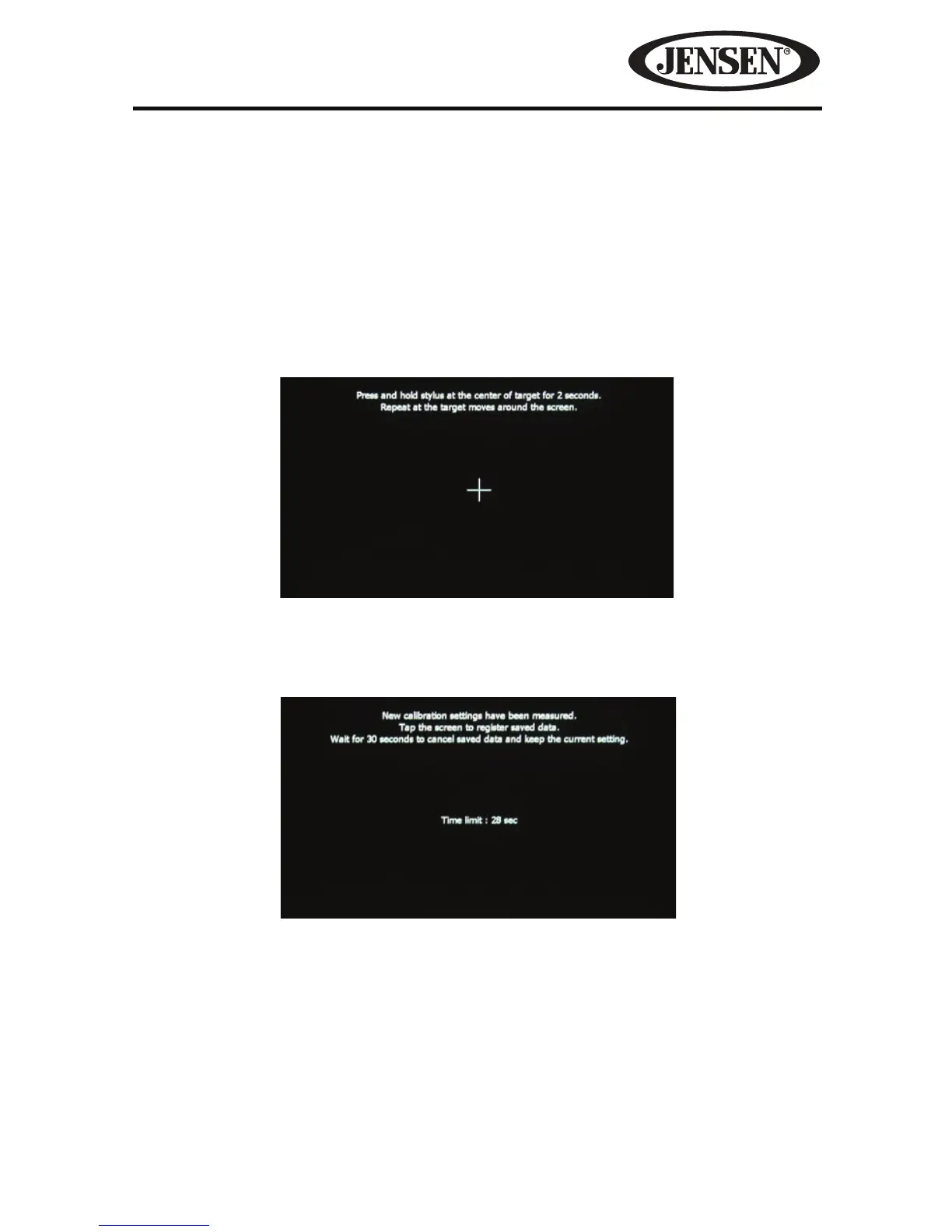
Calibration- The Touch Screen Calibration adjustment is used to set the
parameters of the touch screen to ensure that when the screen is touched, it
corresponds to the feature desired.
NOTE: Never use a pen or sharp object to calibrate the touch screen as this will
damage the panel.
1. Touch the Calibrate icon and the rst screen will appear with instructions.
2. Follow the instructions on the screen touching and momentarily holding nger
or a stylus to the center of the target for 2 seconds. Repeat as the target moves
to each corner of the screen and nally to the center.
3. The second screen will appear:
4. If the screen is touched, the new calibration parameters will be accepted. If
the screen is not touched within thirty seconds, the new parameters will be
disregarded.
Figure 11. Audio Sub-Menu Screen
Figure 10. Calibration Screen



 To Next Page