32
VX6020
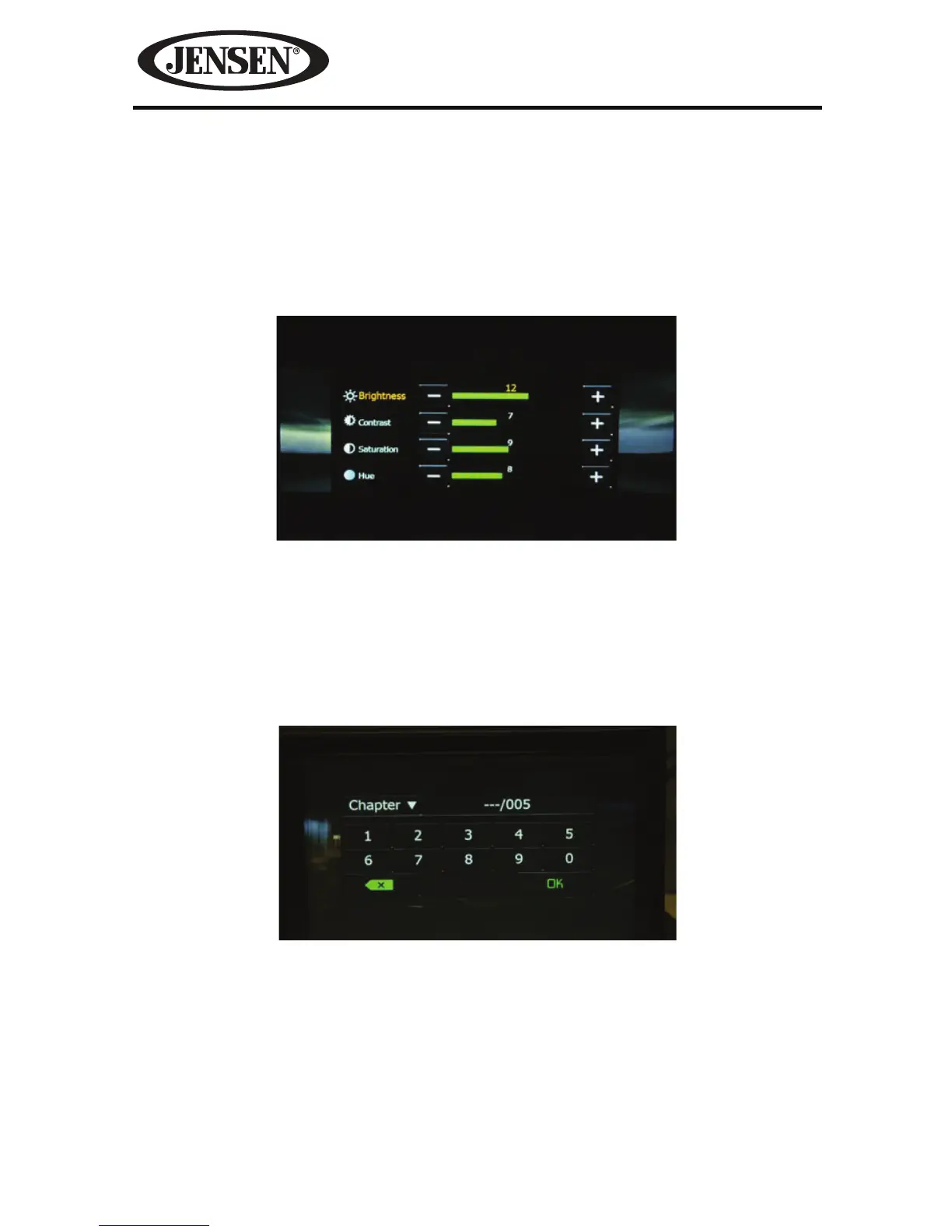
PIC- When the PIC icon is touched the picture adjust screen appears. Touch this
icon during playback to adjust the color brightness, contrast, saturation and hue.
The levels can be adjusted to suit the users preferences. The adjustments are
accomplished by touching the + or - icons to decrease or increase the desired
setting. The settings have range of 1 to 20.
NOTE: The Picture Adjustment Screen will turn OFF automatically if no adjustment
is made within ve seconds or if any other part of the screen is touched icon
is touched.
Direct Entry
When the Direct Entry icon is touched the Direct Entry Screen appears. The user
can manually select a title or a chapter. By touching T icon. The user can select a
chapter or title. The title or chapter can be selected by touching the corresponding
number for a title or chapter. After entering the numbers, touch the OK icon. If
a wrong digit is entered touching the green arrow will remove the number.
After
touching OK, playback will begin.
Inserting a Disc
Upon inserting a DVD disc, DVD mode is entered and disc play begins. A disc
cannot be inserted if there is already a disc in the unit or if the power is o.
NOTE: If Parental Lock (Rating) is activated and the disc inserted is not authorized,
the 4-digit code must be entered and/or the disc must be authorized (see “Rating
Sub-menu Features”).
NOTE: DVD-R and DVD-RW will not play unless the recording session is nalized and
the DVD is closed.
Figure 23. DVD Picture Adjust Screen
Figure 24. DVD Chapter and Title Direct Entry Screen



 To Next Page