37
VX6020
( ) Image Files (JPEG etc)- Touch the image icon to display a folder or individual
JPEG les. Touch the image icon to select a folder or an individual JPEG le. In the
case of a JPEG folder touch the folder icon twice and the contents of the folder will
be displayed. Touch the JPEG image icon to select and view an individual JPEG le.
(
) Folders- Touch the icon to display the folder/le hierarchy. Touch the folder
icon twice and the contents of the folder will be displayed. Touch the le’s icon to
select a le. Touch the icon again to conrm and open the le.
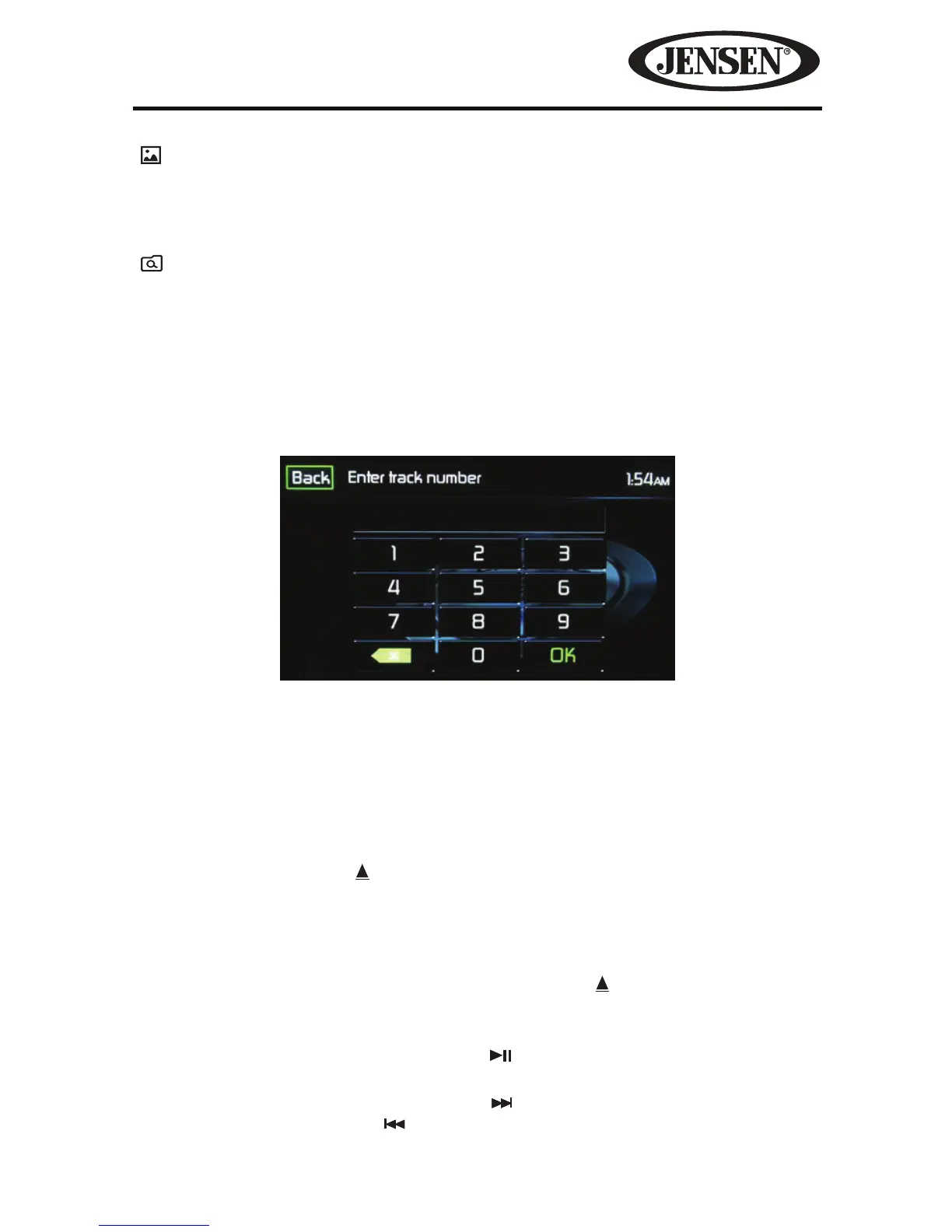
Track Direct Entry
When the Direct Entry icon is touched the Direct Entry Screen appears. The user
can manually select a track by touching the corresponding number. After entering
the track numbers touch the OK icon. If a wrong digit is entered touching the green
arrow will remove the number.
After touching OK playback will begin.
Controlling Playback
Inserting a Disc- Upon inserting a CD, disc play begins. You cannot insert a disc if
there is already a disc in the unit or if the power is o.
Ejecting a Disc- Press the icon on the front of the unit to eject the disc. The unit
automatically reverts to Tuner mode. You may eject a disc with the unit powered
o. The unit will remain o after the disc is ejected.
Resetting the Loading Mechanism-If the disc loads abnormally or an abnormal
core mechanism operation occurs, press and hold the
icon to reset the loading
mechanism. Normal operation resumes.
Pausing Playback- Touch the Play/Pause (
) icon to suspend or resume disc play.
Moving Through Tracks- Touch the Next (
) icon to advance to the next track on
the disc. Touch the Previous (
) icon to move to the previous track.
Figure 27. CD Track Direct Entry Screen



 To Next Page