M
Ingenieurbüro CAT, M. Zipperer GmbH +49-7634-5056-800
Wettelbrunner Straße 6 sales@jetcat.de
35
79282 Ballrechten-Dottingen www.jetcat.de
GERMANY
4. Now the ECU can memorize the positions of the throttle and AUX channels. First, place the throttle stick
and throttle trim to minimum. Next, press Select Menu or the LED I/O board button switch again. This will
store the R/C system’s pulse width for immediate shutdown of the engine. The green OK LED will turn off
and the red Pump running LED will illuminate.
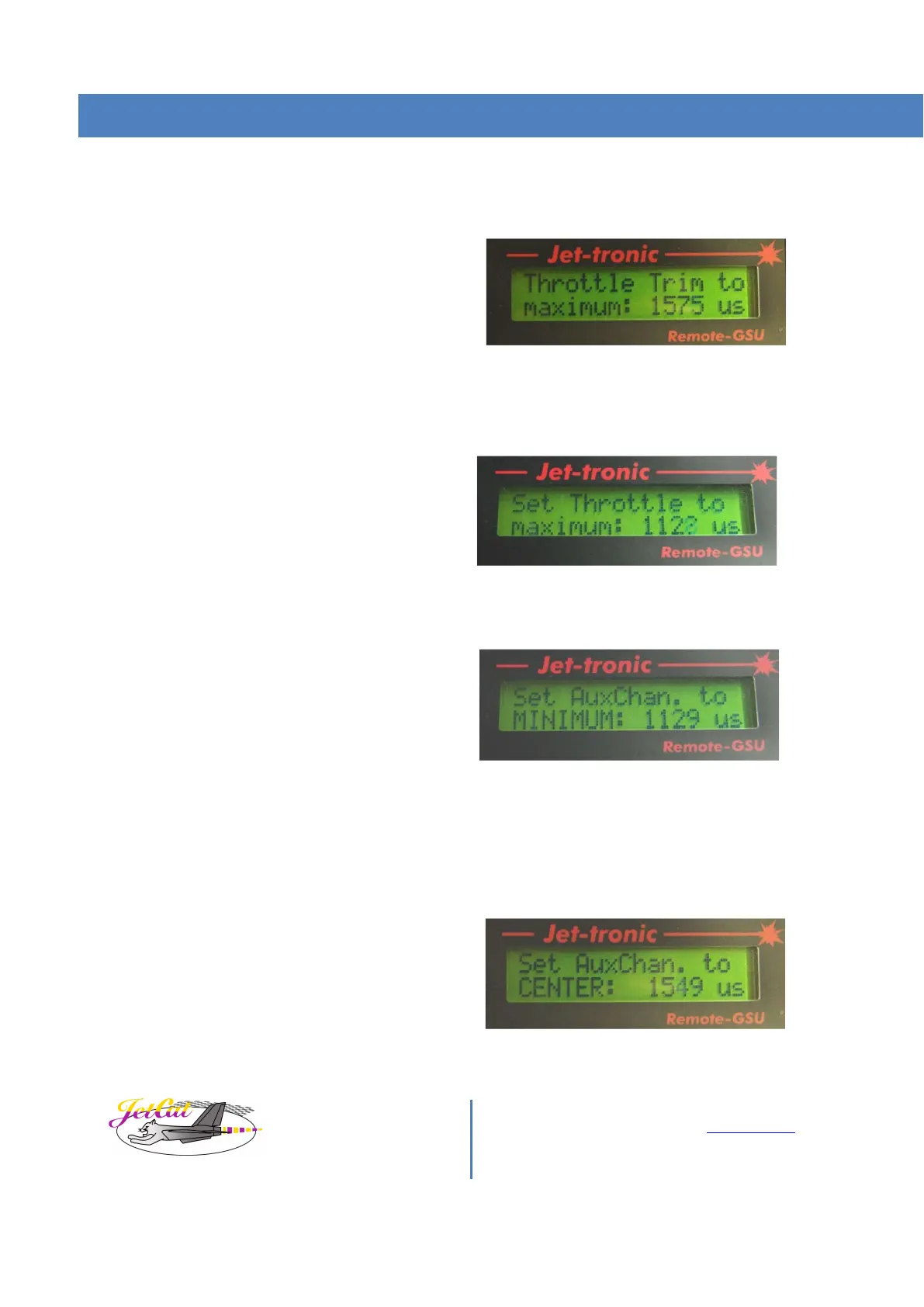
The GSU screen will display:
Throttle channel “Idle” position
5. Advance the throttle trim lever to maximum. Press Select Menu or the LED I/O board button switch again
to store the R/C system’s pulse width for the engine idle position. The red Pump running LED will turn off
and the yellow Standby LED will illuminate.
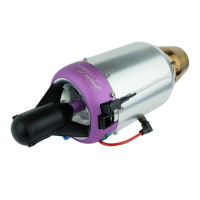
The GSU screen will display:
Throttle channel “Full Power” position
6. Advance the throttle stick to maximum. Press Select Menu or the LED I/O board button switch again to
store the R/C system’s pulse width for the engine full power position. The yellow Standby LED will turn off.
If your ECU is set up for single channel operation skip to instruction number 11.
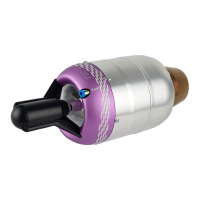
The GSU screen will display:
AUX channel minimum “Off” position.
7. If the ECU is set for two channel operation, continue to program the auxiliary channel. The green OK LED
will illuminate again and initiates the learn mode for the three-position auxiliary channel.
8.
9. Move the auxiliary channel to the minimum position for Off and press Select Menu or the LED I/O board
button switch again to store the R/C system’s pulse width for immediate shutdown of the engine. The
green OK LED will turn off and the red Pump running LED will illuminate.
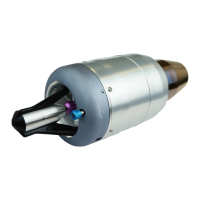
The GSU screen will display:
AUX channel center “Start/Standby”
position



 To Next Page