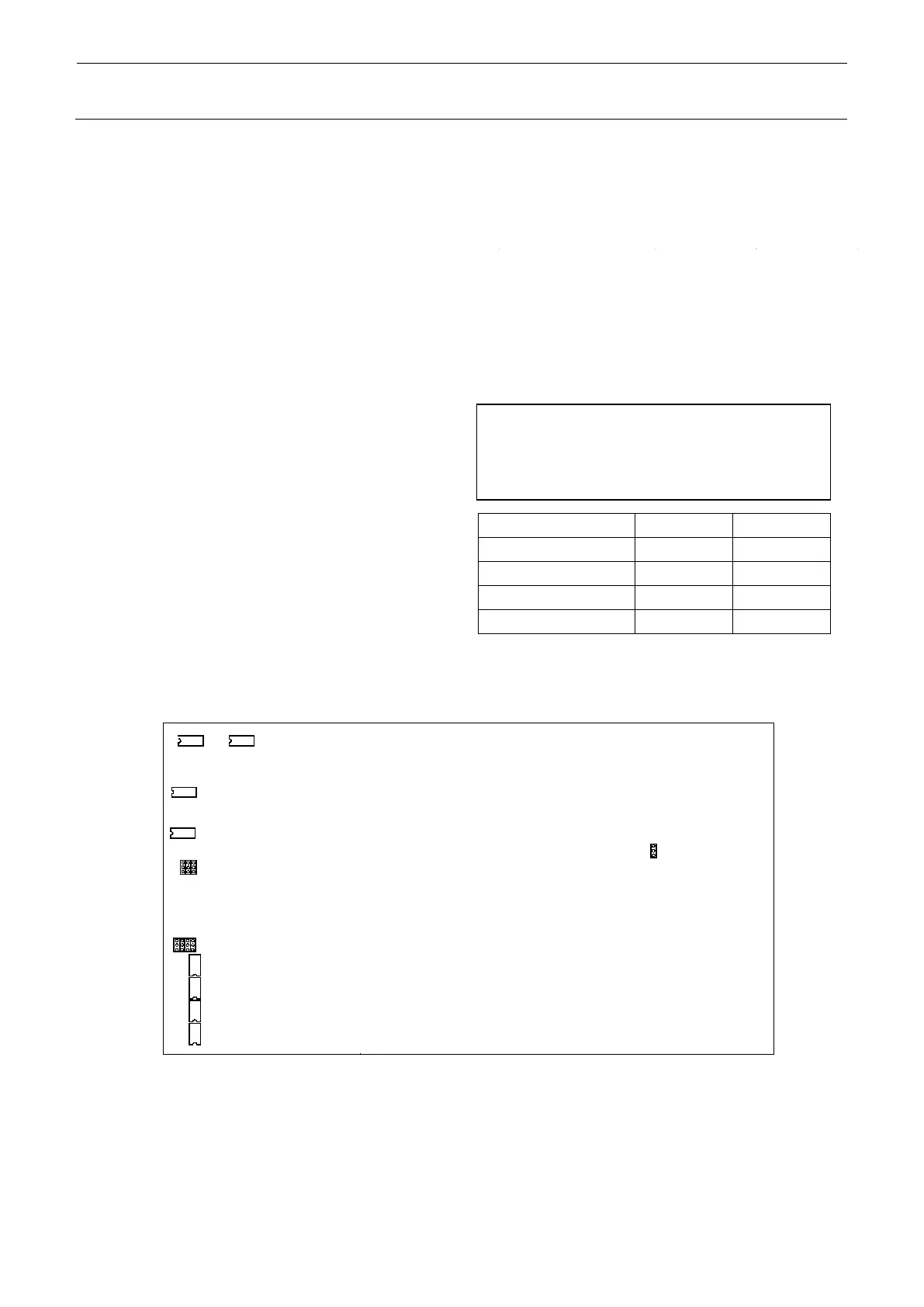
3-12
DIP switch 5: Spare
1 2: RFID
2 OFF: Spare
3 4: Specifies the shuttle pad when BGA is used.
4 4: Specifies the shuttle pad when BGA is used.
5 OFF: Spare
6 OFF: Spare
7 OFF: Spare
8 OFF: Spare
(2) Jumper setting, DIP switch setting 40095247, 40095246, 40137756
DIP switch jumper posts arranged on PCB
4. If the shuttle BGA is used, you can
specify a desired shuttle pad by
selecting the appropriate dip switch
combination from among the followings.
1. The setting is made according to
the software specifications, such
as special order.
Make the same setting as that on
the previous PCB.
2. Make the setting after checking
the machine specifications.
3. The setting has been made at
shipment of the PCB. So, the
setting is not needed.



 To Next Page