42
BASIC
PHOTOGRAPHY
p Playback
The last frame is displayed.
Set the Mode dial to Playback [p].
Playback
P.53
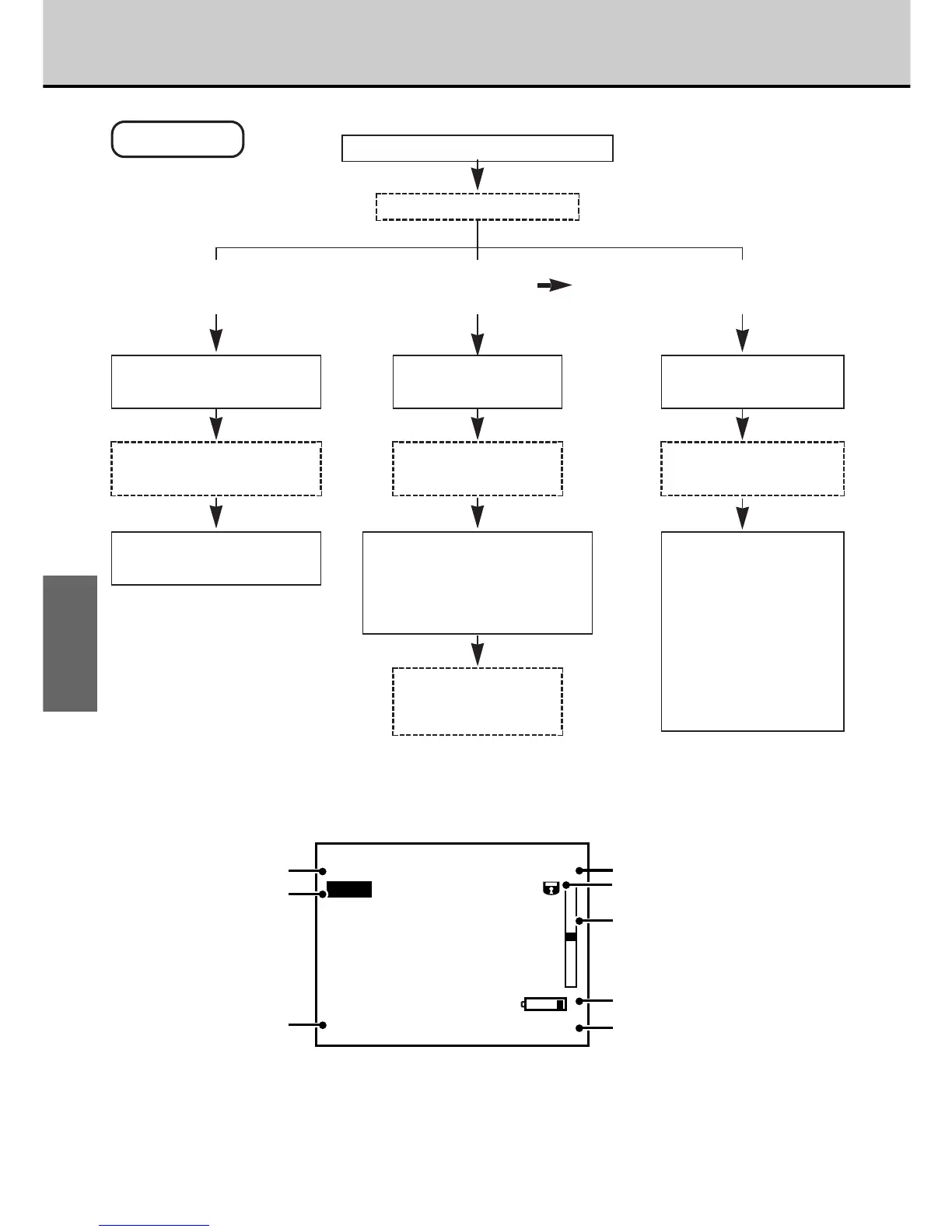
[Example of LCD Monitor Text Display]
• Asterisks indicate items that may not be displayed depending on the camera mode and photography
conditions.
To use multi-frame
playback
To play back another frame
Use the [3] or [4] button to
move to the frame.
Use the [5] or [6] button to
use zoomed playback.
Press the [MENU/EXE]
button.
Images are played back
sequentially frame by frame.
The menu screen
appears.
Select an item from the
menu and press the
[MENU/EXE] button.
Playback (Automatic
Playback)
aP.45
Sepia
aP.46
Smooth
aP.47
Resize (change the
number of pixels)
aP.49
Copy
aP.50
Use the [3] or [4] button to
move backwards or forwards to
a frame and the [
5] or [6]
button to move up or down to a
frame.
Images are played
back sequentially
frame by frame.
Press the [DISP]
button twice.
A 9-shot multi-frame
image appears.
To use another function
Playback mode
Playback zoom
∗
Date
Playback
frame number
Protection
∗
Playback frame
location
Remaining battery capacity
(Displayed for a few seconds when
the power is switched on, the mode is
changed or the charge is low.)
Time



 To Next Page
 Loading...




