49
BASIC
PHOTOGRAPHY
Resize
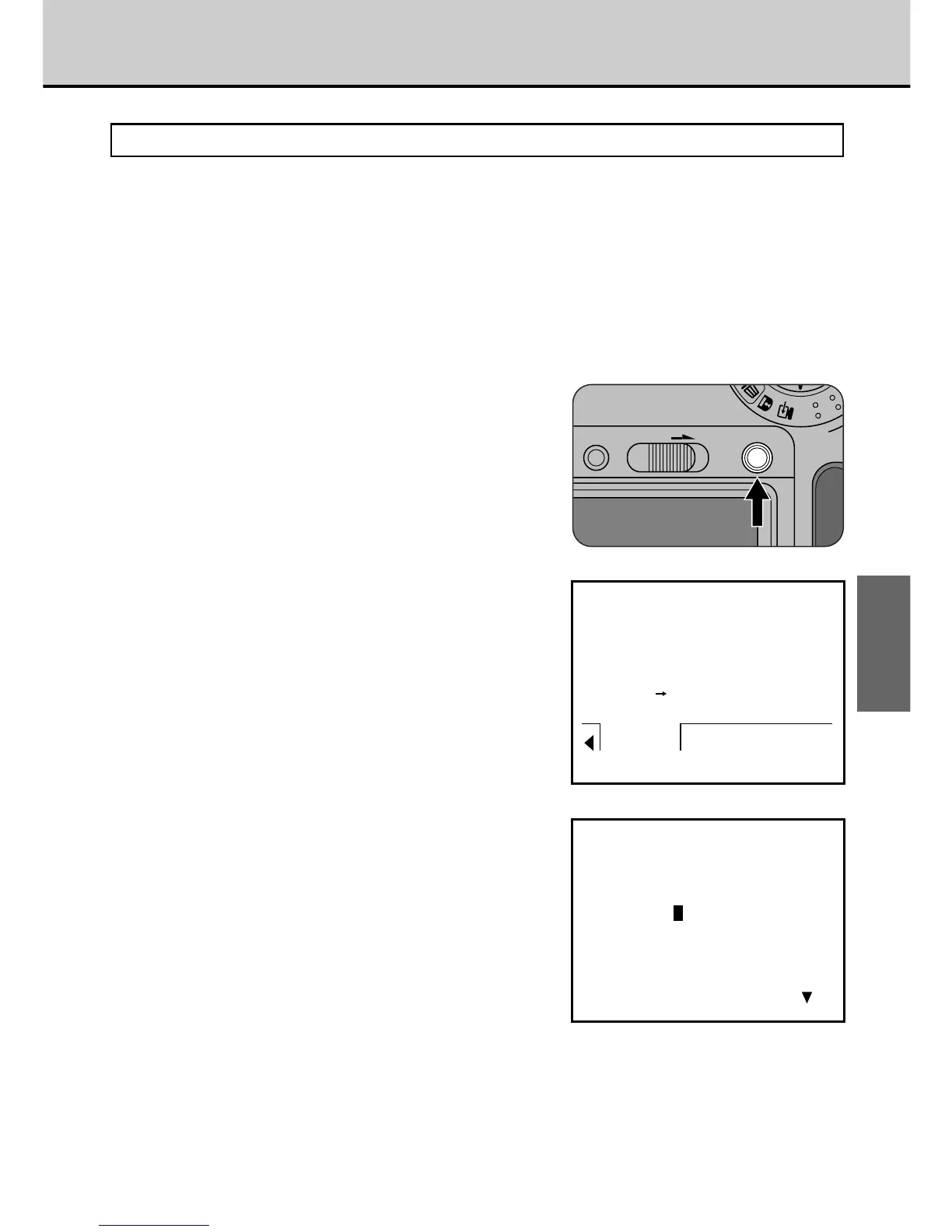
The Resize function converts a 1280 × 1024 pixel image to a 640 × 480 pixel
image during single-frame playback.
1
During single-frame
playback, select the frame
you want to resize.
• See P.43 for information on how to
use single-frame playback.
2
Press the [MENU/EXE] button
to bring up the menu screen.
3
Press the [3] or [4] button
to select “RESIZE”.
• A 640 × 480 pixel image cannot be
resized. “
@640” is displayed for
such images.
• To return to single-frame playback,
select “
v” and press the
[MENU/EXE] button.
4
Press the [MENU/EXE] button.
• A screen is displayed to allow you to
confirm whether the resized image
should be recorded.
• To return to the menu screen without
recording the image, press the [
6]
button.



 To Next Page
 Loading...




