60
ADVANCED
FEATURES
Use [
d
] mode to specify the 9 settings listed below. The
S icon indicates
the default setting.
1. QUALITY 6. BEEP
2. FILE SIZE 7. QUICK SELECT
3. SHARPNESS 8. DATE/TIME
4. COLOR 9. RESET
5. FRAME NO.
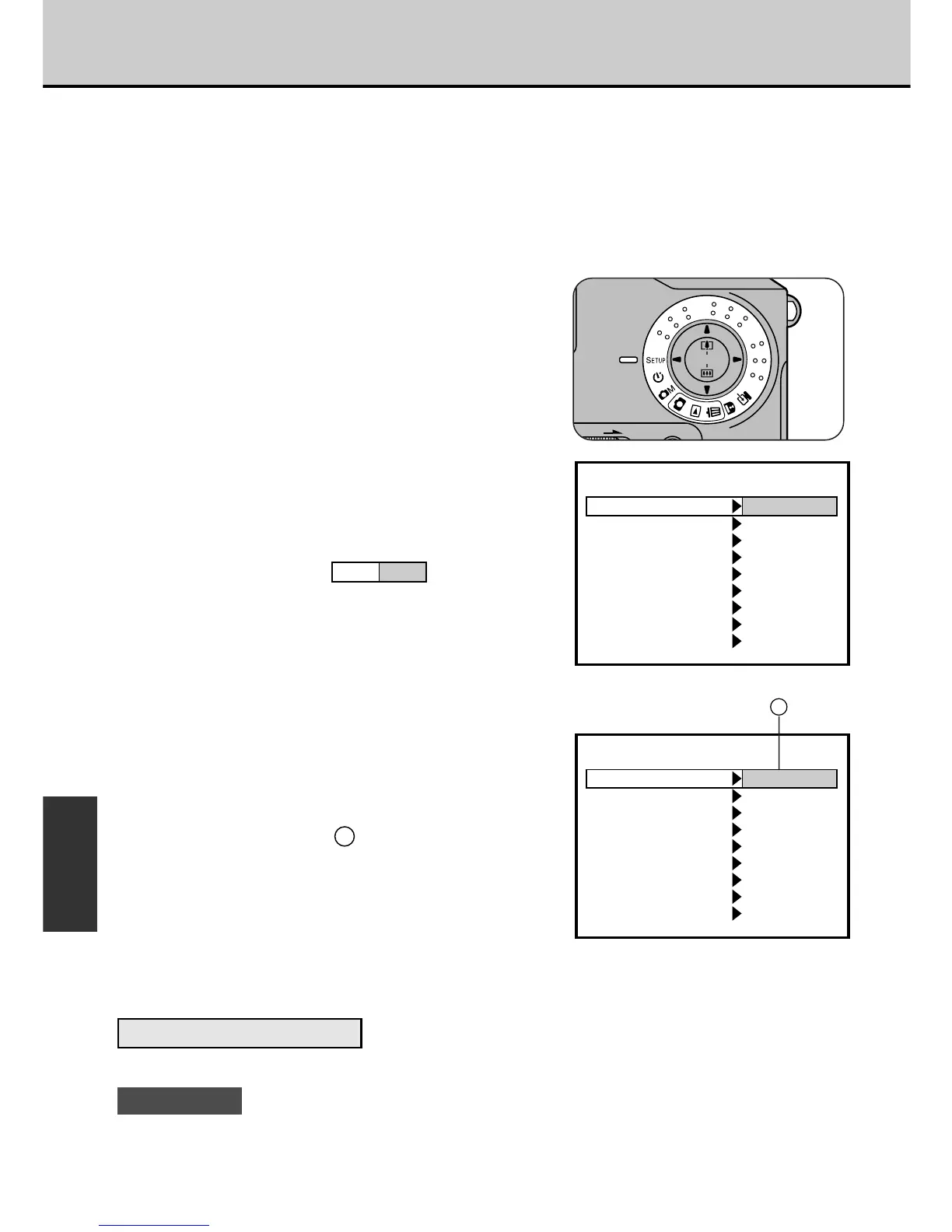
1
Set the Mode dial to [d].
• The SETUP screen appears.
2
Use the [5] or [6] button to
move to the setting you want
to change.
• The highlight [ ] moves.
3
Use the [3] or [4] button to
change the setting.
• Each time you press the button, the
setting in field changes.
• For the “DATE/TIME” and “RESET”
settings, press the [MENU/EXE]
button to move to the respective
setup screen.
• Select the appropriate settings for
the shooting conditions.
To Confirm the Settings
Switch the Mode dial to another setting.
! CAUTION
If you remove the battery or disconnect the AC power adapter before confirming the
settings, the settings revert to the previous values.
d Setup
(Eg) QUALITY setting



 To Next Page
 Loading...




