Formatting (Initialisation)
This feature erases all the frames on the SmartMedia card, including any
protected frames (Protect Mode
aP.76), and formats the SmartMedia.
! CAUTION
Always use the camera to format a SmartMedia.
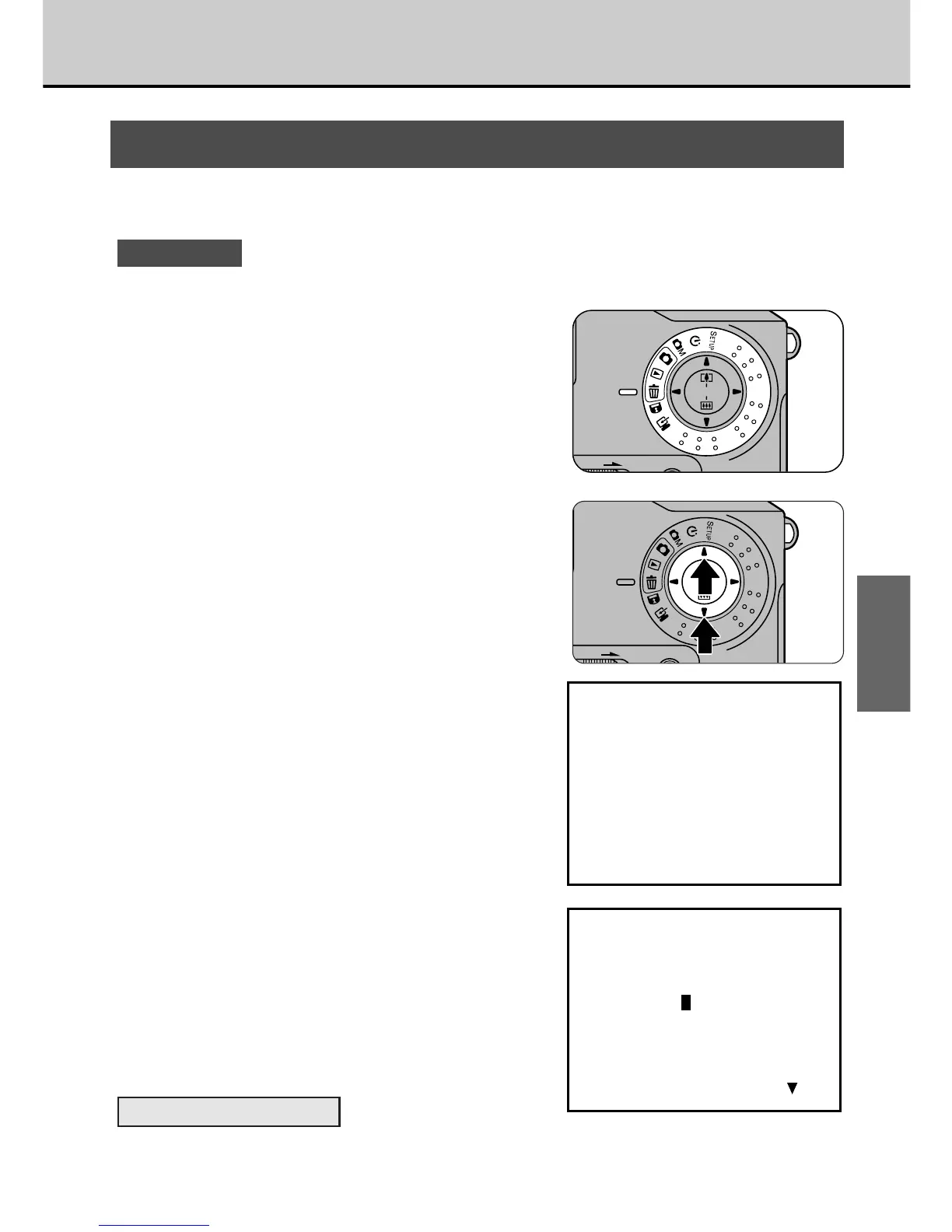
1
Set the Mode dial to [e].
• The menu screen appears.
2
Use the [5] or [6] button to
select “FORMAT” and press
the [MENU/EXE] button.
• The confirmation screen appears.
3
Press the [MENU/EXE]
button.
• The SmartMedia is formatted and the
menu screen reappears. The
playback frame number changes to
“DSC00000”
To Cancel Formatting
In step 3, press the [6] button before you press [MENU/EXE] button.
59
BASIC
PHOTOGRAPHY



 To Next Page
 Loading...




