11
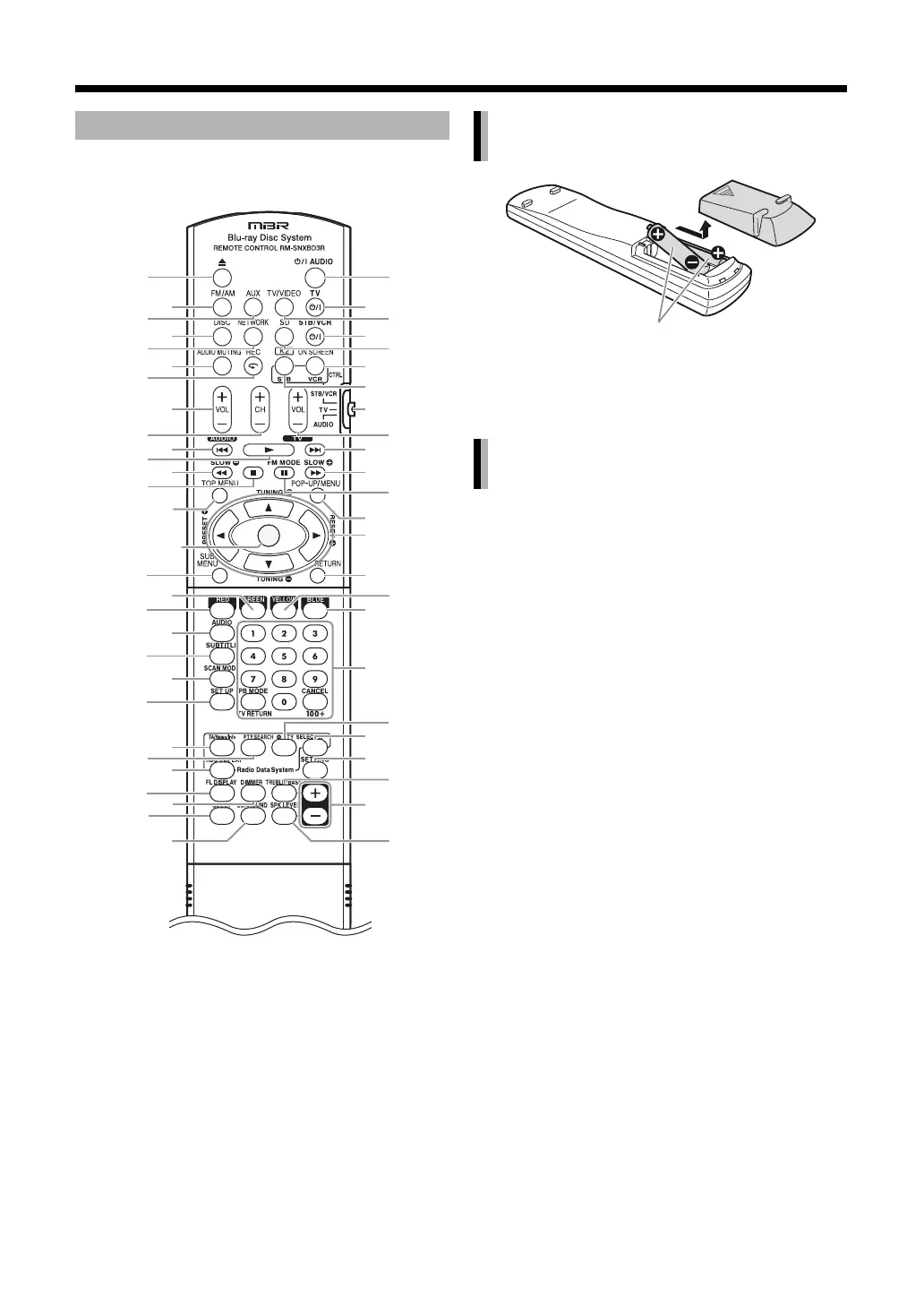
The numbers refer to the pages in which the parts are
explained.
*1. Refer to the separate volume of the operation
manual for the network function.
• If the effective range of the remote control
decreases, replace both batteries.
Point the remote control directly at the front of
the main unit.
• Do not block the remote control sensor on the main
unit.
•Use the remote control at a position higher than the
main unit.
Using the remote control
ENTER
13
19
24
13
*1
33
14, 65
12
64, 65
14
13
14, 65
13, 65
25, 33
12, 19, 24, 25
33, 38, 48, 63
30
25
25
40
39
7
48-58
23
21
21
16
36
36
37
12
63
64
64
16
31, 64, 65
36, 64, 65
12, 63, 64,
65
64
14
14, 65
14, 19,
65
15, 33
19, 25, 33,
38, 48
25, 45
25
25
12, 19, 33
38, 63
21
21
34, 34
35
34, 35
35
Inserting the batteries into the
remote control
Operating the system from the
remote control
R6P (SUM-3)/AA (15F) type dry-cell
batteries (supplied)



 To Next Page
 Loading...


