33
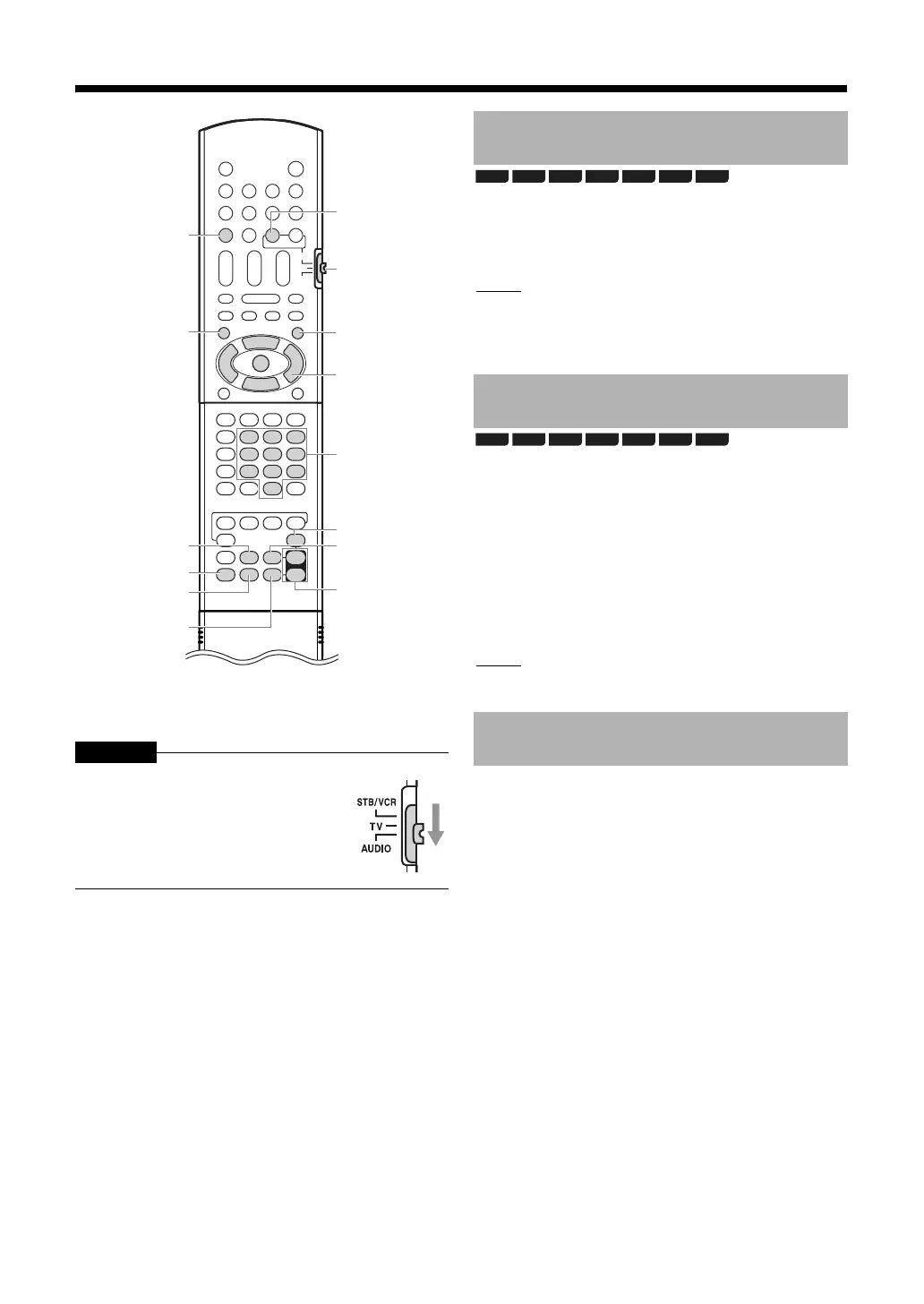
* For the number button usage, refer to “Using the
number buttons” on page 12.
CAUTION
When a disc/file is played back
Press [the number buttons] to select the
chapter number or track number.
NOTE
•During playback of a program, you cannot use the
number buttons to select the chapter number or
track number.
When a disc is stopped or played back
1 Press [POP-UP / MENU] or [TOP
MENU].
•The menu screen is displayed.
2 Press [J / K / H / I] or [the number
buttons] to select the desired track.
3 Press [ENTER].
NOTE
•This function does not work with CD-DA.
Press [AUDIO MUTING].
•Press [AUDIO MUTING] again to restore the sound.
When the main unit is turned off once and turned on
again, the sound is also restored.
Slide the remote control mode selector
to [AUDIO].
the number
buttons*
AUDIO
MUTING
K2
J / K / H / I
ENTER
POP-UP /
MENU
SETTING
SLEEP
DIMMER
TREBLE /
BASS
SPK LEVEL
+/-
Remote
control
mode
selector
TOP MENU
SURROUND
Selecting a chapter/track
using the number buttons
Selecting a track from the
menu screen
Turning off the sound
temporarily
BD-V BD-AV DVD-V
DVD-VR
CD SD
AVCHD
BD-V BD-AV DVD-V
DVD-VR
CD SD
AVCHD



 To Next Page
 Loading...


