25
Other basic operations
CAUTION
You can list the video/music data stored on a disc or
SD card according to different genres such as picture
and music.
To open the NAVIGATION menu screen
Press [TOP MENU].
•Press the [RED], [GREEN], or [YELLOW] button
on the remote control to select “VIDEO”,
“PICTURE”, or “MUSIC”.
*1. DVD-R/RW discs created using ISO9660 or
UDF bridge can also be used.
To close the NAVIGATION menu screen
Press [TOP MENU] or [RETURN].
•This closes the NAVIGATION menu screen.
NOTE
• Depending on the contents, this operation may not
work.
•During playback of CD-DA, NAVIGATION menu
screen does not appear.
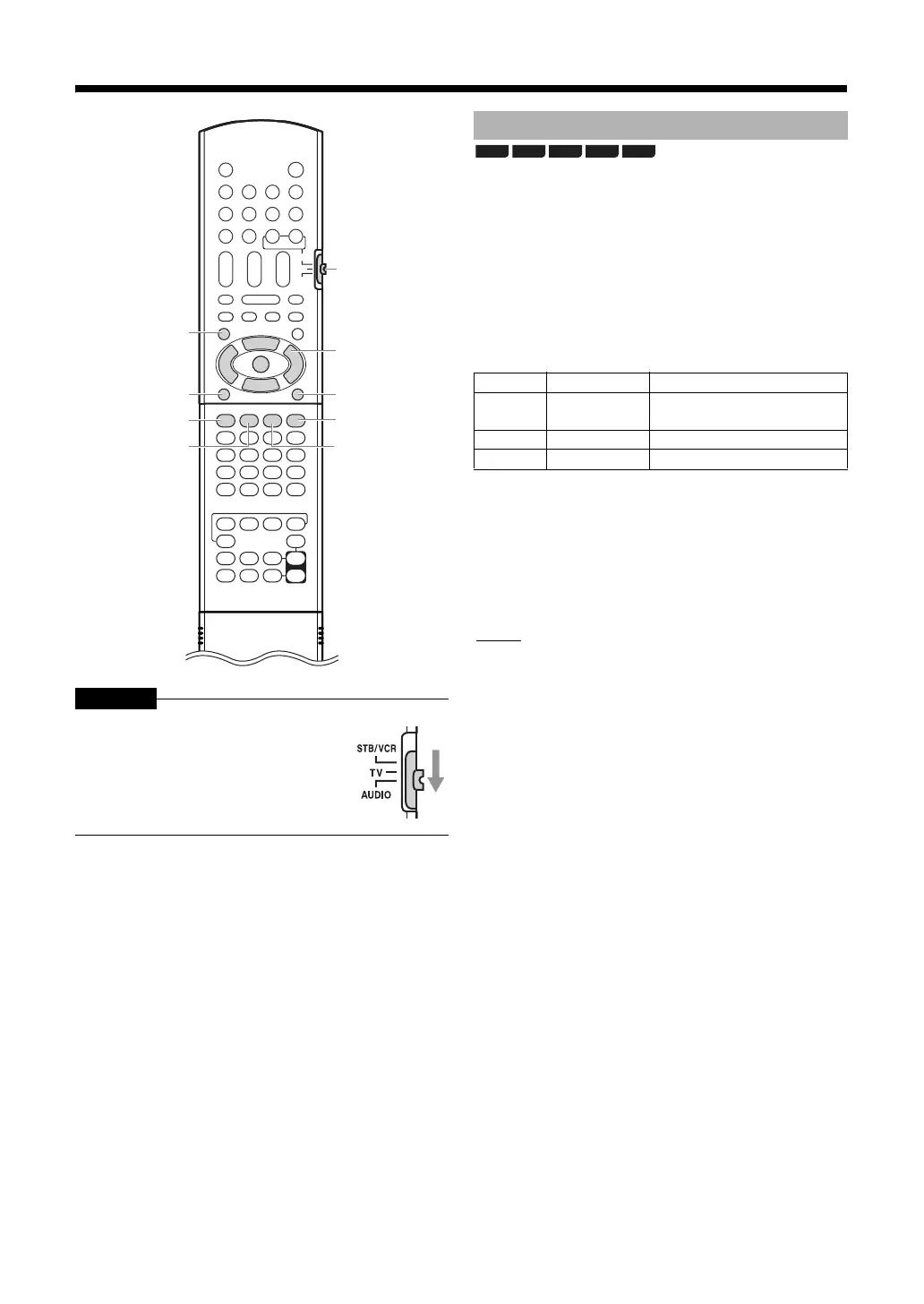
Slide the remote control mode selector
to [AUDIO].
TOP MENU
Remote
control
mode
selector
RETURN
YELLOW
RED
GREEN
BLUE
SUB MENU
J / K / H / I
ENTER
Playback Navigation
Color Items Contents
RED VIDEO
Video image thumbnail list
Video title list
GREEN PICTURE
*1
Still image thumbnail list
YELLOW MUSIC
*1
Music title list
BD-AV
DVD-VR
CD SD
AVCHD



 To Next Page
 Loading...


