50
(Continued on the next page.)
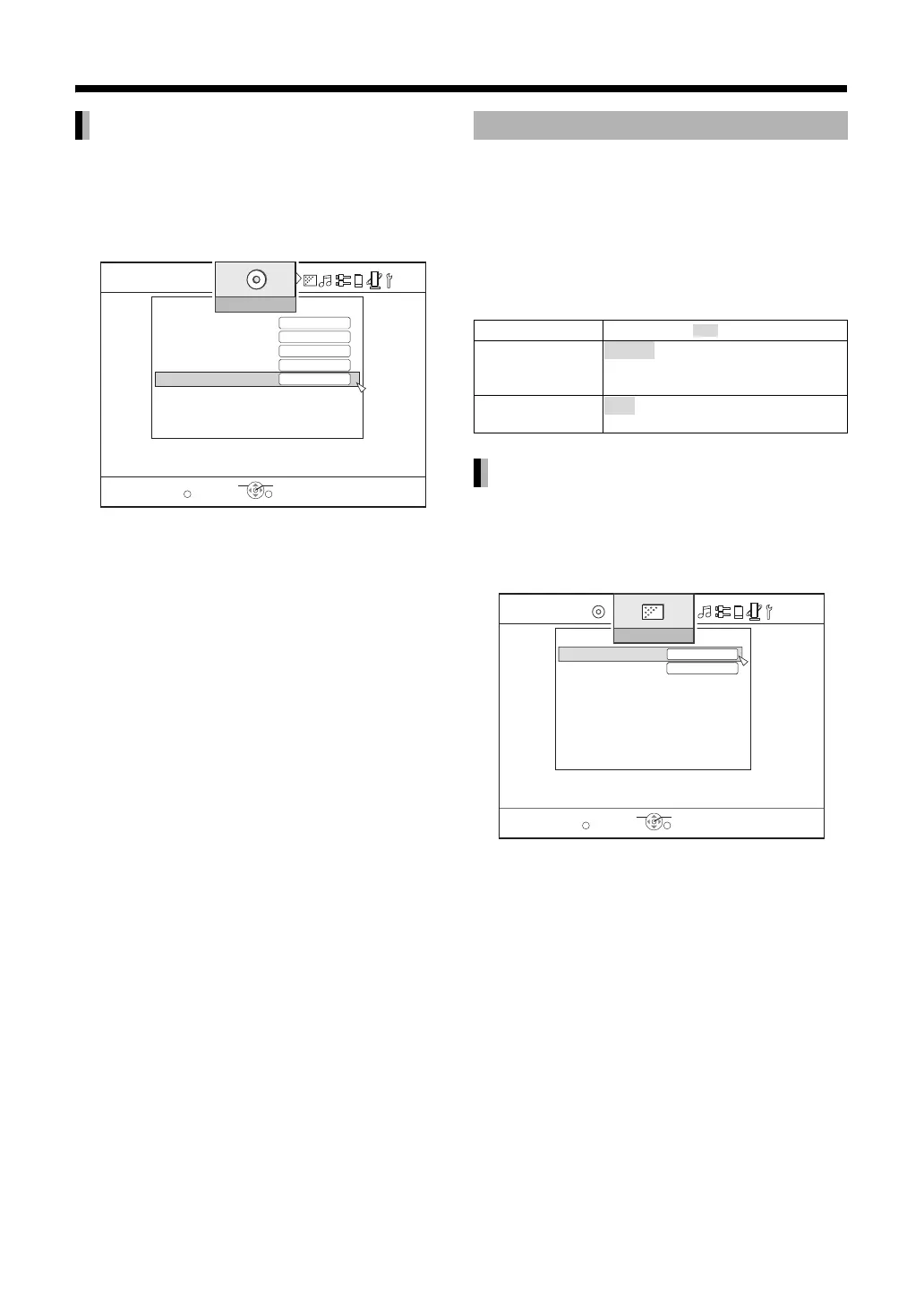
You can specify the language used for the display as
follows.
Select “MENU LANGUAGE” using [J /
K] then press [ENTER].
You can change the video settings for data recorded
on a disc in advance when playback is stopped or
before the disc is inserted.
1 Press [SET UP].
2 Use [H / I] and [ENTER] to control
the preference screen.
• Proceed according to the procedure described
on the TV screen.
You can specify the method for displaying images
when playback is paused.
Select “STILL MODE” using [J / K] then
press [ENTER].
MENU LANGUAGE
GB
DISC SETTING
BD PARENTAL CONTROL
COUNTRY CODE
AUDIO LANGUAGE
NO LIMIT
SUBTITLE
MENU LANGUAGE
ENGLISH
ENGLISH
ENGLISH
SELECT
ENTER
RETURN
EXIT
SET UP
VIDEO SETTING
Items Contents ( : initial setting)
STILL MODE
FIELD
FRAME
SEAMLESS
PLAY OFF
STILL MODE
AUTO
ON
VIDEO SETTING
STILL MODE
SEAMLESS PLAY
AUTO
SELECT
ENTER
RETURN
EXIT
SET UP
ON



 To Next Page
 Loading...


