47
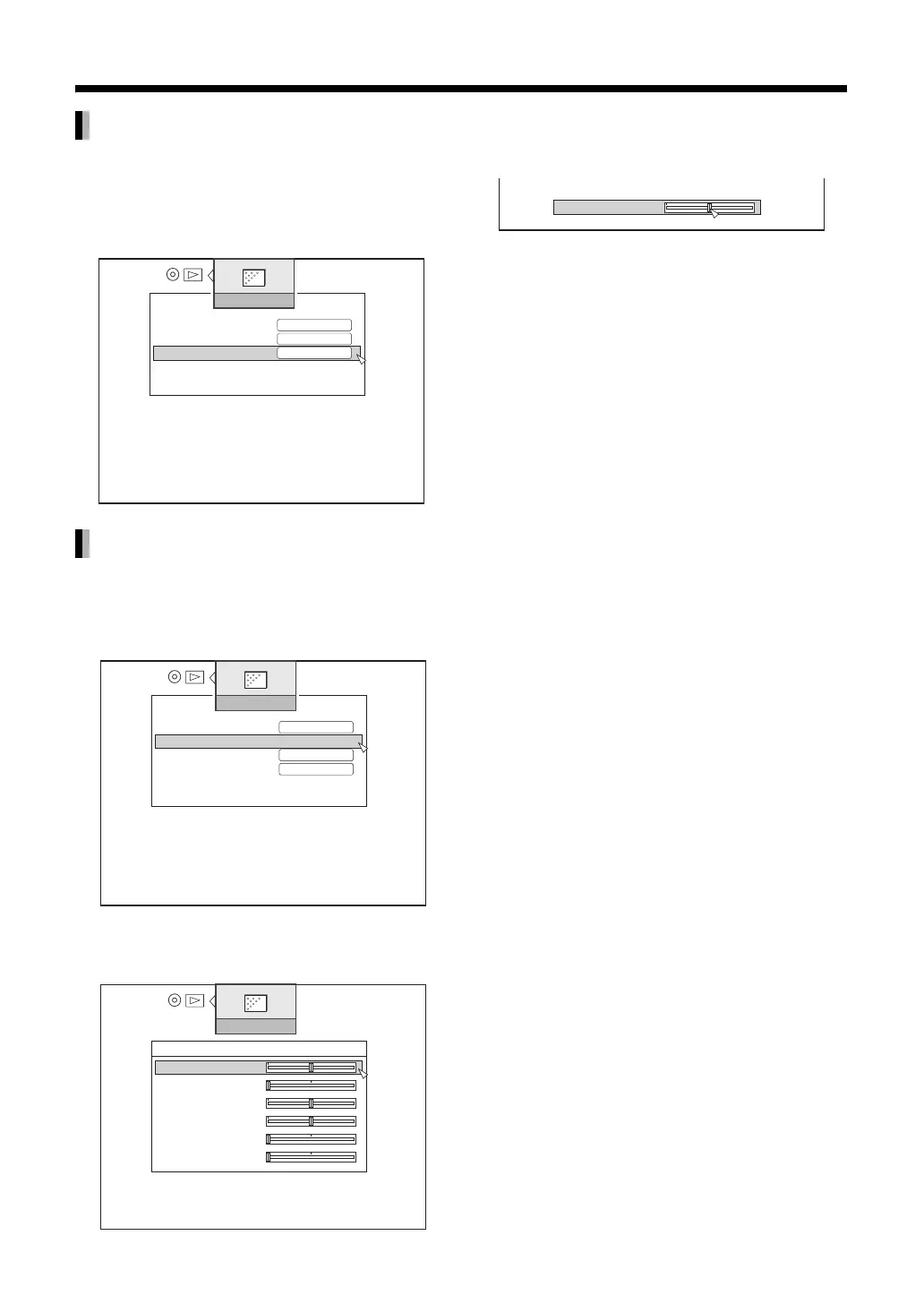
You can set the most appropriate progressive video
output for the recorded material.
Select “PROGRESSIVE OUTPUT” using
[J / K] then press [ENTER].
You can set detailed image settings.
1 Select “DETAIL SETTING” using [J /
K] then press [ENTER].
2 Using [J / K] to select an item, then
press [ENTER].
3 Using [H / I] to set a value, then
press [ENTER].
4 Press [H].
This confirms the settings and returns to the
previous screen.
PROGRESSIVE OUTPUT
DETAIL SETTING
VIDEO SETTING
PICTURE QUALITY
DIGITAL NOISE REDUCTION
PROGRESSIVE OUTPUT
CINEMA
VIDEO
ON
VIDEO SETTING
PICTURE QUALITY
DIGITAL NOISE REDUCTION
PROGRESSIVE OUTPUT
USER SETTING
VIDEO
ON
DETAIL SETTING
>
0
0
0
0
0
0
VIDEO SETTING
DETAIL SETTING
BRIGHTNESS
SHARPNESS
CONTRAST
COLOR
GAMMA
3DNR
0
CONTRAST



 To Next Page
 Loading...


