24
CAUTION
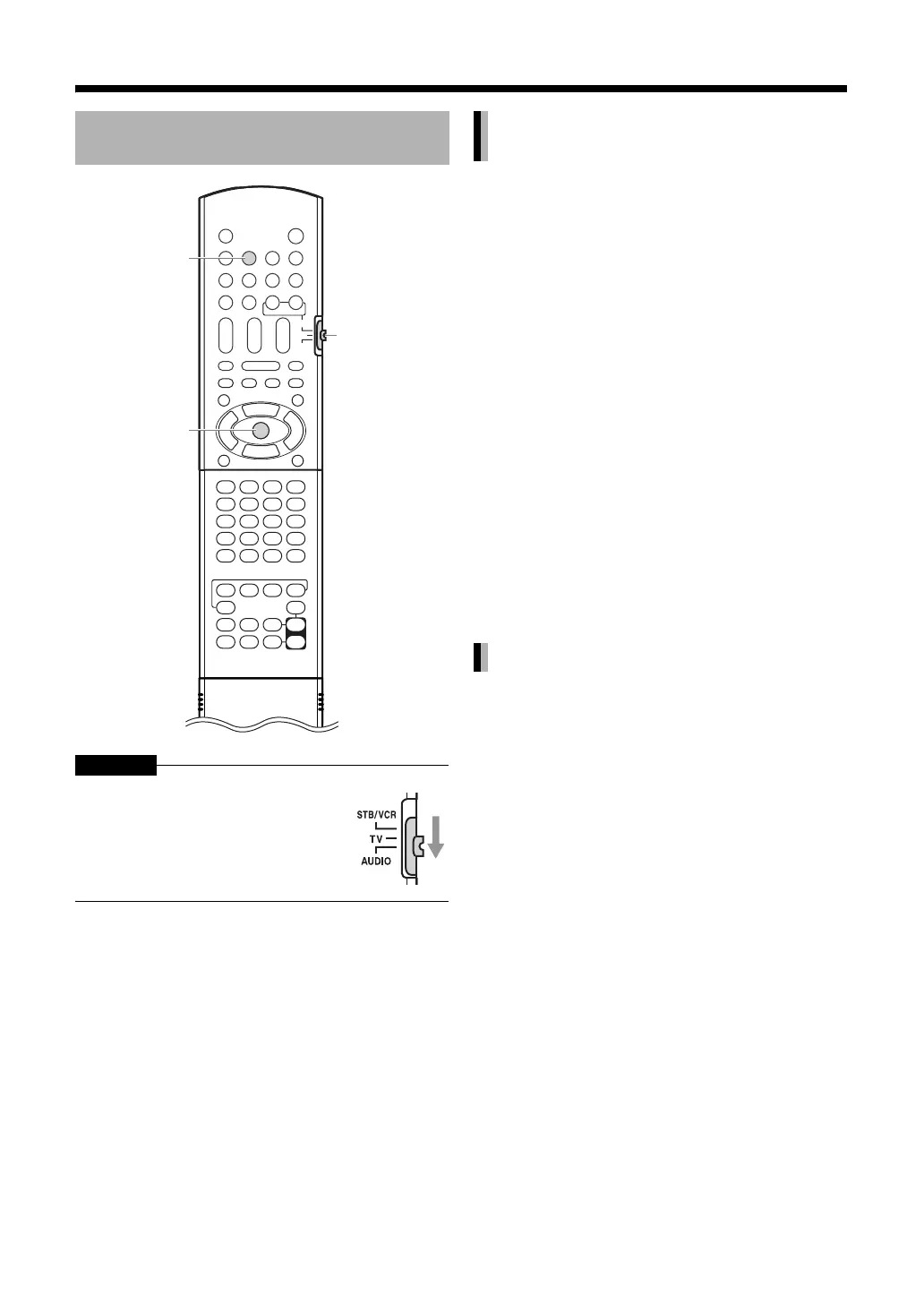
1 Press [AUX].
Each time you press [AUX], the display changes
in the display window as follows.
• “AUDIO IN” for selecting the device connected
to the [AUDIO IN] terminal.
• “DIGITAL IN” for selecting the device
connected to the [DIGITAL IN] terminal.
•“TVSOUND” for selecting the TV connected to
the [SCART] terminal.
•You can also select the connected device as
the source by repeatedly pressing [SOURCE]
on the main unit.
2 Start playback on the connected
device.
• Refer also to the instruction manual of the
connected device.
3 Adjust the volume and perform
other necessary settings.
• Refer to “Using this Product (Operation)” on
page 12.
You can select the gain of the signal from the
[AUDIO IN] terminals.
Use the initial settings for normal operation. If the
sound is too soft or too loud, change the settings.
1 Press [AUX] repeatedly to select
“AUDIO IN” in the display window.
2 Press [ENTER].
• “INPUT LEVEL1” or “INPUT LEVEL2” appears
in the display window.
3 Press [ENTER] repeatedly to select
“INPUT LEVEL1” or “INPUT
LEVEL2”.
•Each time you press [ENTER], the display
toggles between “INPUT LEVEL1” and
“INPUT LEVEL2”.
•The signal gain in “INPUT LEVEL1” is lower
than that in “INPUT LEVEL2”.
• The display returns to “AUDIO IN” in
approximately 2 seconds.
Playing back sources from
other devices
Slide the remote control mode selector
to [AUDIO].
ENTER
AUX
Remote
control
mode
selector
Selecting other devices as the
source
Selecting the signal gain



 To Next Page
 Loading...


