18
When a file is played back or stopped
When a Disc is selected as the source, the messages
shown below are displayed on the TV screen to
indicate the disc status.
The indicators light up in the display window to show
the input signals and the speakers in use.
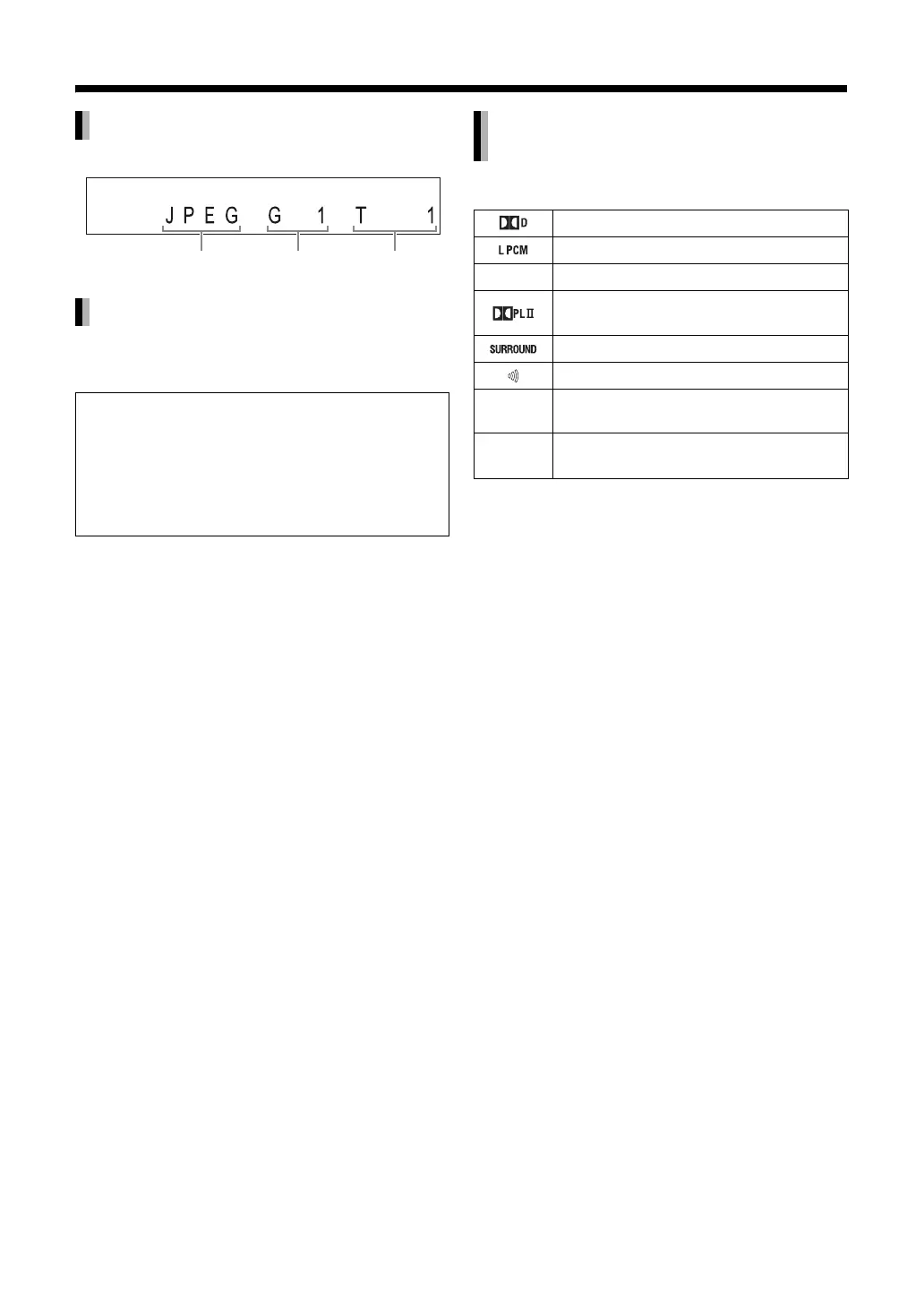
JPEG file
Messages on the TV screen
Now reading:
Appears when the main unit is reading the disc
information. Wait for a short time.
Tray is open:
Appears when the disc tray is opening.
Tray is closed:
Appears when the disc tray is closing.
File type Group number File number
Indicators in the display window
related to the speaker sound
The input signal is DOLBY DIGITAL.
The input signal is LPCM.
DTS The input signal is DTS.
The input signal is processed using
DOLBY PROLOGIC II.
Lights up during 3D phonic operation.
Lights up during clear voice setting.
HD Lights up during HD (High-Definition)
output.
q The output signal is in the progressive
format.



 To Next Page
 Loading...


