13
CAUTION
This part explains playing back the types of discs
shown above.
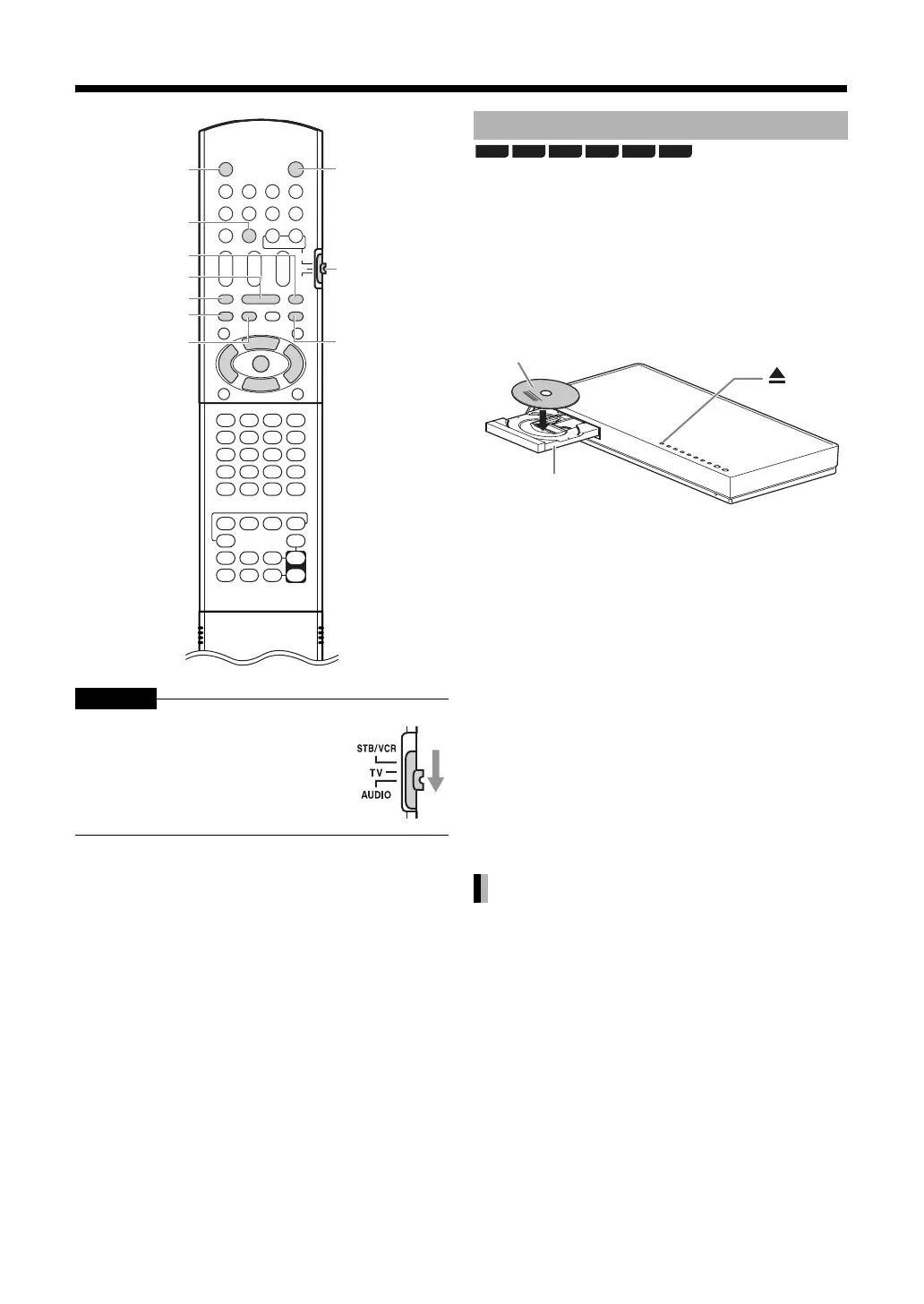
1 Press [M] on the remote control or
[M] on the main unit.
• The disc tray ejects.
2 Place a disc.
•To play back an 8 cm disc, place it on the inner
hollow of the disc tray.
3 Press [DISC] on the remote control
or [DISC] on the main unit.
• If the current source is not a disc, press [DISC]
and change it to a disc.
4 Press [;].
•A menu screen may appear on the TV screen after
the disc playback starts. In this case, operate the
menu screen according to “Selecting a track from
the menu screen” on page 33.
•If you changed the source too quickly or have
loaded an incompatible disc (refer to page 2, 69-
70), playback may not start. In this case, turn off the
ma
in unit and turn it on again by using [A AUDIO]
on the main unit.
When a disc is played back.
Press [o].
Slide the remote control mode selector
to [AUDIO].
M
A AUDIO
Remote
control
mode
selector
;
o
SLOW +, N
S
SLOW =, O
w
T
Playing back a disc
Stopping playback
BD-V BD-AV DVD-V
DVD-VR
CD
AVCHD
Printed surface
Disc tray



 To Next Page
 Loading...


