6
After setting is complete, select
“ENTER”, and
press the [OK] button
0
Doing so exits date/time setting, and returns to the initial
screen.
.
%.1%-5'6
%.1%-5'6&+52.#;
5'672
5'.'%6
':+6
4'6740
5'672
1-
'06'4
#/
6+/'
,#0/106*&#;
;'#4
%.1%-5'6
Memo :
0
The
value for seconds cannot be set. After setting the minute,
press the [SET UP] button according to the time signal.
0
To cancel date/time setting, press the
[RETURN] button.
Doing so cancels date/time setting and returns to the initial
screen.
0
The year can be set from 2015 to 2037.
If
“2037.12.31 23:59” is set, the time will change to “2015.1.1
00:00” after one minute.
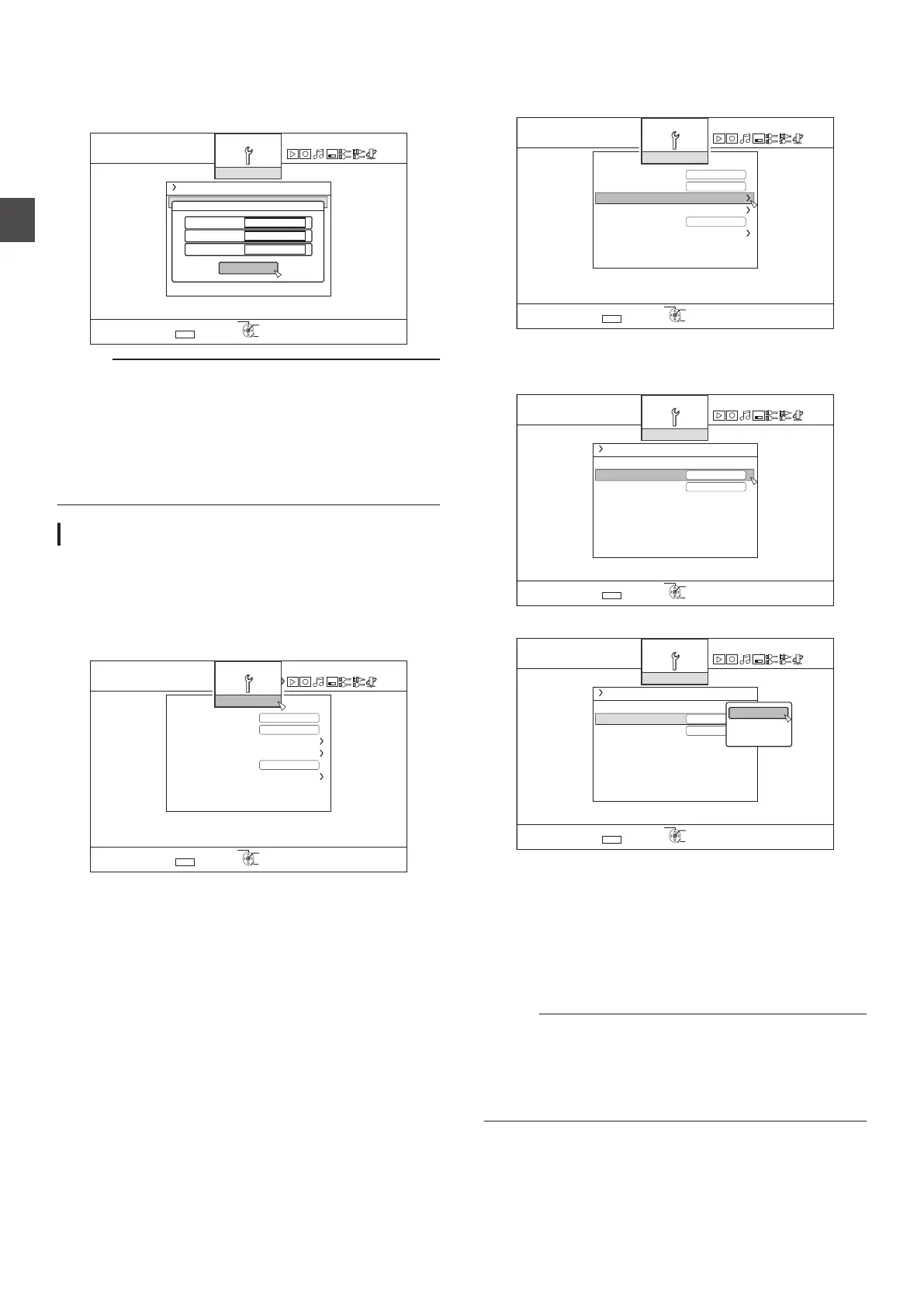
Changing the date display style
You can specify the display style of the date as follows.
1
Press the
[SET UP] button on the remote control
unit
2
Select “SETUP”, and press the
[OK] button
0
The Settings menu screen appears.
.
5'.'%6
':+6
&'(#7.65'66+0)
$7<<'4176276
37+%-56#4672
2#0'.&+52.#;$4+)*60'55
%.1%-5'6&+52.#;
4'/16'%10641.
4'/16'%10641.%1&'
1((
1((
#761219'41((
5'672
4'6740
5'672
1-
3
Select “CLOCK SET/DISPLAY
”, and press the
[OK] button
0
The Clock Set/Display menu screen appears.
.
5'.'%6
':+6
&'(#7.65'66+0)
$7<<'4176276
37+%-56#4672
2#0'.&+52.#;$4+)*60'55
%.1%-5'6&+52.#;
4'/16'%10641.
4'/16'%10641.%1&'
1((
1((
#761219'41((
5'672
4'6740
5'672
1-
4
Select “DATE DISPLAY”, and press the
[OK]
button
0
The Date Display menu screen appears.
.
4'6740
5'.'%6
':+6
*6+/'&+52.#;%*1+%'
/106*&#;;'#4'&+52.#;
%.1%-5'6
%.1%-5'6&+52.#;
5'672
5'672
1-
5
Select the date display style.
.
5'.'%6
':+6
*
/106*&#;;'#4'&+52.#;
%.1%-5'6
%.1%-5'6&+52.#;
5'672
6+/'&+52.#;%*1+%'
4'6740
5'672
1-
&#;/106*;'#4
;'#4/106*&#;
/106*&#;;'#4
0
Select a date display style from the following items.
YEAR.MONTH.DAY : Displays the date in the year/
month/day order.
MONTH.DAY.YEAR
: Displays the date in the
month/day/year order.
DAY.MONTH.YEAR : Displays the date in the day/
month/year order.
6
Press the
[OK] button after making a selection
0
The date display style will be saved.
Memo :
The date display style will be applied in the following information
displays.
0
Recording date of the title that is shown in the playback
navigation screen (The recording date will be shown in
place of the title if the title has not been input).
0
Date that is displayed in the title information display screen
24
Setting and Displaying Date/Time
Preparation



 To Next Page