Kaye LTR -90 Operating Manual 25
Chapter 6. Calibrator Operation
Chapter 6. Calibrator Operation
6.1 Menus and Menu Navigation
The Main menu ( ) contains four submenus that supply access to all features, tools, and functions. The three
submenus are: Temperature Setup, Program Setup, and System.
Table 8 shows and describes the buttons used to navigate the submenus.
6.1.1 Temperature Setup Menu (TEMP SETUP)
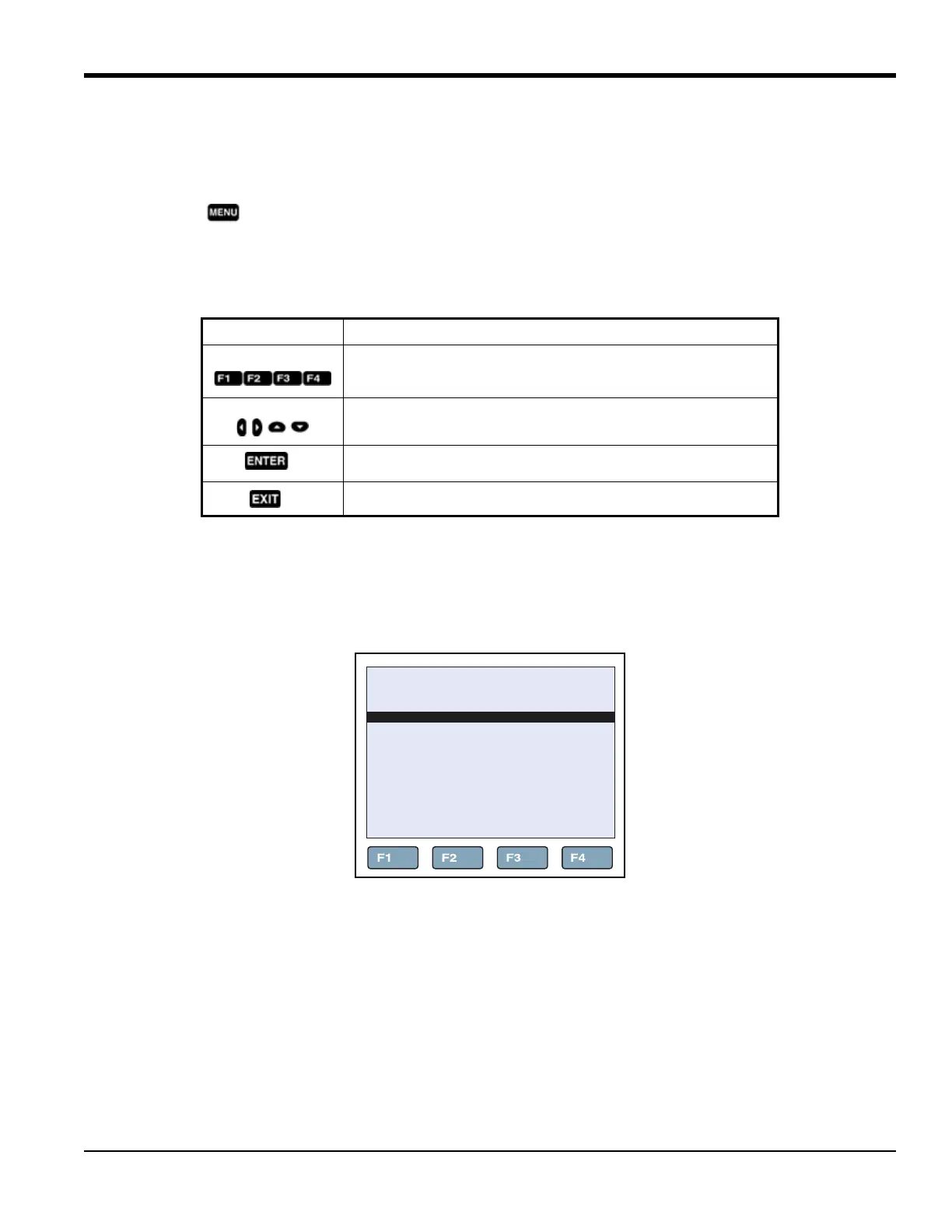
The Temperature Setup menu contains Field Metrology Well functions related to temperature setup. The TEMP
SETUP menu has three submenus: SETUP, CUTOUT, and STATUS.
Figure 10: Temperature Setup Menu
Table 8: Buttons for Navigation
Button Navigation Function
Function softkeys to open submenus.
Scroll menus, increases or decreases values, and highlights
selections.
Saves changes and navigates to the next menu.
Cancels all changes and navigates back to the Main menu.
66.03°C
TEMERATURE SETUP MENU
SETUP CUTOUT STATUS



 To Next Page