Kaye LTR -90 Operating Manual 31
Chapter 6. Calibrator Operation
6.1.4 Set a Soft Cutout
Soft Cutout is an upper-heat limit that protects the probes. The Hard Cutout protects the Calibrator and it cannot be
changed (set by factory).
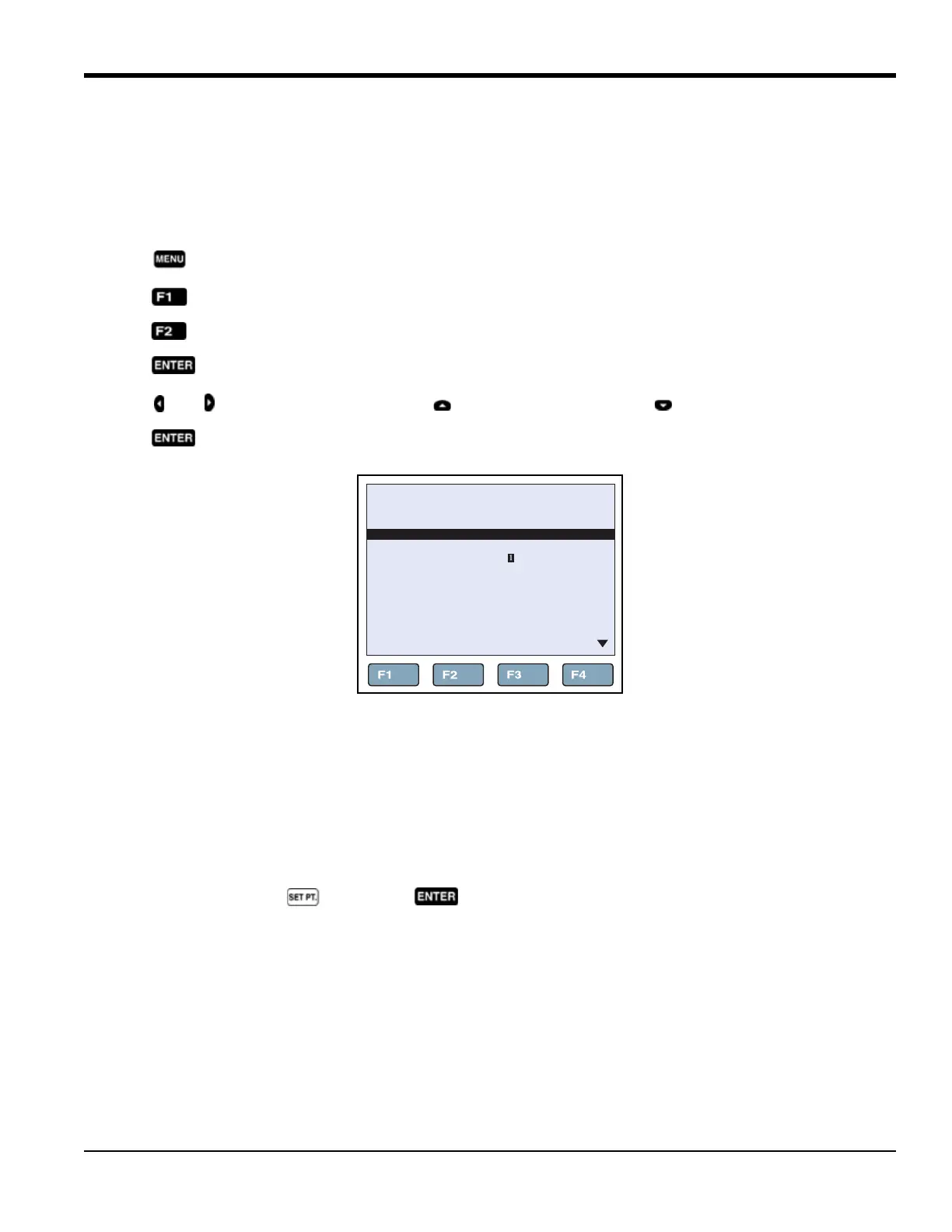
To set a Soft Cutout (see Figure 16 below):
1. Push .
2. Push .
3. Push .
4. Push to select the Soft Cutout.
5. Push and to highlight a digit, then push to increase the digit or push to decrease the digit..
6. Push to save the Soft Cutout.
Figure 16: Soft Cutout
6.1.5 Reset an Over-Temperature Cutout
If the Soft or Hard Cutout is exceeded, the Calibrator enters Cutout Mode and must be reset.
To exit Cutout mode and reset the Calibrator:
1. Let the Calibrator cool to below the Soft Cutout limit.
2. After it has cooled, push followed by to reset the Calibrator.
66.03°C
EDIT PRESETS
PRESET 1:
PRESET 2:
PRESET 3:
PRESET 4:
+0080.00 °C
+45.00 °C
+26.00 °C
-26.00 °C



 To Next Page