Chapter 6. Calibrator Operation
30 Kaye LTR -90 Operating Manual
6.1.2b Set the Temperature with a Preset SETPOINT
The Calibrator stores eight user-configured preset SETPOINT temperatures to help quickly set a temperature. To
change a SETPOINT preset see “Change a Preset SETPOINT” below.
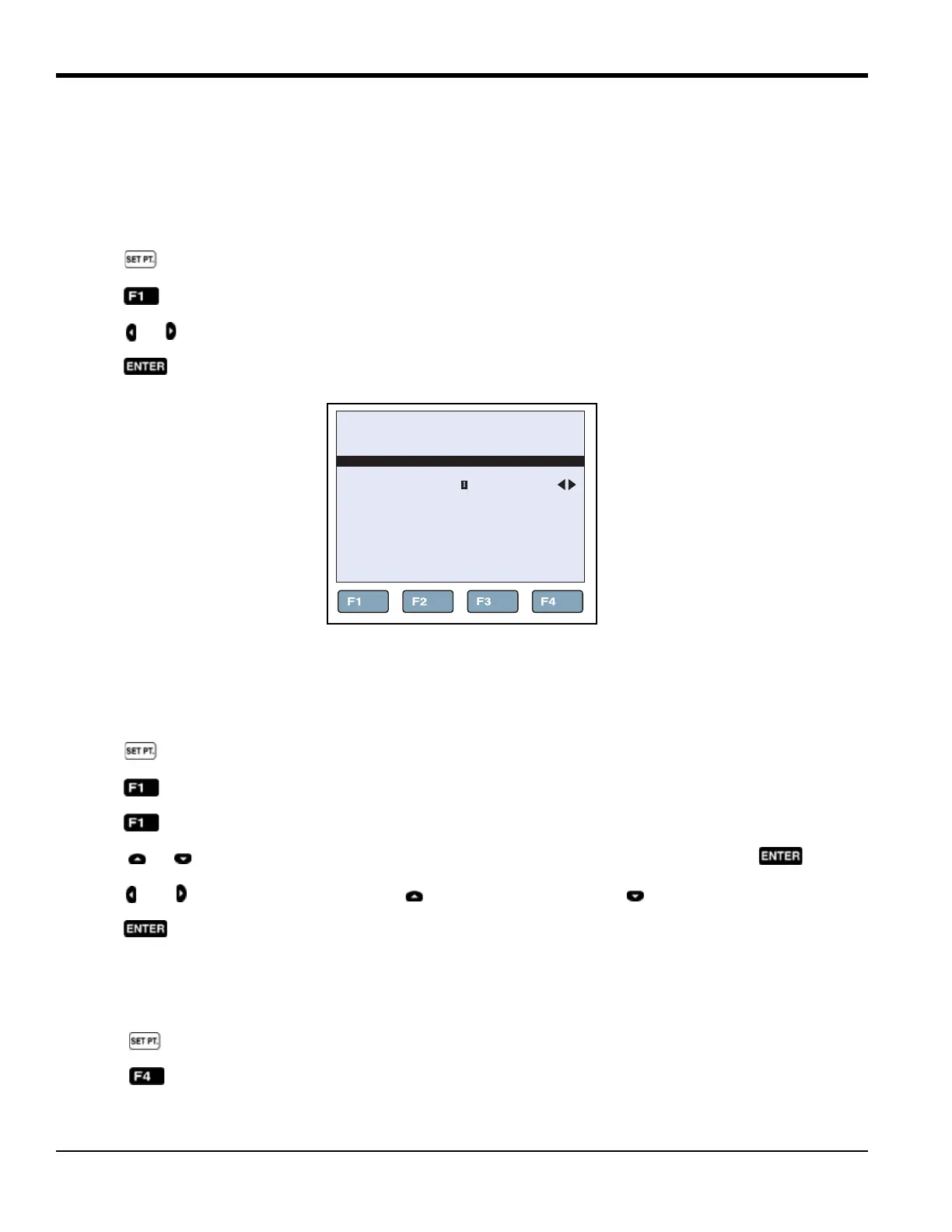
To load and use a preset SETPOINT (see Figure 15 below):
1. Push on the Main screen.
2. Push .
3. Push or to move between presets (1 through 8).
4. Push to select a preset.
Figure 15: Preset Selection
6.1.2c Change a Preset SETPOINT
To change a preset SETPOINT (see Figure 15 above):
1. Push on the Main screen.
2. Push .
3. Push .
4. Push or to move between presets (1 through 8). Highlight the preset to change, then push .
5. Push and to highlight a digit, then push to increase the digit or push to decrease the digit.
6. Push to save the preset.
6.1.3 Cancel or Stop Temperature Change
To cancel or stop temperature change:
1. Push on the Main screen.
2. Push .
66.03°C
SELECT PRESET
EDIT
PRESET
PRESET:
(SETPOINT: 80.00 °C)



 To Next Page