Kaye LTR -90 Operating Manual 29
Chapter 6. Calibrator Operation
6.1.2 Set Temperature
A set temperature value is referred to as a “SETPOINT”. The Calibrator uses the SETPOINT value to know what
temperature to heat or cool to. Use the procedures in the subsequent sections to manually set a SETPOINT, load a
SETPOINT preset, or change a SETPOINT preset.
6.1.2a Set the Temperature SETPOINT Manually
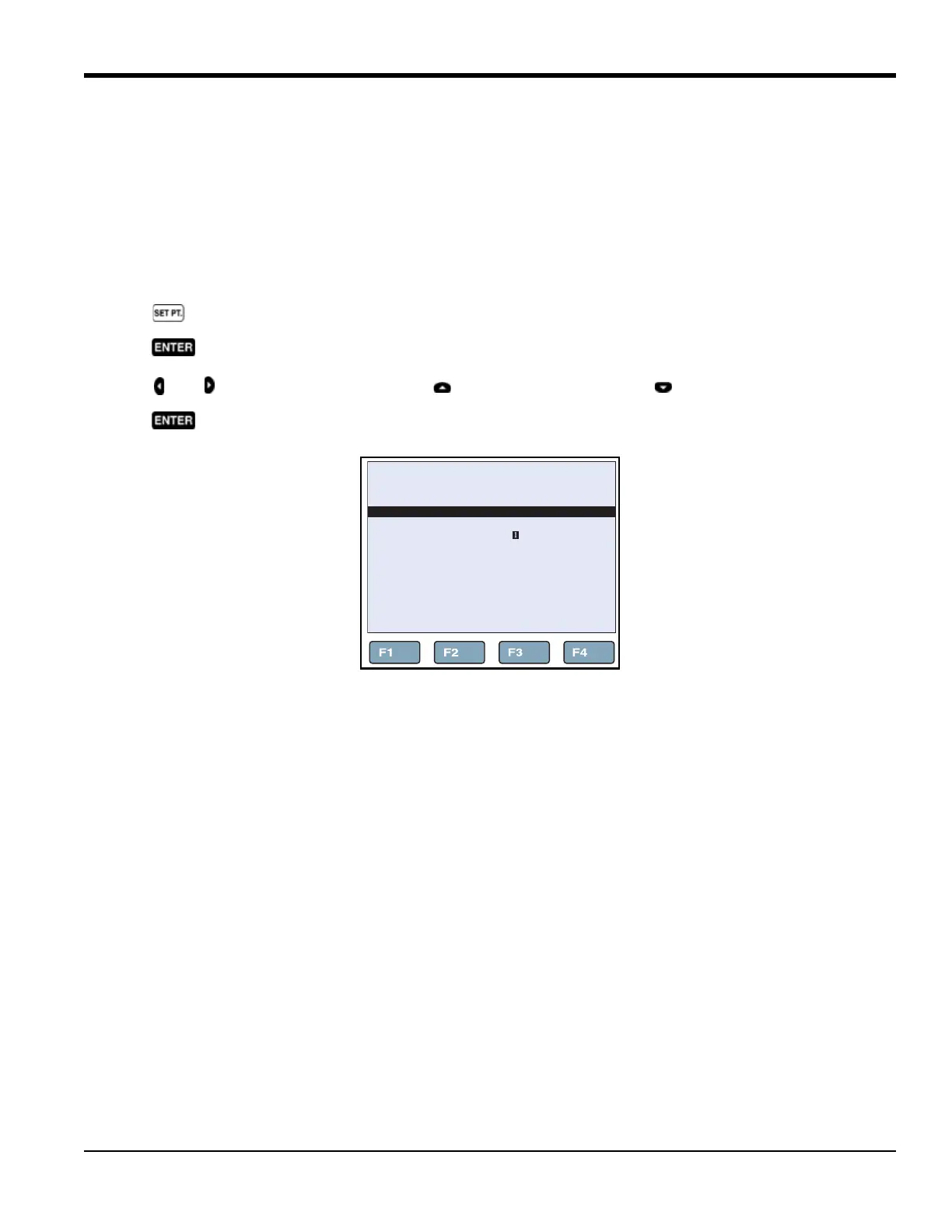
To adjust the Calibrator temperature SETPOINT manually (see Figure 14):
1. Push .
2. Push .
3. Push and to highlight a digit, then push to increase the digit or push to decrease the digit.
4. Push twice to save the SETPOINT temperature and start the Calibrator.
Figure 14: Set Temperature SETPOINT
66.03°C
SET TEMPERATURE SETPOINT
SELECT
PRESET
SETPOINT:
+080.00 °C
SAVE/
DISABLE



 To Next Page