USB
U
S
B
14
K-521
Main unit
Standby Mode
While the [STANDBY/TIMER] indicator on the main unit
is lit, the system is using very weak current to maintain
the built-in memory. This is called Standby mode. When
system main unit is in this mode, you can turn it on using
the remote control.
One-touch Operation
This system features a convenient one-touch operation
function. In Standby mode, pressing any of the following
keys will turn on system power: [TUNER/BAND],
[CD
E
], [iPod
E
], [USB
E
], [D.AUDIO
E
],
[D-IN] , or [AUX] of the remote control.
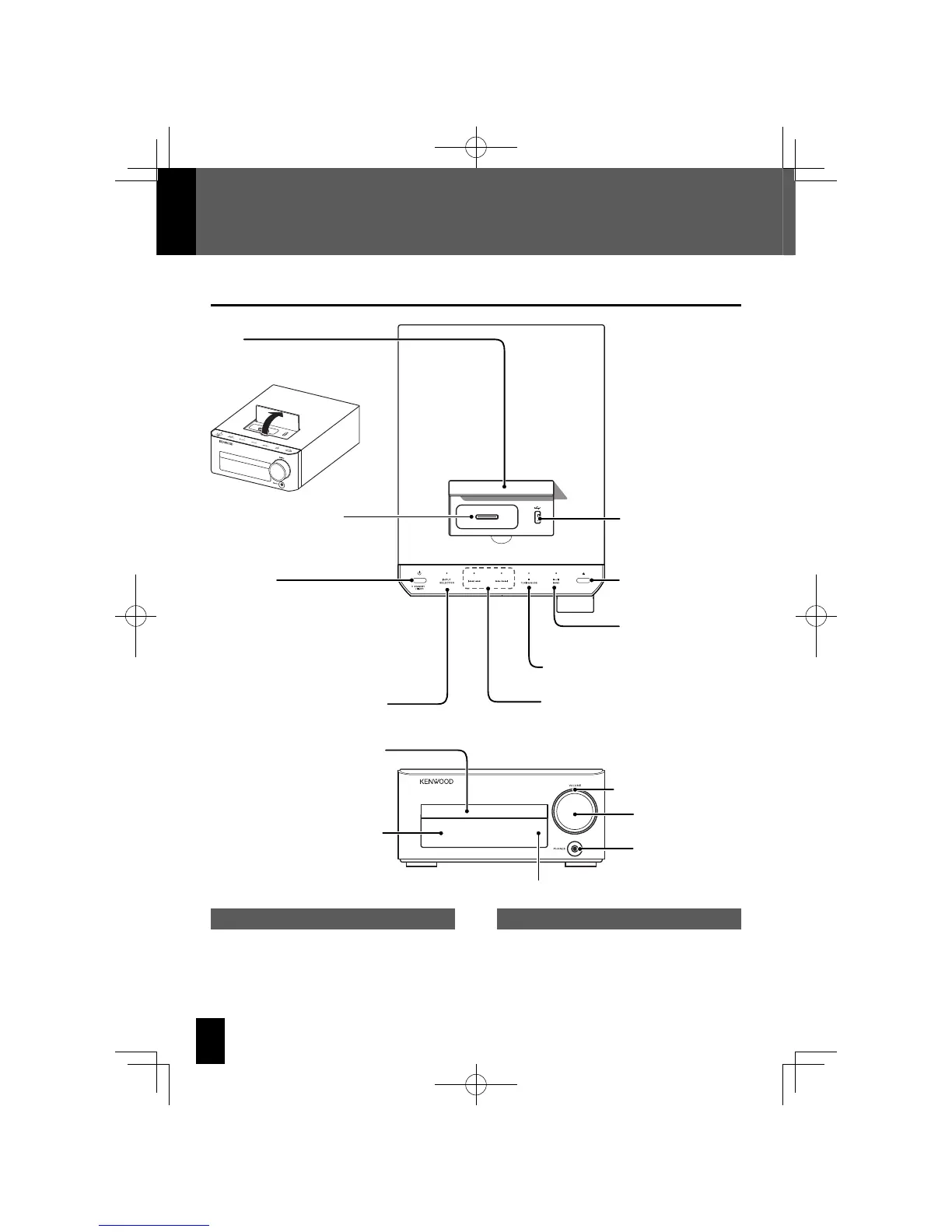
Component Names and Functions
Power (P.21)
Turns the system on or off (Standby).
STANDBY/TIMER indicator
Red: Lights in normal Standby mode.
Orange: Lights in Timer Standby
mode.
Display (P.15)
L
CD tray open/close
(P.21, 26)
VOLUME (P.20)
E
/BAND (P.21)
INPUT SELECTOR (P.21)
PHONES jack
(P.13)
Remote sensor (P.17)
F
/TUNING MODE (P.33)
G
/
I
,
J
/
H
(P.33, 39, 41, 45)
CD tray (P.21, 26)
Dial lighting (P.63)
Cover
USB port (P.12, 40)
iPod connector (P.12, 38)
Open the cover before attaching an
iPod or USB device.
K-521EB60-5813-0801GVT0294-002A.indb14K-521EB60-5813-0801GVT0294-002A.indb14 09.10.264:31:53PM09.10.264:31:53PM



 To Next Page