K-521
32
Listening to FM/AM Radio
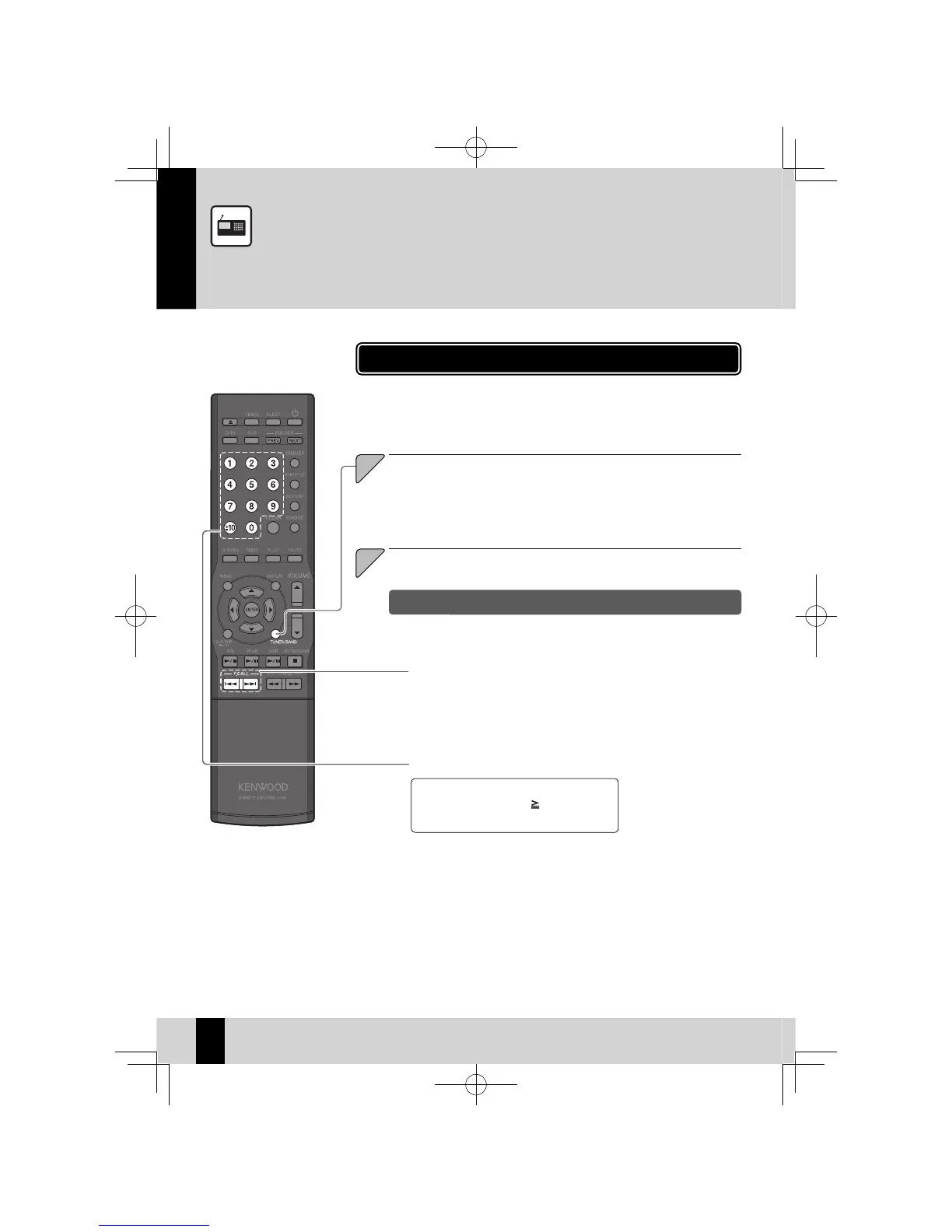
Simply pressing the
z
[TUNER/BAND] key turns on the system and allows you to listen to
the radio.
Select a station.
2
This section explains how to listen to the FM/AM radio and set radio stations.
Rec eiving Radio Broadcasts
To select P3, press the [3] key.
To select P17, press the [
10], [1], and [7]
keys.
Press the [TUNER/BAND] key to select "FM" or "AM".
Each time you press the key, the band switches between "FM" and "AM".
1
Selecting with the number keys
Select a preset station.
See P.34 and P.35 for more information on presets.
z
Selecting with the
[P.CALL] keys
To display the next stored station: Press the [
G
] or [
H
] key.
To run through the sequence of stored station at intervals of roughly 0.5
seconds: Press and hold the [
G
] or [
H
] key.
Choosing from preset stations (Preset Call)
K-521EB60-5813-0801GVT0294-002A.indb32K-521EB60-5813-0801GVT0294-002A.indb32 09.10.264:31:56PM09.10.264:31:56PM



 To Next Page