CD
•
R
Page XX
•
R
Page XX
English
Related
Information
CD
29
English
Related
Information
Supported Audio Files
z
R
P.23
Audio Settings
z
R
P.47 onwards
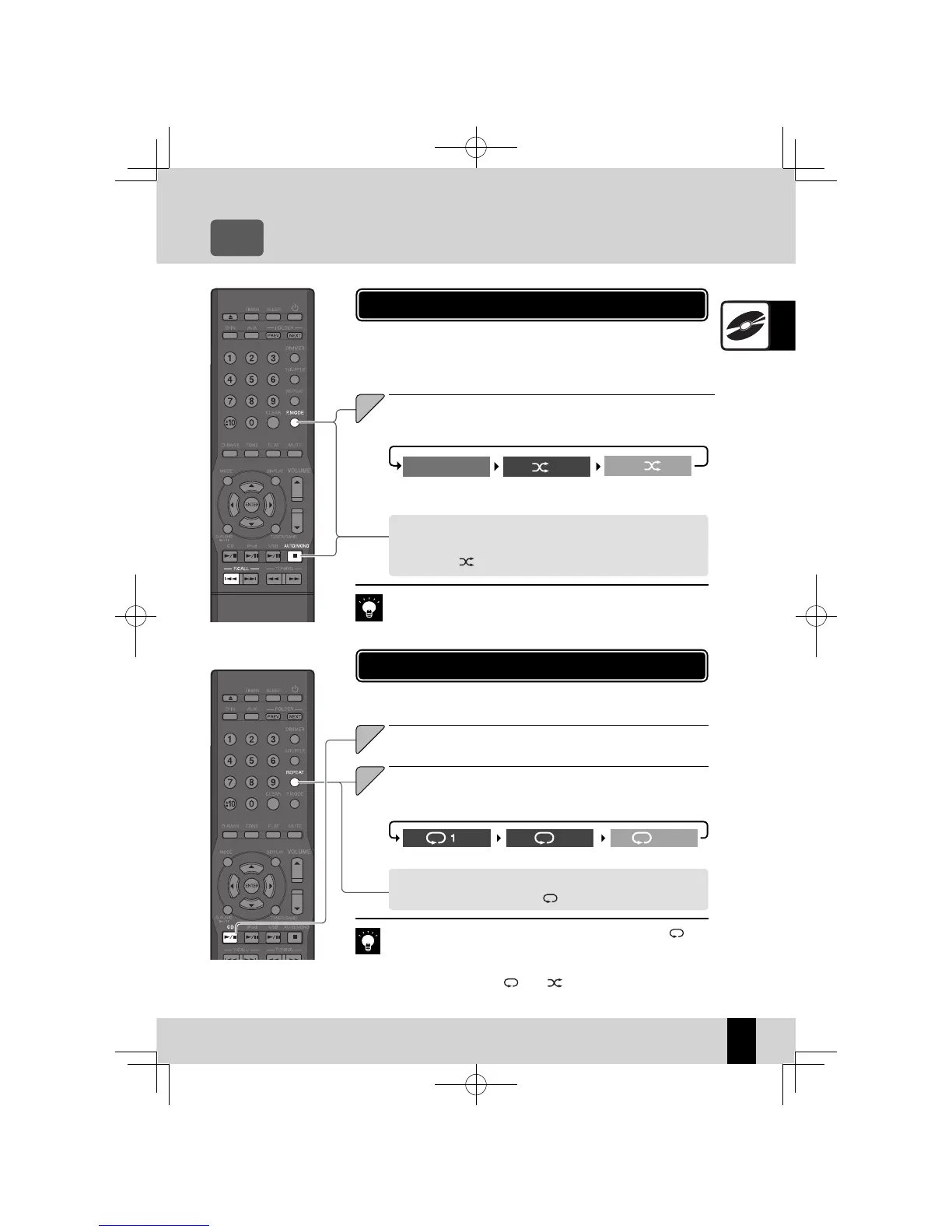
This mode plays the tracks on a CD repeatedly.
CD Repeat Playback Mode
To cancel repeat playback mode
Press the [REPEAT ] key so that " " is no longer displayed.
Press the [CD
E
] key to play the tracks you want to
repeat.
1
Press the [REPEAT] key to begin repeat playback.
The mode changes as shown below each time you press the key.
2
This mode plays the tracks in the CD or in a folder in a random sequence.
If the CD is already playing, press the
z
[
F
] key to stop playback.
CD Random Playback Mode
Press the [P.MODE] key to select the random playback
mode.
The mode changes as shown below each time you press the key.
To cancel random playback mode
Press the [
F
] key to stop the playback, and then press the [P.MODE]
key so that "
" is no longer displayed.
1
Pressing the [
z
G
] key skips back to the beginning of the track being
played.
If you press the
z
[REPEAT] key during program playback, " " and
"PGM" light up on the display and repeat playback begins for the se-
lected tracks.
If you press the
z
[REPE AT ] key during random playback to activate all-
track repeat playback, "
" and " " light up on the display and ran-
dom playback begins with diff erent sequence once the current random
sequence ends.
Single-track repeat
playback
All-track repeat play-
back
Repeat playback off
lit
lit
unlit
Randomplayback
mode
Trackplayback mode
Programplayback
mode
PGM,
unlit
lit
PGM
lit
Related
Information
K-521EB60-5813-0801GVT0294-002A.indb29K-521EB60-5813-0801GVT0294-002A.indb29 09.10.264:31:55PM09.10.264:31:55PM



 To Next Page