EasyManua.ls Logo

Kenwood K-521 - Adjusting the Digital Audio Player Input Level

Kenwood K-521
76 pages
Print Icon
To Next Page IconTo Next Page
To Previous Page IconTo Previous Page
Loading...
K-521
46
D.AUDIO
K-521
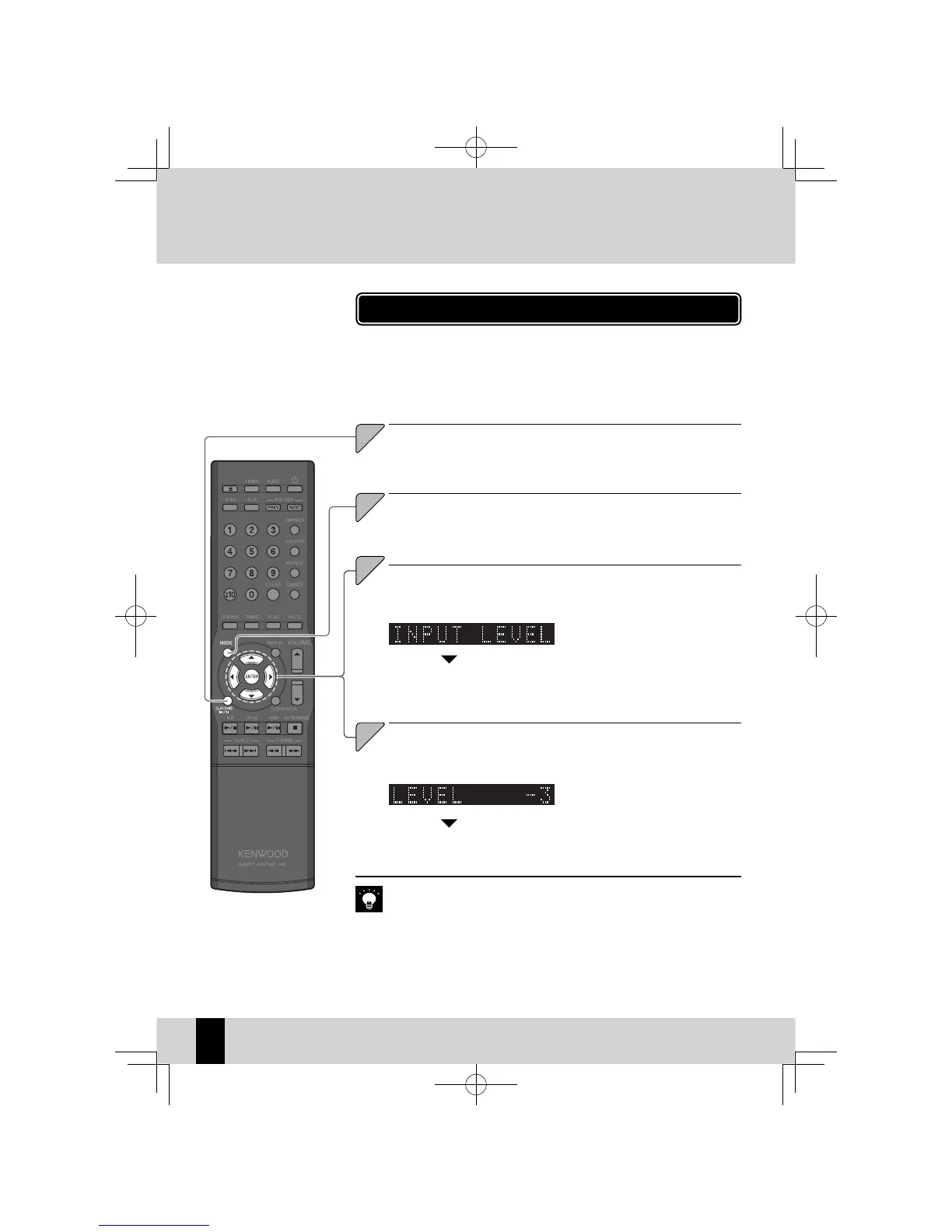
Adjusting the Digital Audio Player Input Level
Press the [D.AUDIO
E
] key.
1
1
3
3
Select "INPUT LE VEL".
Press the [
C
] or [
D
] key.
4
4
Adjust the Input Lev el.
Press the [
A
] or [
B
] key.
Use the procedure below to adjust the input level for the external compo-
nent connected to the [D.AUDIO IN] terminal.
Use this adjustment when the volume from an external component is notice-
ably higher or lower than other input sources at the same volume setting.
You can adjust the input level in a
z
range from -3 to 5.
Press the [ENTER] key.
D.AUDIO
If you adjust the input level for D.AUDIO, the output level from the
z
[AUX REC
OUT] terminal will also change.
Press the [MODE] key.

2
2
Press the [ENTER] key.
K-521EB60-5813-0801GVT0294-002A.indb46K-521EB60-5813-0801GVT0294-002A.indb46 09.10.264:31:58PM09.10.264:31:58PM

Table of Contents

Related product manuals