Related
Information
English
65
English
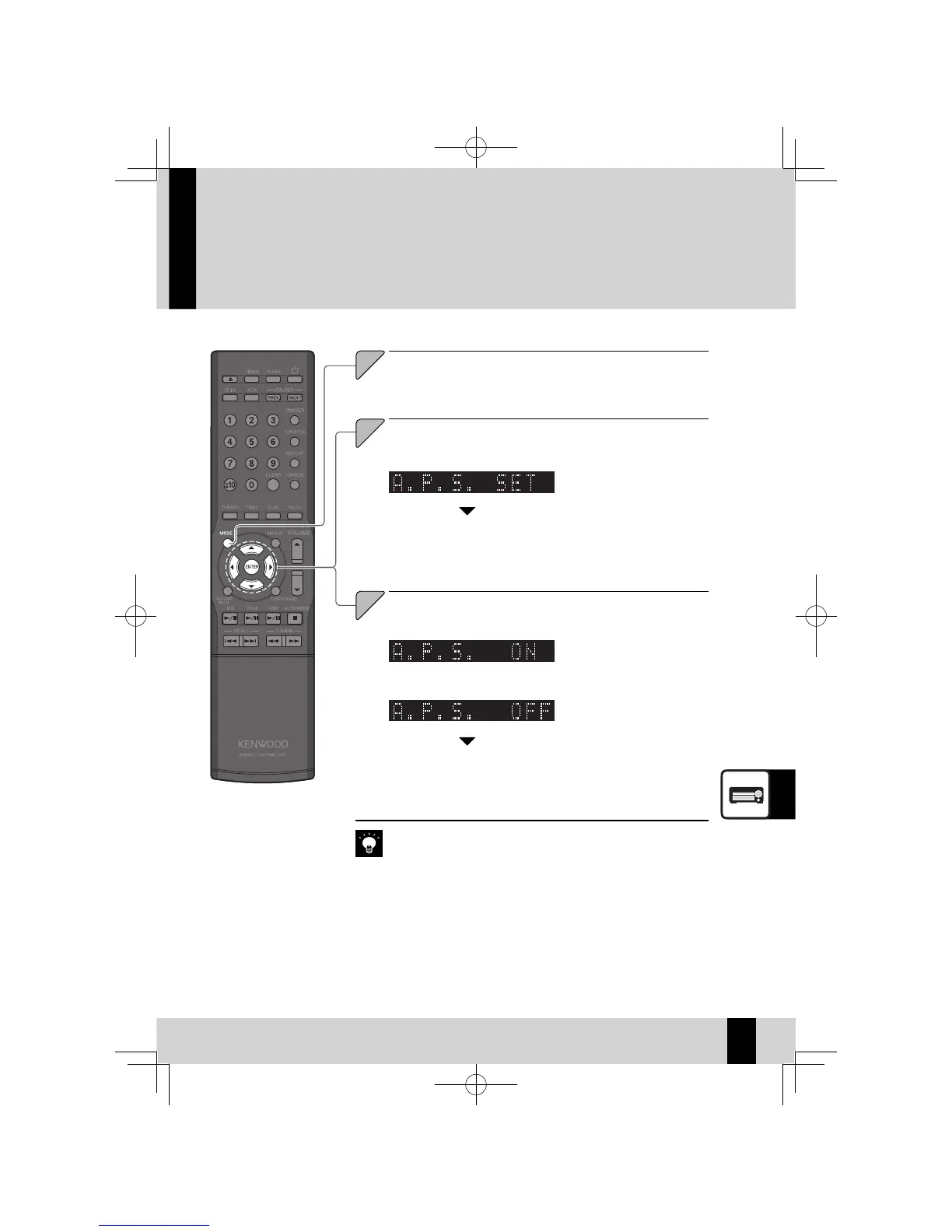
Auto Power Save (A.P.S)
Auto Power Save (A.P.S.) is automatically turns the system off if no operation is per-
formed for 30 minutes after a CD or a USB connected device stops playing.
Select "A.P.S. SET".
Press the [
C
] or [
D
] key.
Select "ON" or "OFF".
Press the [
A
] or [
B
] key.
3
"A.P.S." fl ashes on the display.
z
"A.P.S." turns off .
z
If the input source is other than CD and USB, Auto Power Save operates
z
when the volume is set to 0 (VOLUME 0) or MUTE is set to on. When
recording on external components, turn A.P.S. off or adjust volume to
above 0.
"A.P.S." lights up on the display.
z
Press the [MODE] key.



 To Next Page