58
K-521
Setting the Sleep Timer (SLEEP)
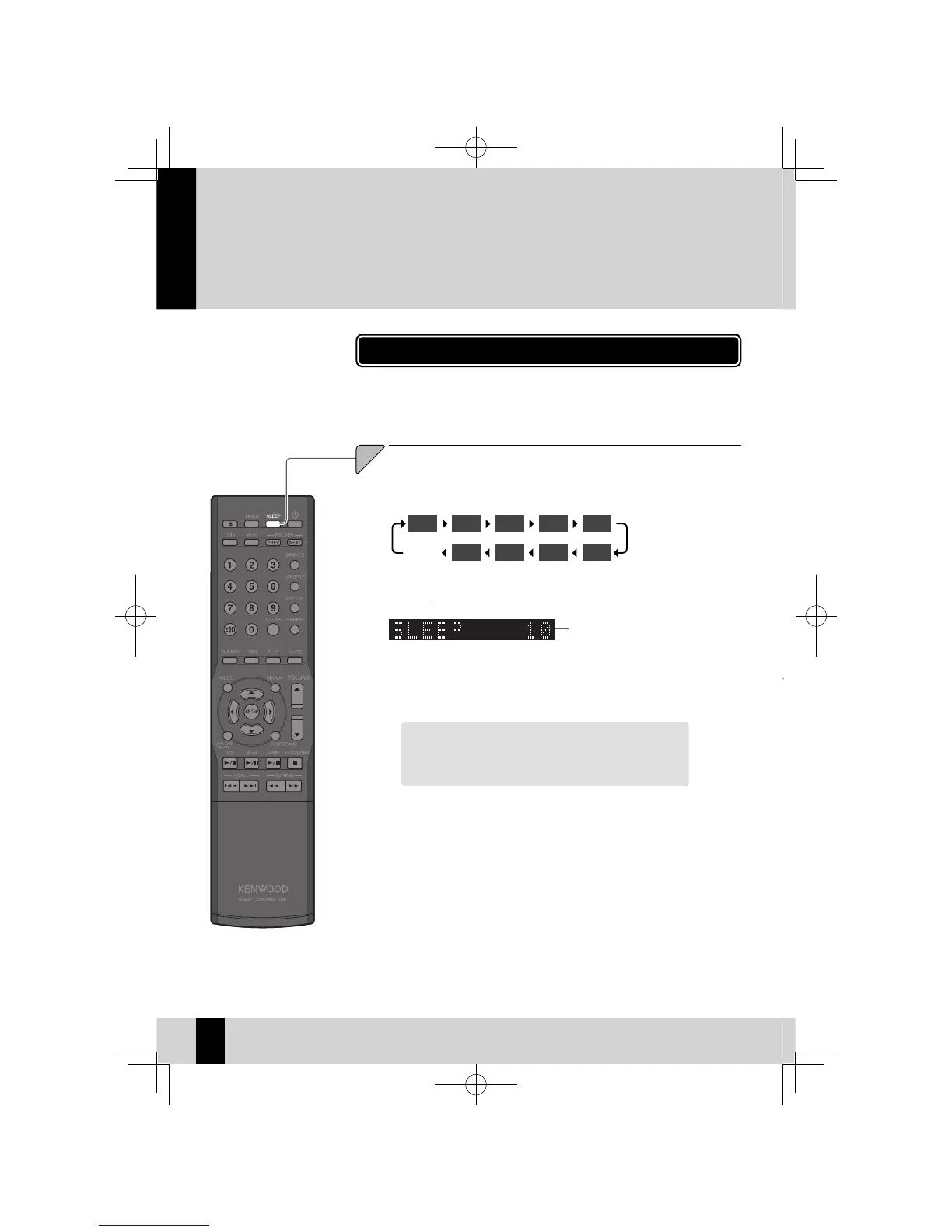
This function automatically turns the system off after a set interval. You can
set an interval from 10 to 90 minutes, in 10-minute increments.
Press the [SLEEP] key.
The interval increases by 10 minutes each time you press the key.
The next setting after 90 minutes is timer off .
1
Sleep Timer on
Time setting
While the Sleep Timer is running, you can check the
z
remaining time by pressing the [SLEEP] key.
To cancel the Sleep Timer
Press the power [
K
] key to turn the system off (Standby)
or press the [SLEEP] to turn off "
Q
".
A Sleep Timer automatically turns the system off after a set interval, while a
Program Timer starts playback at a specifi ed time.
Setting the Timer
10 20 30 40 50
Off
90 80 70 60
("
Q
" unlit)
K-521EB60-5813-0801GVT0294-002A.indb58K-521EB60-5813-0801GVT0294-002A.indb58 09.10.264:32:00PM09.10.264:32:00PM



 To Next Page