3
Searching for a Desired Program Type (PTY Search)
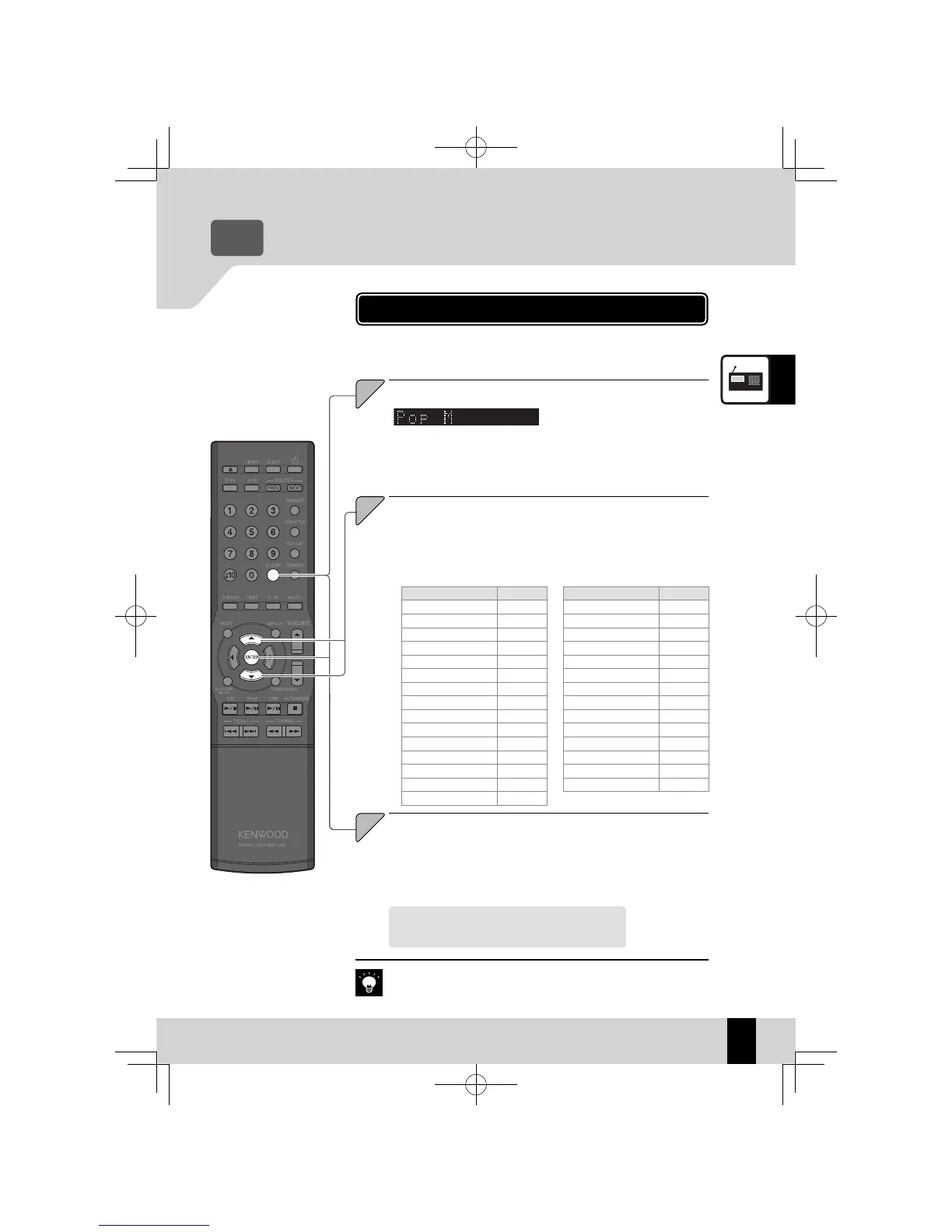
The tuner automatically searches for a station which is currently
broadcasting a specified program type (genre).
When an RDS broadcast is
z
received, the program type is
shown on the display. If no PTY
data is available, or if the station
is not an RDS station, “None” is
displayed.
No sound is heard while “PTY” is fl ashing.
z
If a program of the desired type is found, that program is received and
z
the program type name display changes to the station name display.
If a program of the desired type cannot be found, “NO PROGRAM” fl ashes,
z
then after several seconds the display returns to the original display.
RDS (Radio Data System)
Program Type Name Display
Pop Music Pop M
Rock Music Rock M
Easy Listening Music Easy M
Light Classical Light M
Serious Classical Classics
Other Music Other M
News News
Current Affairs Affairs
Information Info
Sport Sport
Education Educate
Drama Drama
Culture Culture
Science Science
Varied Varied
Program Type Name Display
Weather Weather
Finance Finance
Children’s programs Children
Social Affairs Social
Religion Religion
Phone In Phone In
Travel Travel
Leisure Leisure
Jazz Music Jazz
Country Music Country
National Music Nation M
Oldies Music Oldies
Folk Music Folk M
Documentary Document
Program type table
To cancel the PTY search
Press the [PTY] key.
K-521EB60-5813-0801GVT0294-002A.indb37K-521EB60-5813-0801GVT0294-002A.indb37 09.10.264:31:57PM09.10.264:31:57PM



 To Next Page