5
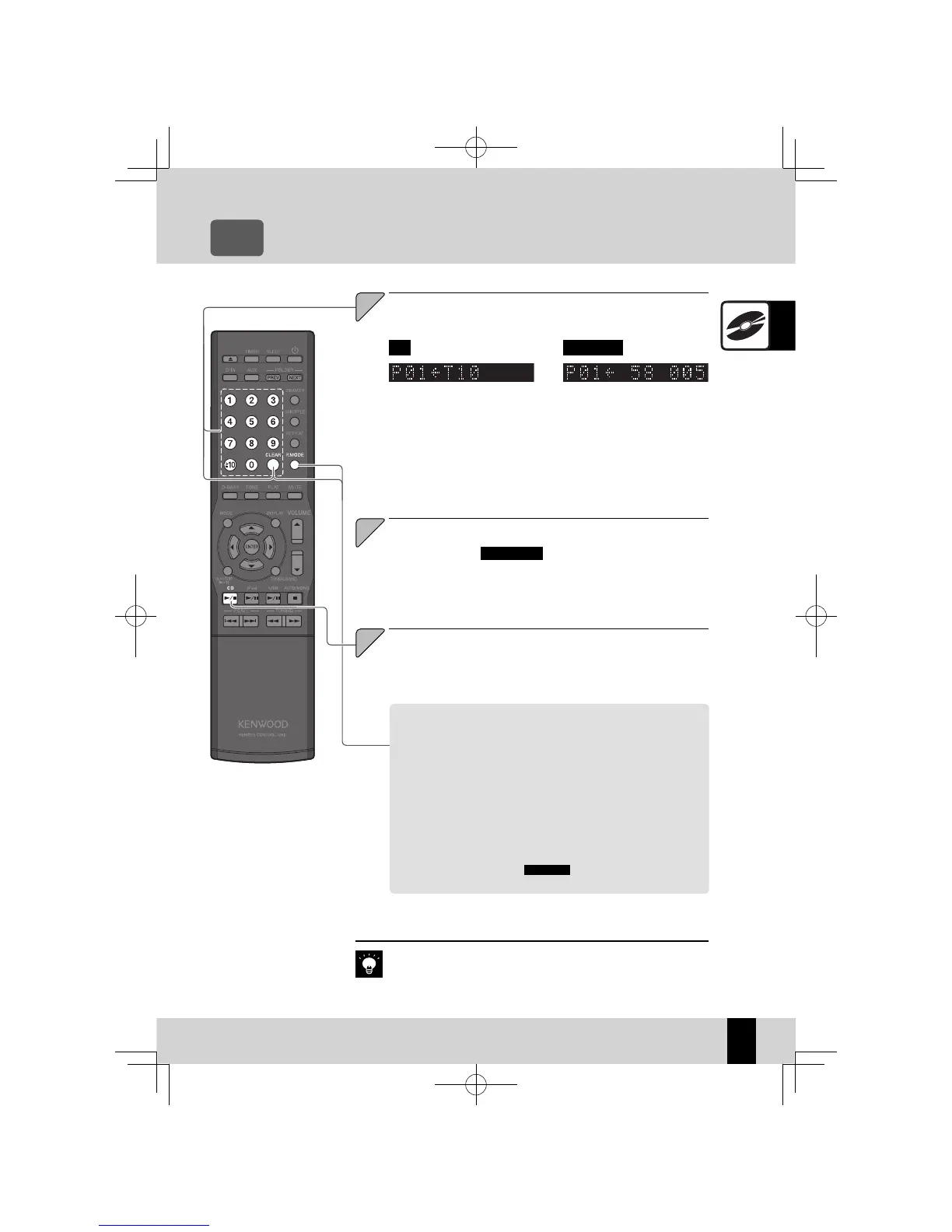
To select two or more tracks, repeat steps 3 (or steps 2
and 3 in case of MP3/WMA).
You can select up to 50 tracks for playback. If you attempt to select more
z
tracks, the message "PGM FULL" appears on the display.
3
To cancel program mode
Stop playback and press the [P.MODE] key so that "PGM" is no lon-
ger displayed.
To remove a track from a program
Stop playback and then press the [CLEAR] key. Each time you press
the key, the last programmed track is cleared. Holding down the
[CLEAR] key clears all the tracks in the program.
To add a track to the end of the program
If you are already playing a CD, stop playback and carry out steps 3
(or steps 2 and 3 in case of MP3/WMA).
MP3/WMA CD
When Track 10 selected as program
track 1.
If you turn the system off or remove the CD for which program playback
z
is set, the information in the specifi ed program is erased.
Related
Information
K-521EB60-5813-0801GVT0294-002A.indb31K-521EB60-5813-0801GVT0294-002A.indb31 09.10.264:31:56PM09.10.264:31:56PM



 To Next Page