7
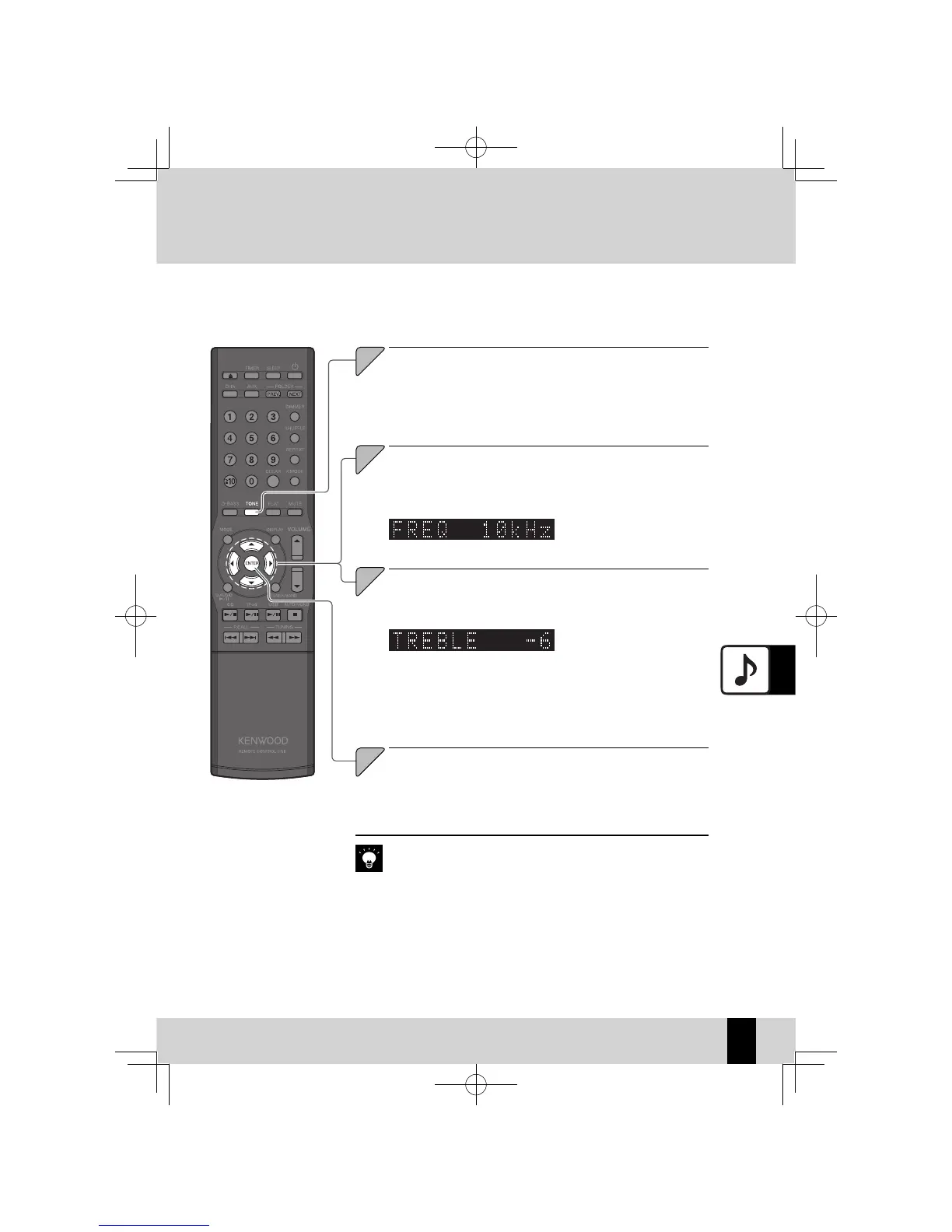
Press the [TONE] key.
Press the [
C
] or [
D
]
key
to select the frequency (Low:
5kHz, Mid: 7kHz, or High: 10kHz) of the high-range
tones (TREBLE).
Press the [
A
] or [
B
] key to adjust the high tones
(TREBLE) level.
The "TONE" flashes while
z
setting is in progress.While
the "TONE" is fl ashing, you can
adjust the level in a range from
-8 to +8.
If you do not need to adjust all the range levels, press the
z
[ENTER] key
to end the settings after you have fi nished the range level adjustments
you want to make.
K-521EB60-5813-0801GVT0294-002A.indb53K-521EB60-5813-0801GVT0294-002A.indb53 09.10.264:31:59PM09.10.264:31:59PM



 To Next Page