Log into and out of the System Administration Menu
To access any of the functions under the system administration menu, you must log in with a password
(the default password is blank). These functions include:
Calibrating the instrument
Configuring instrument I/O
Sanitizing the instrument per the NISPOMstandard
Changing the system administration password
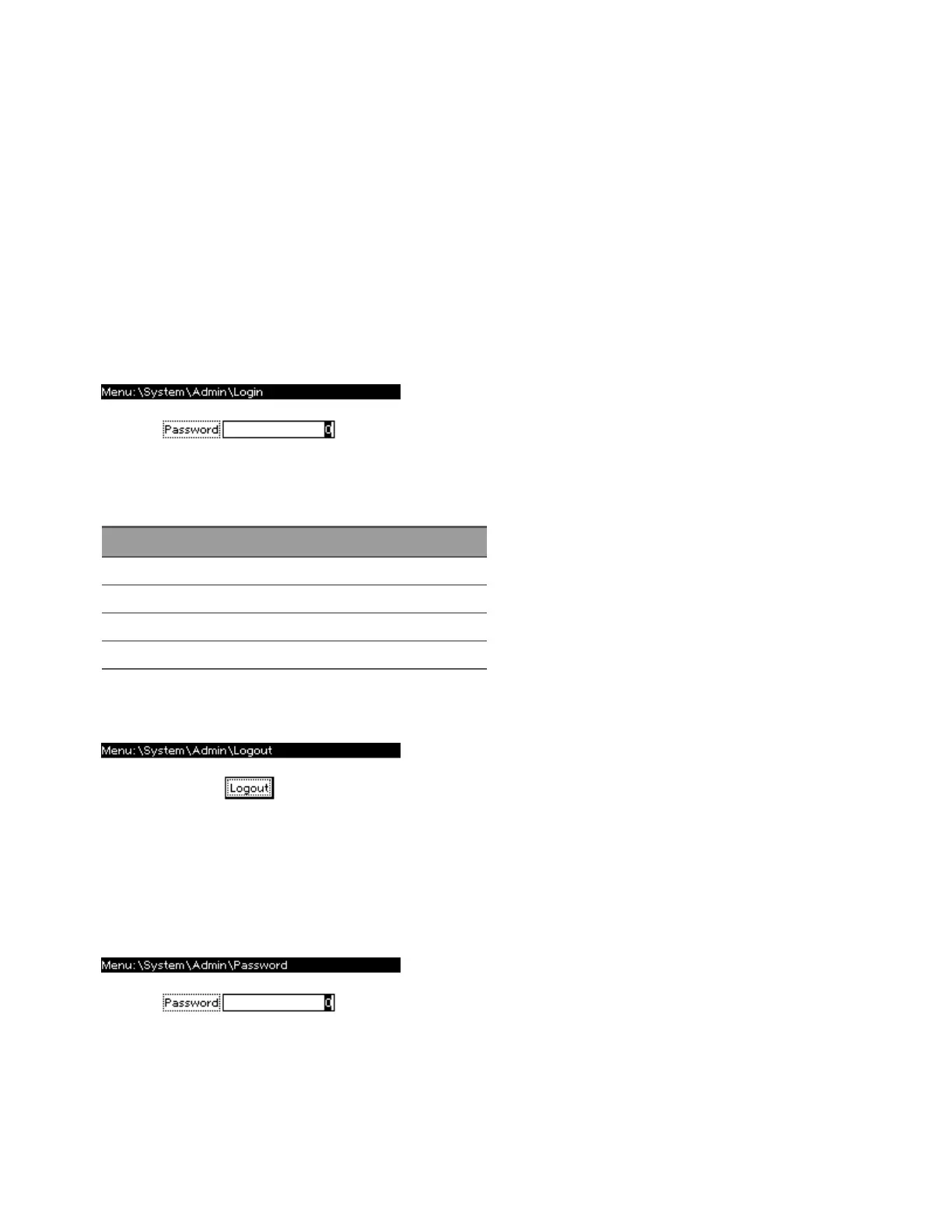
To log in, select [Menu]>System>Admin>Login.
The password must be 4 to 15 characters long and may include any of these characters:
Characters Description
A-Z Upper case letters
a-z Lower case letters
0-9 Numeric digits
+ - ( ) . , <space> Plus, minus, parentheses, period, comma, space
Always remember to log out after completing your administrative tasks if password protection has
been enabled. Press [Menu]>System>Admin>Logout>Logout.
Change the System Administration Password
Select [Menu]>System>Admin>Password to change the instrument's system administration
password.
The rules for a valid password are described above.
Keysight AC6800B Series Operating and Service Guide 193
4Calibration, Verification, and Service



 To Next Page