Voltage
Front Panel:
Press [Voltage], enter the desired value with the numeric keypad, and press [Enter]. You may also
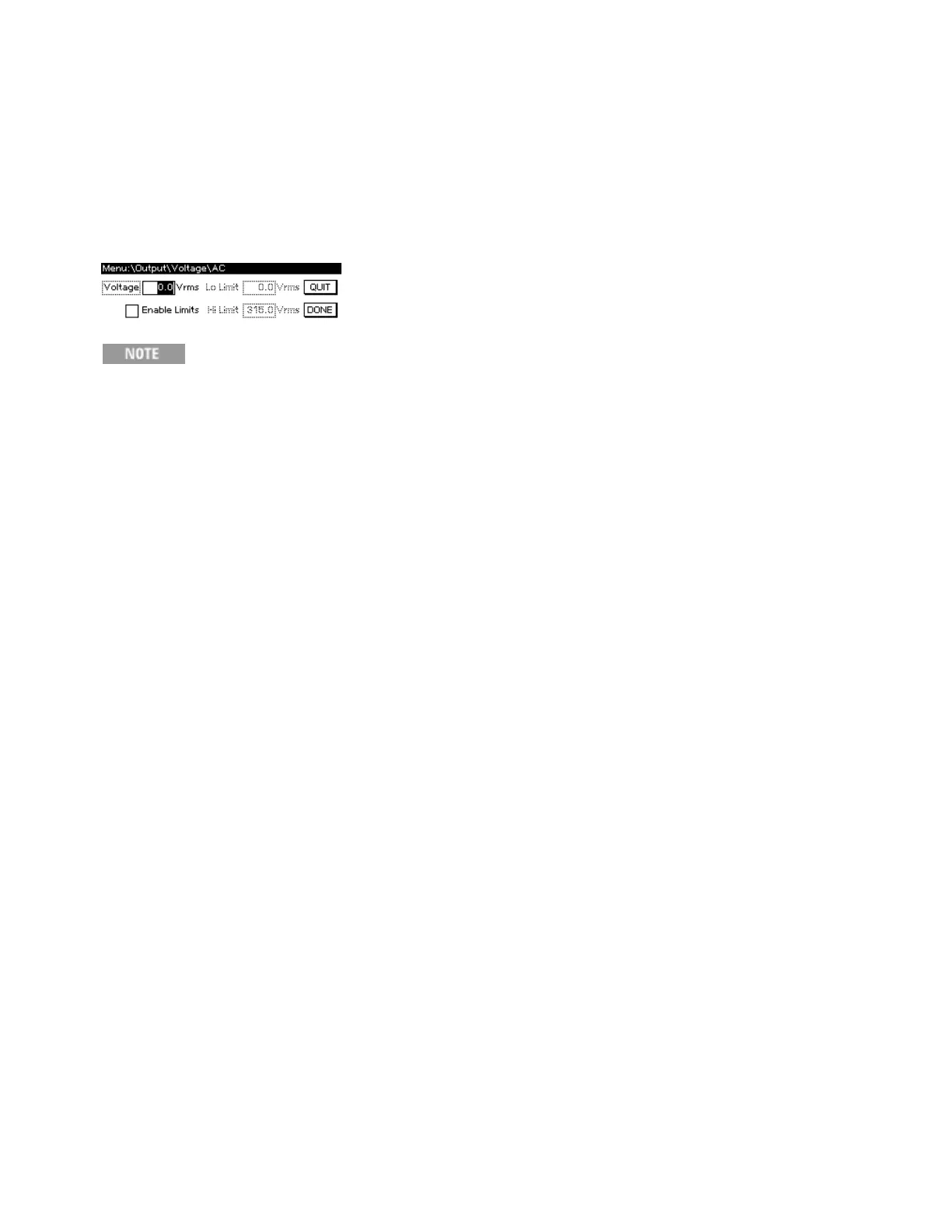
change the voltage and voltage limits by pressing [Menu]>Output>Voltage>AC. To specify the
voltage limits, check the EnableLimits box to enable the LoLimit and HiLimit.
The voltage limits do not limit output; they are safety functions that prevent unintentional
settings. For example, setting the voltage Lo Limit and Hi Limit to 10 and 20 Vrms would
prevent you from specifying 175 Vrms when you intended 17.5 Vrms.
Use the [Back] key or QUIT button to exit without saving changes, or use the DONE button to save the
changes.
SCPI:
[SOURce:]VOLTage[:LEVel][:IMMediate][:AMPLitude]
[SOURce:]VOLTage[:LEVel]:LIMit[:STATe]
[SOURce:]VOLTage[:LEVel]:LIMit:LOWer
[SOURce:]VOLTage[:LEVel]:LIMit:UPPer
2User Information
74 Keysight AC6800B Series Operating and Service Guide



 To Next Page