Frequency
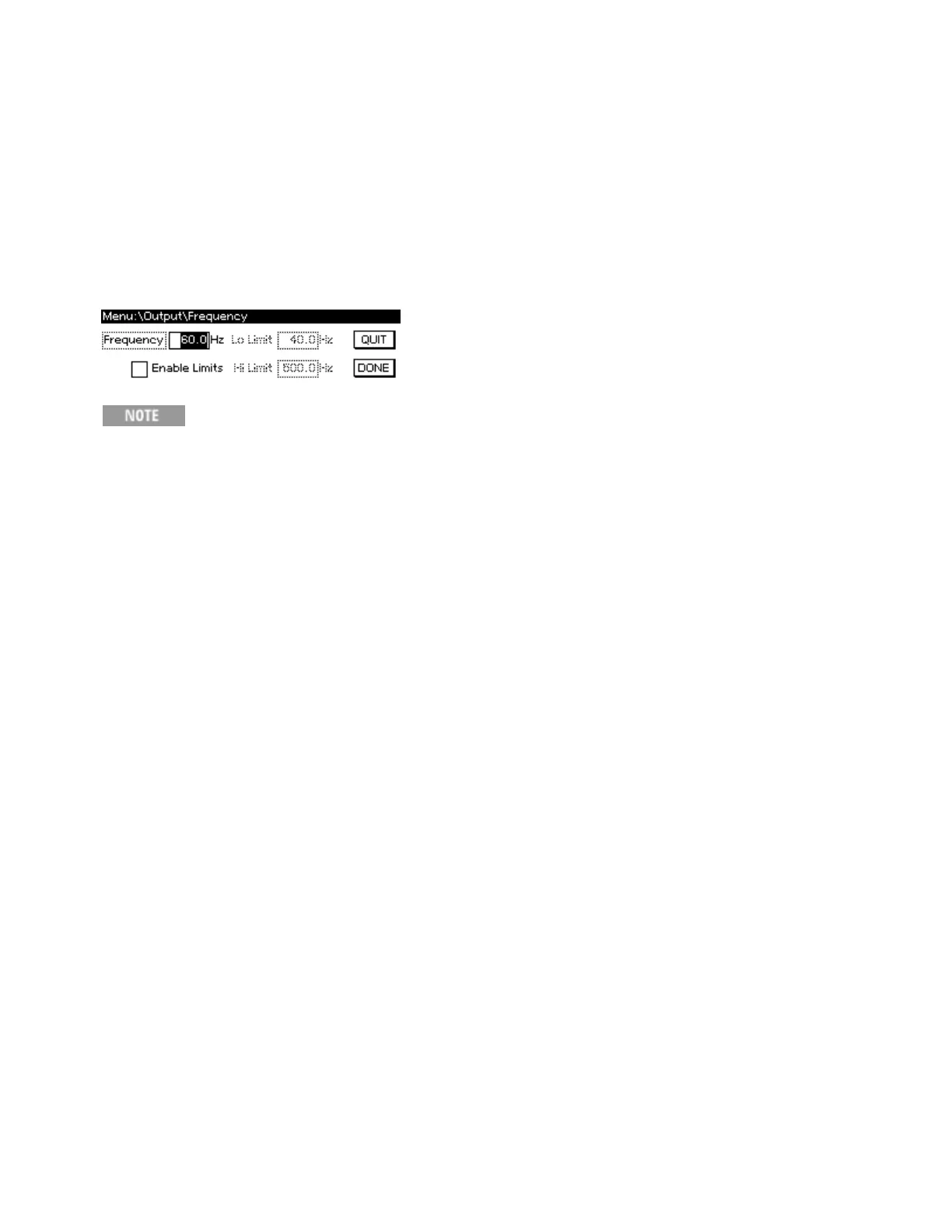
You can set the output frequency from 40 to 500 Hz for AC mode and AC+DC mode, regardless of
whether the output is on. Set the limits so that the upper limit is greater than or equal to the lower
limit.
Select [Menu]>Output>Frequency. Then enter the desired frequency and limit values on the numeric
keypad and select DONE. To specify the frequency limits, check the EnableLimits box to enable the
LoLimit and HiLimit.
The frequency limits do not limit output; they prevent unintentional settings. For example,
setting a frequency Lo Limit and High Limit of 40 and 45 would prevent you from acci-
dentally entering a frequency of 425 instead of 42.5.
SCPI:
[SOURce:]FREQuency[:CW]
[SOURce:]FREQuency:LIMit[:STATe]
[SOURce:]FREQuency:LIMit:LOWer
[SOURce:]FREQuency:LIMit:UPPer
Keysight AC6800B Series Operating and Service Guide 75
2User Information



 To Next Page