Getting Started 2
Keysight 34980A Mainframe User’s Guide 63
Menu Example 2: Opening and Closing Channel Relays
This example is applicable for use with any of the multiplexer modules (34921A,
34922A, 34923A, 34924A, or 34925A); it illustrates a 34921A module installed in
slot 1.
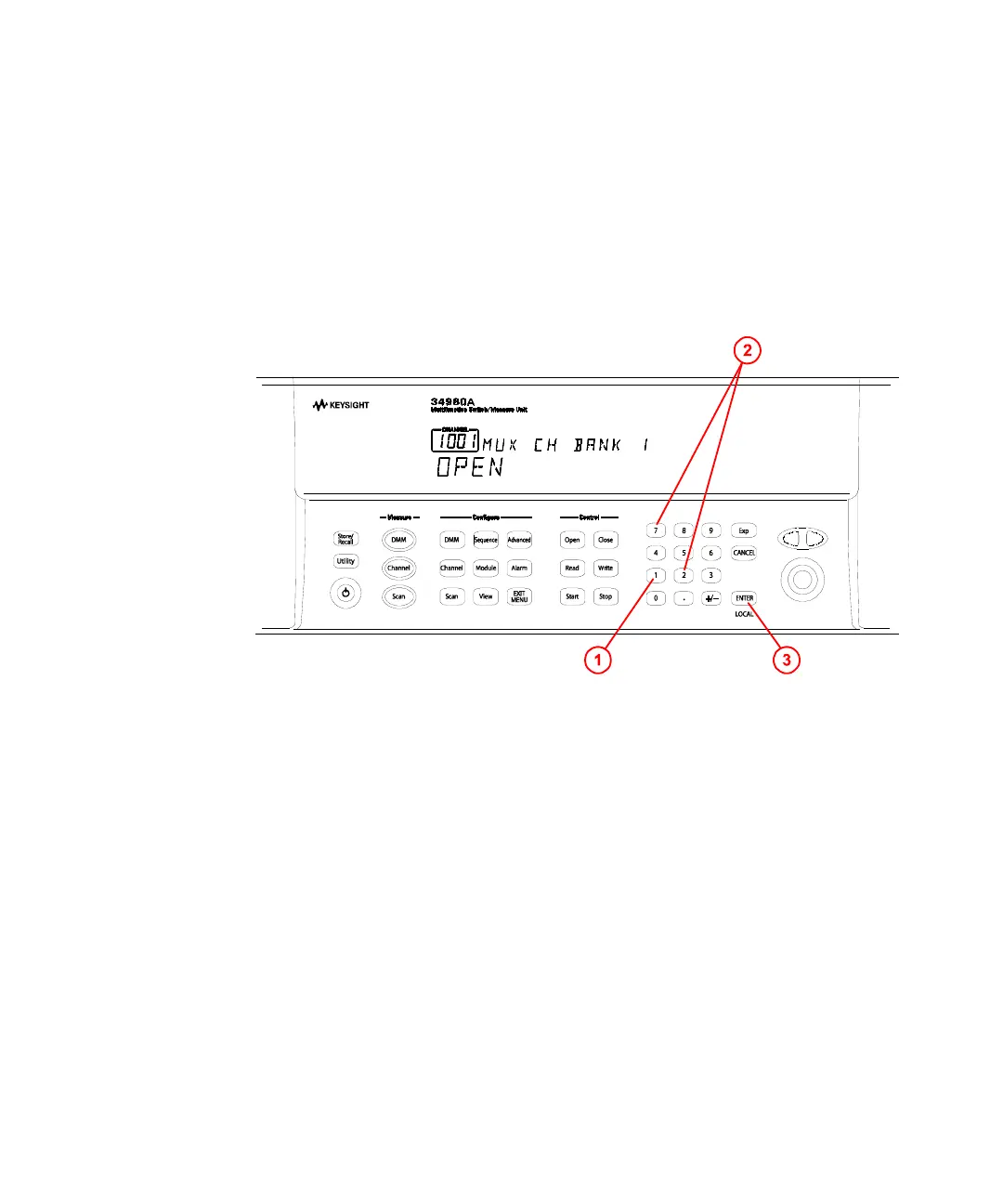
1 Using the number keypad, press 1 to select the slot containing the multiplexer
module.
2 Select channel 27 on the module by pressing 2 and then 7.
3 Press the lighted ENTER key to complete your channel selection.
4 With channel 1027 selected (shown in green channel field on display), toggle
the Close and Open keys to close and open the selected channel. Note that
the display shows OPEN or CLOSED, indicating the status of the channel.



 To Next Page